Buying Guide for Windows 11 Pro: The Right Edition and the Right Key
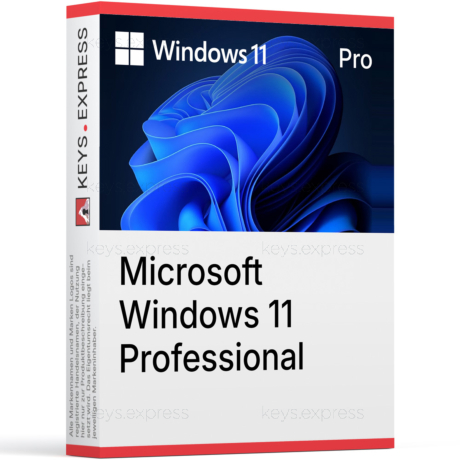
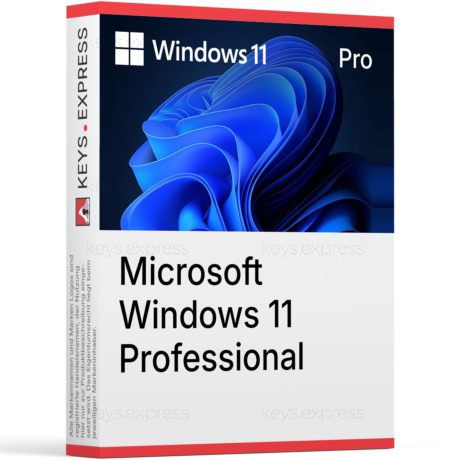
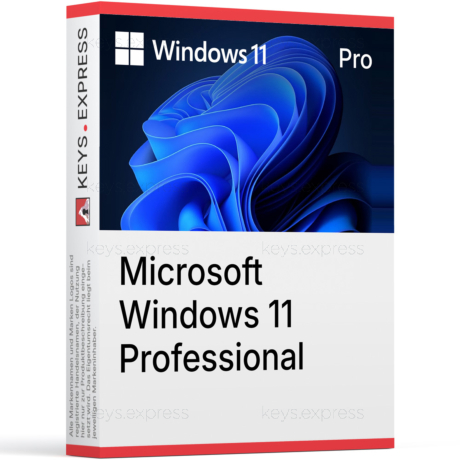
This category contains license keys for Windows 11 Professional, the Windows 11 edition designed for business PCs, self-employed professionals, and demanding home users. Windows 11 Home and Windows 11 Pro share the same user interface, hardware requirements, and core performance. The differences lie in security, management, and virtualization: The Pro edition additionally offers BitLocker drive encryption, Remote Desktop hosting, Hyper-V, Windows Sandbox, Group Policy, and the ability to join a domain or Microsoft Entra ID. The following sections will help you choose the right edition and key.
Which Windows 11 Pro key is the right one?
All Windows 11 Pro keys in this category activate the same edition with identical feature sets. They differ based on how many PCs you want to use Windows 11 Pro on and which system you’re starting with.
- Microsoft Windows 11 Professional Key: The classic single-license key for one PC. You use it to activate Windows 11 Pro on a single computer, for example, during a fresh installation. The key activates Windows once on a single device; you’ll need a Microsoft account for activation. For home users and self-employed individuals with a single device, this is usually the right choice.
- Microsoft Windows 11 Professional OEM Key: A system builder license for a new or custom-built computer. The key is stored in the PC’s BIOS and can be reused on that device during a future fresh installation. An OEM license cannot be transferred to another PC.
- Microsoft Windows 11 Pro Upgrade Key: Only for PCs already running an activated copy of Windows 11 Home. Enter the key under Settings > System > Activation > Change Product Key, and Windows will upgrade to Pro without requiring a reinstallation. Files and programs are preserved. The Microsoft Windows 11 Pro Upgrade Key (2 PCs) is valid for two such devices.
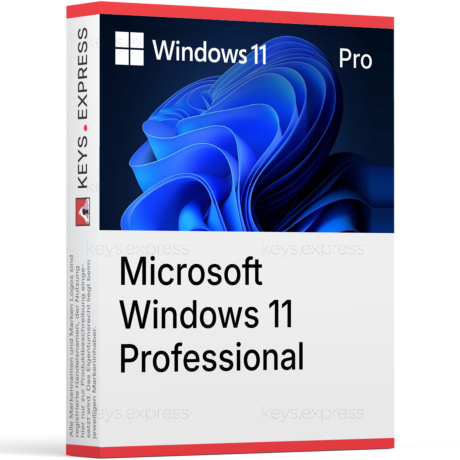
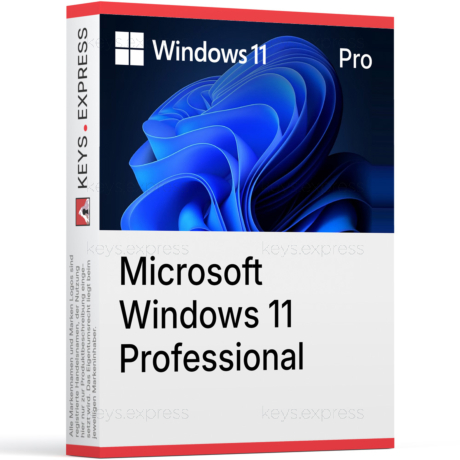
- Microsoft Windows 11 Professional Retail Key (1–5 PCs): For households and small offices with multiple devices. On the product page, select 1, 2, or 5 PCs.
- Microsoft Windows 11 Professional Key (5–20 PCs): For companies, medical practices, and organizations with many devices. You select 5 or 20 PCs and receive a key that allows you to activate the selected number of PCs. This saves time during setup and keeps license management organized.
All keys are genuine Microsoft licenses and are activated via the official Microsoft servers. You’ll receive your key via email shortly after purchase; our activation guarantee applies to every option. If you’re unsure which key is right for your situation, our support team will be happy to advise you before you buy.
What does Windows 11 Pro offer that Windows 11 Home doesn’t?
Windows 11 Pro includes all the features of the Home edition and also offers features for businesses and power users:
- BitLocker drive encryption for internal and external drives
- Remote Desktop Host: Other devices can connect to your PC
- Hyper-V for running virtual machines
- Windows Sandbox for isolated testing of unknown software
- Group Policy for detailed system configuration
- Domain join and Microsoft Entra ID join for corporate networks
- Windows Update for Business with advanced options for deferring updates
If you don’t need these features, compare prices in the Windows 11 Home category.
Tip: Windows 11 Home vs. Pro: Here Are the Differences—a detailed feature comparison to help you find the right edition for your daily work.
Which users benefit most from Windows 11 Pro?
Windows 11 Pro is a good choice for anyone who handles sensitive data, works from home, or manages more than one PC:
- Self-employed individuals and small businesses that protect customer data with BitLocker
- Remote workers who access their office or home PC via Remote Desktop
- Developers and IT professionals who run virtual machines with Hyper-V
- Users who regularly test downloads or tools in Windows Sandbox
- Companies that connect their PCs to a domain or use Microsoft Entra ID
Tip: Windows 11 Home and Windows 11 Pro: Who needs what, and why? – practical user profiles that show when the Pro edition is worth the extra cost.
What should you check before buying Windows 11 Pro?
First, check your hardware. The system requirements are identical for Home and Pro, and older PCs may not meet them:
- A 64-bit processor from Microsoft’s compatibility list
- At least 4 GB of RAM and 64 GB of storage space
- UEFI firmware with Secure Boot and TPM 2.0
- For Hyper-V, processor virtualization must also be enabled in the firmware
Windows 11 Pro supports up to 2 TB of RAM and two physical processors; Windows 11 Home supports up to 128 GB and one processor. If your PC does not meet the requirements for Windows 11, Windows 10 Professional is still available. Please note, however: Windows 10 will no longer receive regular updates as of October 2025. Home users can still receive security updates through Microsoft’s ESU program until October 12, 2027.
How do Windows 11 Home and Windows 11 Pro differ in detail?
The following table summarizes the key differences between the two editions.
| Feature | Windows 11 Home | Windows 11 Pro |
|---|
| BitLocker encryption |
✕ |
✓ |
| Remote Desktop Host |
✕ |
✓ |
| Hyper-V |
✕ |
✓ |
| Windows Sandbox |
✕ |
✓ |
| Group Policy |
✕ |
✓ |
| Domain and Entra ID Joining |
✕ |
✓ |
| Maximum RAM |
128 GB |
2 TB |
| Snap layouts, widgets, gaming features |
✓ |
✓ |
When is Windows 11 Enterprise a better choice than Pro?
Windows 11 Pro meets most business needs. However, larger companies with centralized IT management may require the Enterprise edition. It supplements Pro with advanced security and management features and is designed for organizations with many managed devices and their own IT department. For individual PCs, freelancers, and small teams, Pro is generally the more practical choice. Licenses for larger environments can be found under Windows 11 Enterprise.
Does it make sense to upgrade from Windows 10 Pro to Windows 11 Pro?
Windows 11 Pro is the direct successor to Windows 10 Pro and follows the same logic: Windows 10 Pro becomes Windows 11 Pro, and BitLocker, Hyper-V, Remote Desktop, and Group Policy continue to function as before. On compatible hardware, the transition is therefore straightforward. Windows 11 cannot be installed on PCs without TPM 2.0 or a supported processor. Back up your data before every upgrade.
Tip: Windows 10 after end of support—how you can still secure Windows 10 with ESU security updates and when it’s worth switching to Windows 11.
Buy Windows 11 Pro at Keys.Express
At Keys.Express, you’ll receive your Windows 11 Pro key via email shortly after purchase, along with a download link and easy-to-follow installation instructions. If you have any questions about downloading, installing, or setting up the software, our support team is here to help.
Frequently Asked Questions About Windows 11 Pro
Can I switch from Windows 11 Home to Pro without reinstalling?
Yes. With the Microsoft Windows 11 Pro upgrade key, enter the new key under Settings > System > Activation > Change Product Key. Windows will unlock the Pro features after a restart, and your files and programs will remain intact.
Is there a 32-bit version of Windows 11 Pro?
No. Windows 11 is available exclusively as a 64-bit version. Windows 11 is not compatible with older 32-bit systems.
Will my files and programs be preserved when upgrading from Windows 10 Pro?
If you perform a direct upgrade on compatible hardware, your files, programs, and most settings will be preserved. Nevertheless, you should create a backup beforehand in case something goes wrong during the upgrade.
How long will Windows 11 Pro receive updates?
Microsoft releases a new version of Windows 11 once a year. Each of these versions receives security and quality updates for 24 months for both Home and Pro editions. If you install the annual version updates, your Windows 11 Pro will remain up to date.
Do I need a Microsoft account for Windows 11 Pro?
Generally, yes. A Microsoft account is required to activate most keys in this category; you’ll find the exact details on the respective product page. Setting up the system for personal use also requires a Microsoft account. If you’re setting up the PC for an organization, you can use a business account instead or add the PC to a domain.


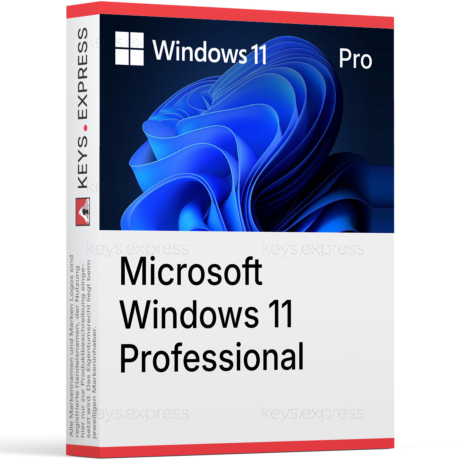
 Microsoft Windows 11 Professional Retail Key (1-5 PC)À partir de 24,40 € Prix normal 34,90 €2309-C