Sur ce site, nous souhaitons utiliser des cookies (également de tiers). Si vous continuez à utiliser ce site ou si vous cliquez sur « Accepter », vous déclarez être d'accord avec cela. Vous pouvez révoquer votre consentement à tout moment.
Windows 11 Pro buying guide: when the Pro edition is the right choice
Windows 11 Home and Windows 11 Pro share the same interface, the same hardware requirements and the same core performance. The differences sit in security, management and virtualization features that only matter for specific use cases. This guide answers the questions buyers ask most often before choosing Windows 11 Pro, so you do not pay for features you will never enable, or pick an edition that blocks a feature you actually need.
What does Windows 11 Pro include that Windows 11 Home does not?
Windows 11 Pro contains every feature of the Home edition and adds business and power-user functions on top.
BitLocker drive encryption for internal and external drives Remote Desktop host: other devices can connect to your PC Hyper-V for running virtual machines Windows Sandbox for isolated testing of unknown software Group Policy for detailed system configuration Domain join and Microsoft Entra ID join for company networks Windows Update for Business with longer update deferral options Assigned Access for kiosk and single-app scenarios
Which users actually benefit from Windows 11 Pro?
Windows 11 Pro pays off for anyone who handles sensitive data, works remotely or manages more than one PC.
Self-employed users and small businesses protecting customer data with BitLocker Remote workers who need to reach their office or home PC via Remote Desktop Developers and IT staff who run virtual machines with Hyper-V Anyone who regularly tests downloads or tools in Windows Sandbox Companies that connect PCs to a domain or Microsoft Entra ID
When is Windows 11 Home enough instead?
For browsing, office work, streaming and gaming, Windows 11 Home covers everything most private users need.
Same interface, same apps, same gaming features as Pro Windows Hello, Microsoft Defender and firewall are included in Home Home cannot host Remote Desktop sessions, only connect to other PCs Home offers device encryption on supported hardware, but not full BitLocker management If in doubt, compare directly in our Windows 11 Home category
What should you check before choosing Windows 11 Pro?
Check your hardware and your actual feature needs before buying, because the system requirements are identical for Home and Pro.
64-bit CPU on the Microsoft compatibility list, 4 GB RAM, 64 GB storage UEFI with Secure Boot and TPM 2.0 are required for installation Hyper-V additionally needs CPU virtualization support enabled in the firmware Pro supports up to 2 TB RAM and two physical CPUs, Home up to 128 GB RAM and one CPU If you need AppLocker or advanced enterprise security, look at Windows 11 Enterprise instead
How do Windows 11 Home and Windows 11 Pro compare in detail?
The table below summarizes the verified feature differences between the two editions.
Feature
Windows 11 Home
Windows 11 Pro
BitLocker encryption
✕
✓
Remote Desktop host
✕
✓
Hyper-V
✕
✓
Windows Sandbox
✕
✓
Group Policy
✕
✓
Domain / Entra ID join
✕
✓
Maximum RAM
128 GB
2 TB
Snap Layouts, Widgets, gaming features
✓
✓
Is upgrading from Windows 10 Pro a sensible path?
Windows 11 Pro is the direct successor to Windows 10 Pro and keeps the same feature logic, so the switch is straightforward on compatible hardware.
Editions upgrade like for like: Windows 10 Pro moves to Windows 11 Pro Older PCs without TPM 2.0 or a supported CPU cannot install Windows 11 For such systems, Windows 10 Professional remains available in our shop Back up your data before any in-place upgrade
Buying Windows 11 Pro at Keys.Express
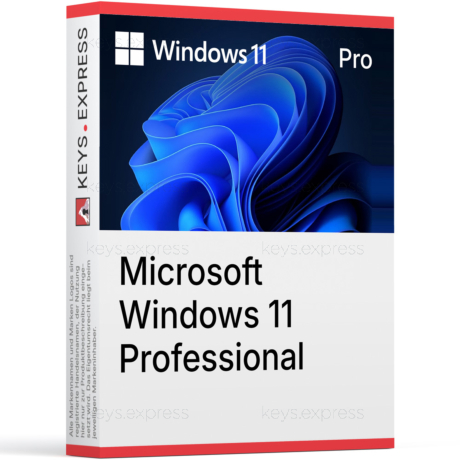
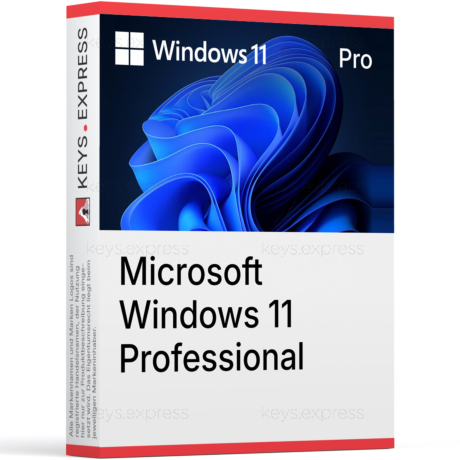
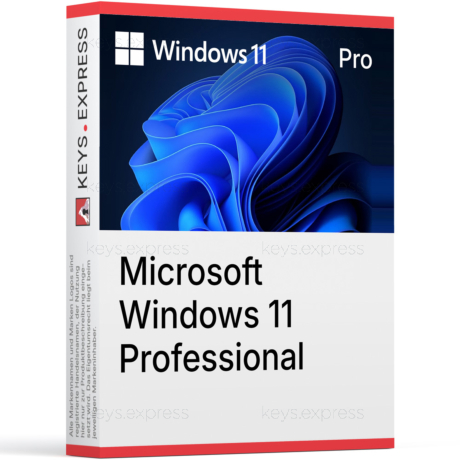
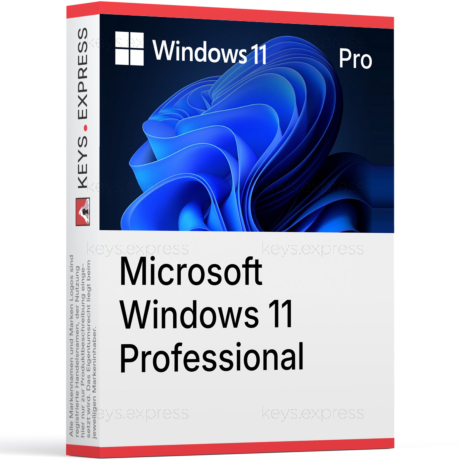
At Keys.Express you receive your Windows 11 Pro product key by e-mail shortly after purchase, together with a download link and clear installation instructions. There is no shipping and no waiting for physical media. If a question comes up during download, installation or setup, our support team assists you, whether you are installing on a new PC, reinstalling after a hardware change or upgrading from an older Windows edition.