- Open your Facebook profile by signing in to your account.
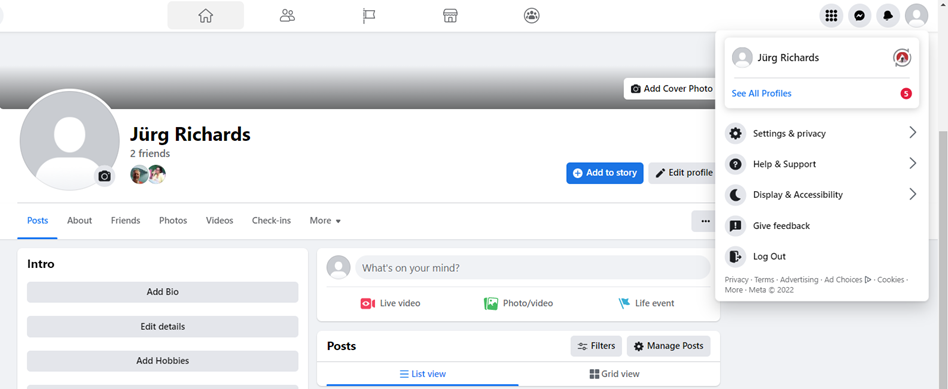
2. Once signed in, you can easily see them on your sidebar notifications or simply click the PAGE icon for a full view of notifications.
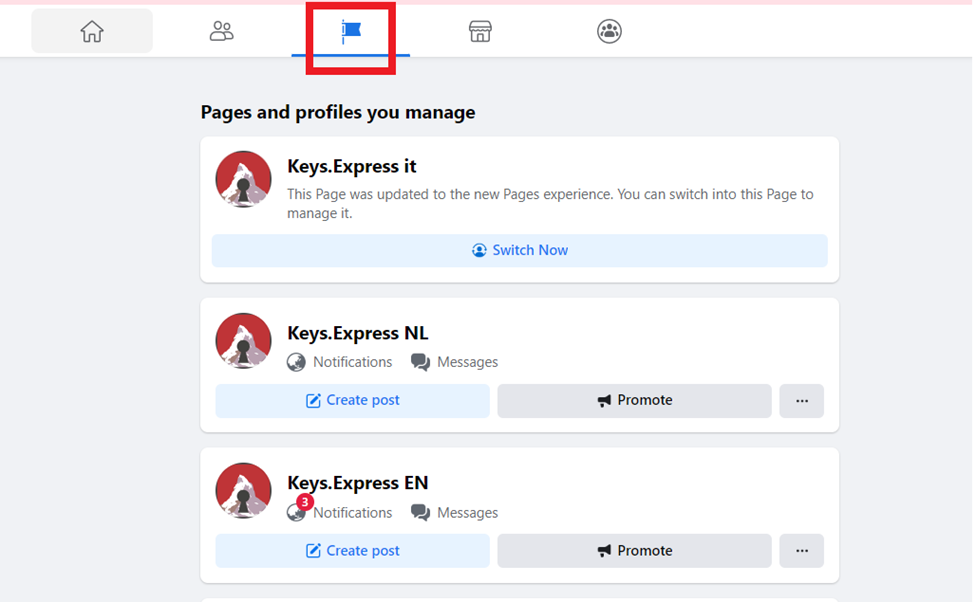
3. Locate which page you have access to, then click on the notification sign. The numbers you see are the amount of the notifications unread. By clicking the notification icon, it will redirect you the page to which you are the assigned editor/admin.
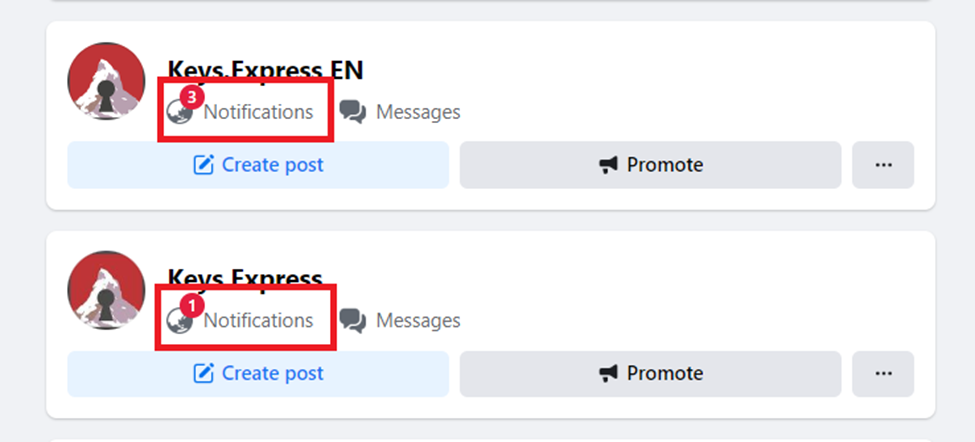
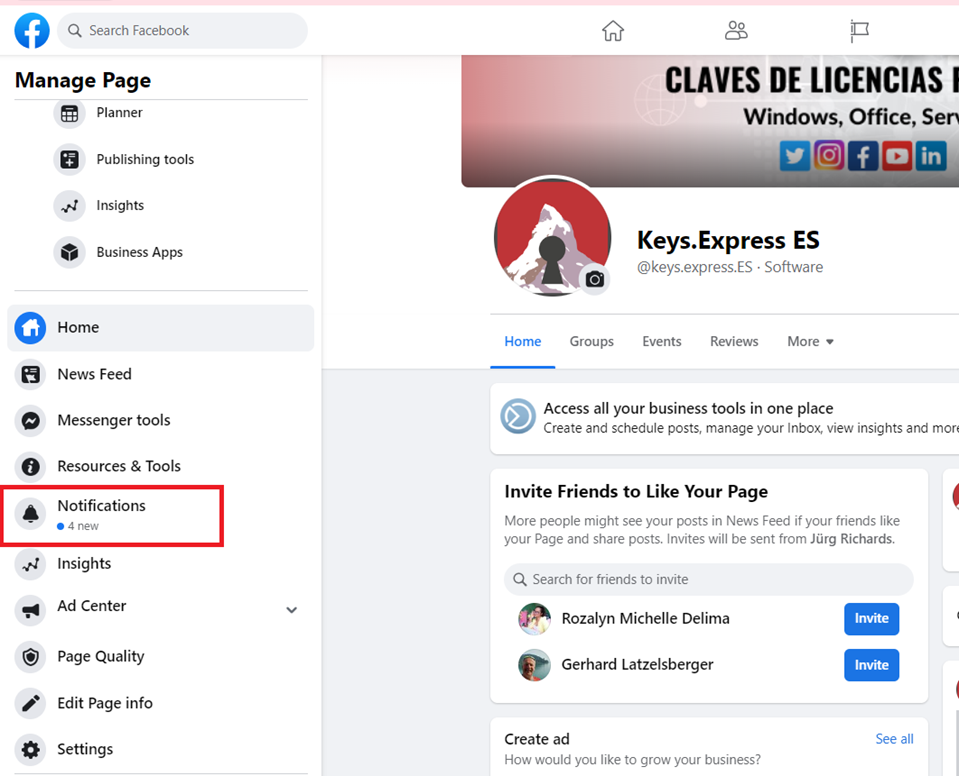
4. Once inside the page, you can then see the notifications and other page admin/editor access. You only have to worry about the Notification tab alone.
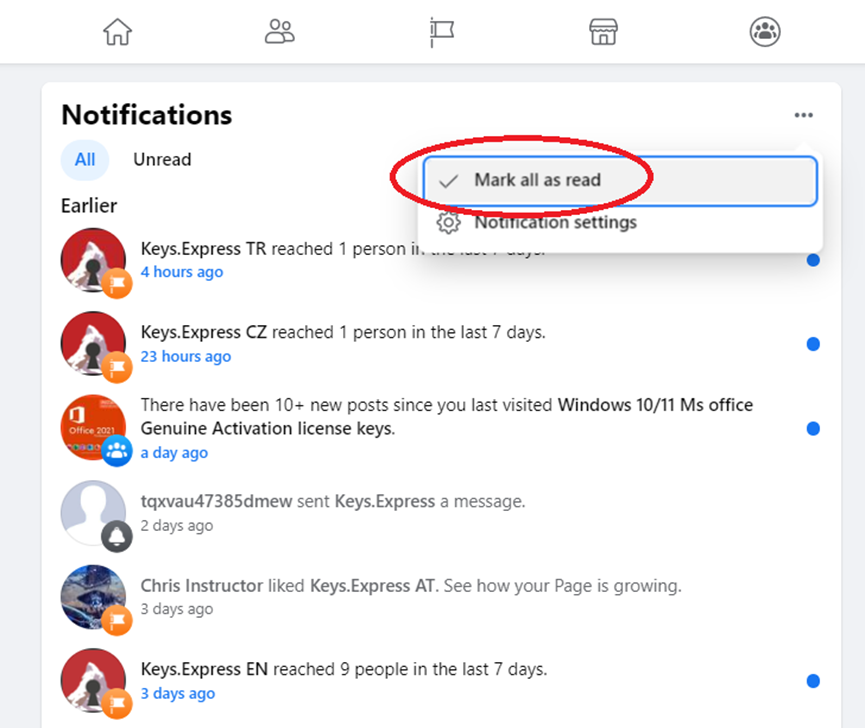
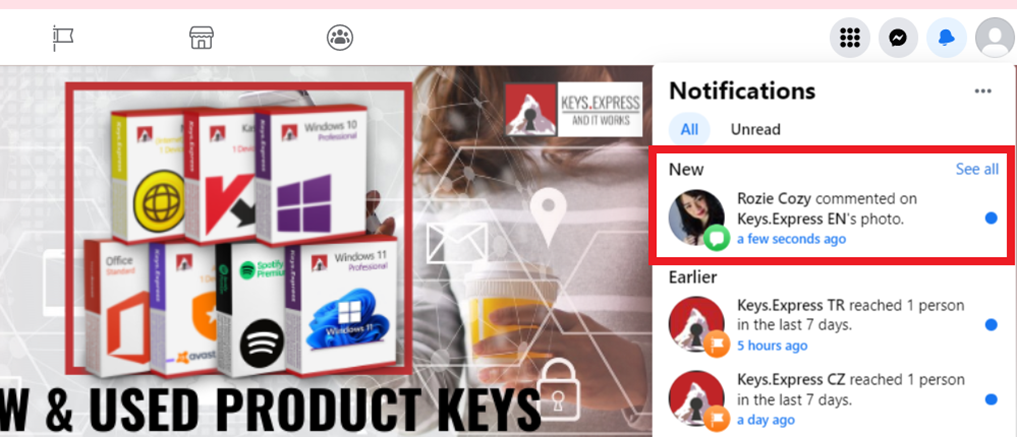
5. As you view the notifications, you will see a mix of notifications coming from Facebook itself or from the customers commenting or messaging in the page. If it’s from the customer, it will have its Facebook name and a profile photo next to it. Otherwise, you can just disregard the other notifs relating to marketing.
6. Make sure you’re up to date with all the notifications and frequently check them in your spare time. This is to promote proactive customer support and social media awareness. =)