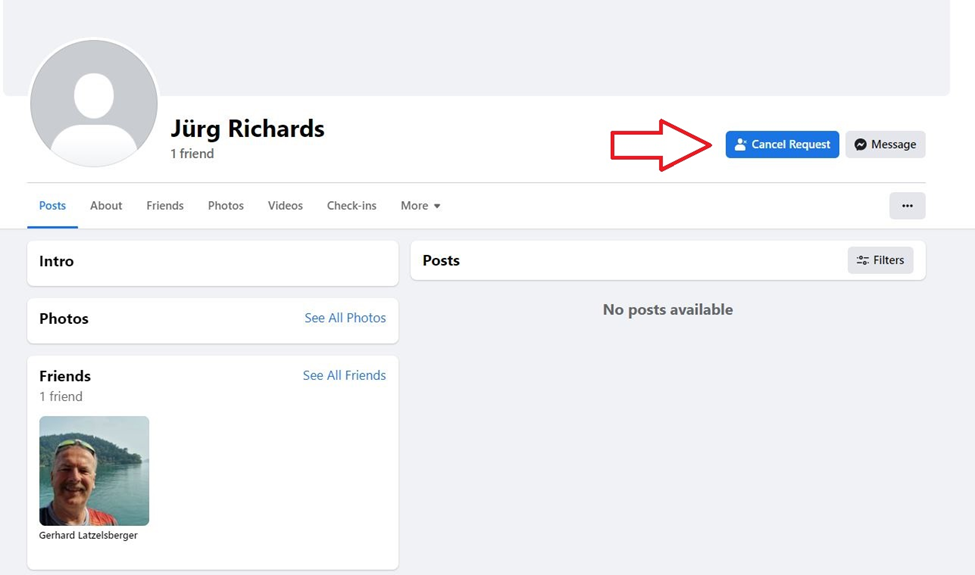
1. Add Jürg Richards on Facebook. This is his dummy account on Facebook – https://www.facebook.com/oliver.brugger.1/
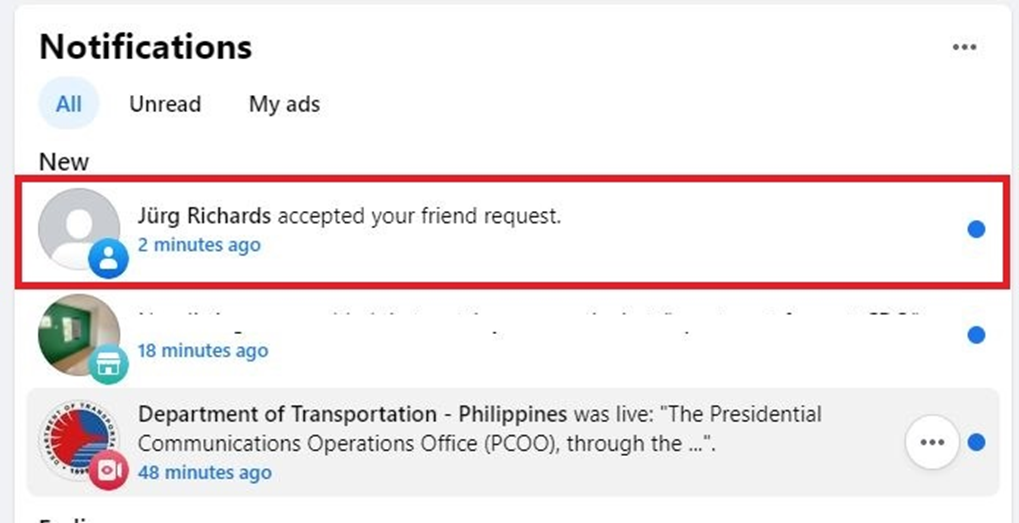
2. Once he has accepted your friend request which will be shown on your fb notifications, he can now assign you to specific pages he wants you to manage.
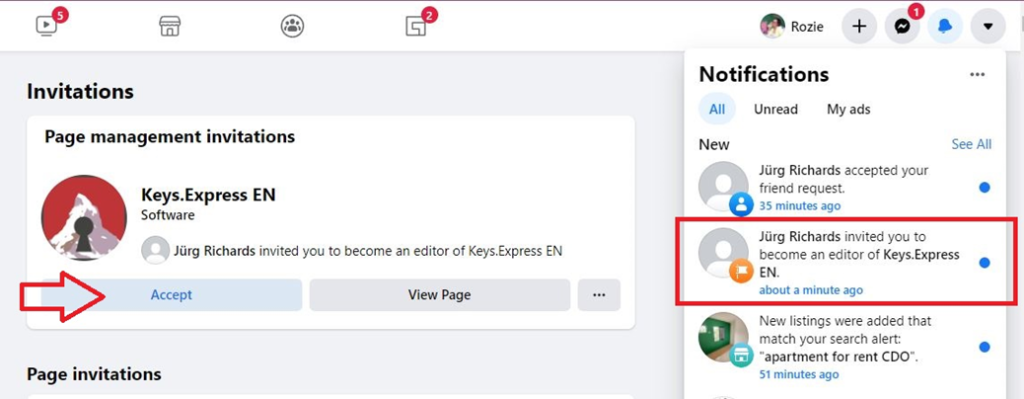
3. You will then receive a page invitation as an admin/editor/moderator of the page. Find the page that’s been assigned to you and click on ‘Accept.’ It would look like this on your notification.
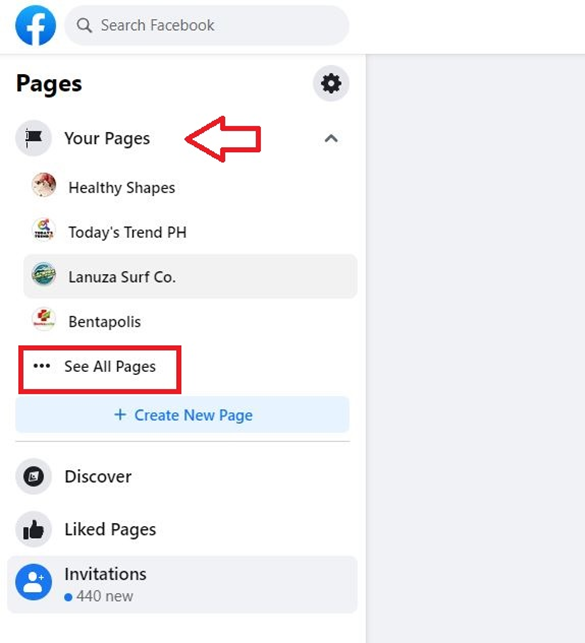
4. Once you have accepted the invitation, you may refresh your page and search for the specific page in the ‘All Pages’ button.
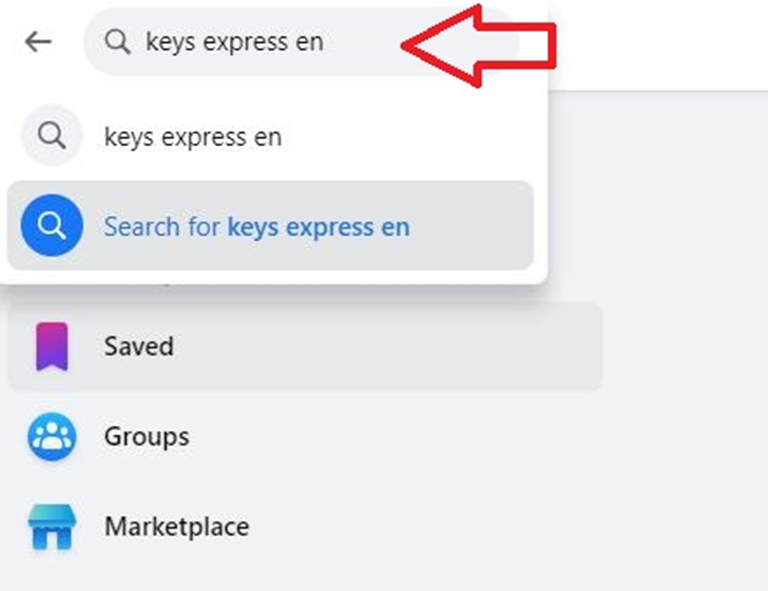
5. Or you can also just the page on Facebook’s search box
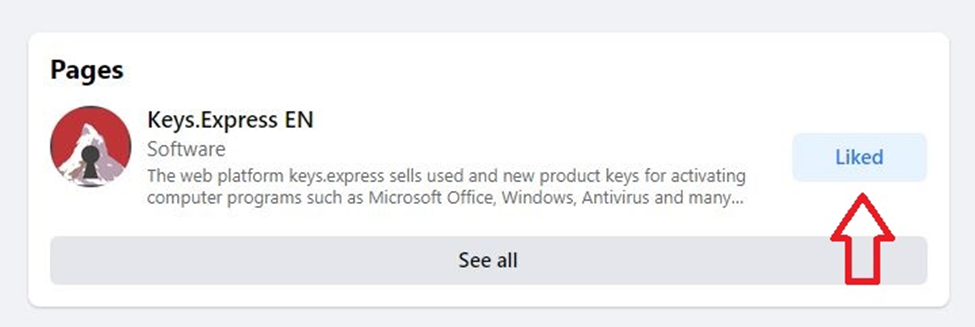
6. Make sure to like the page so you will get updates as well.
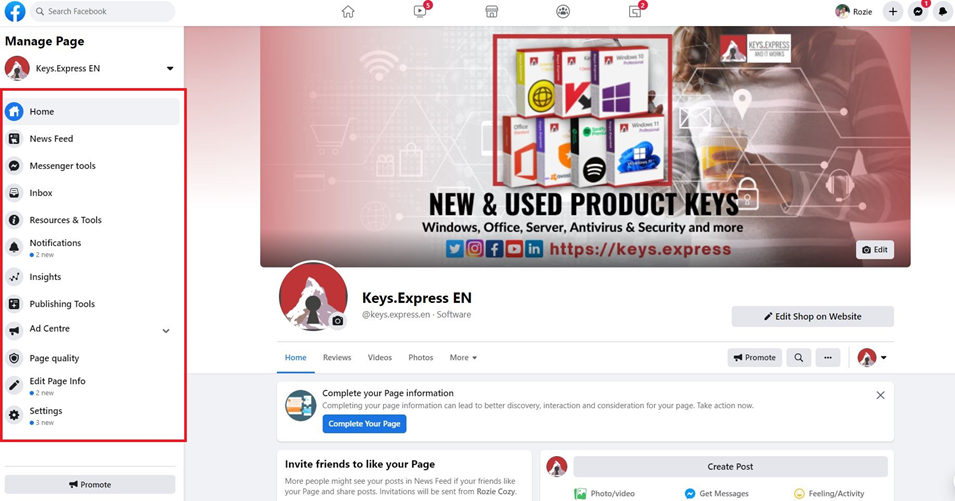
7. Once you’re inside the page, you will see all the access you have like the page’s news feed, inbox, notifications, insights, settings, and so on.
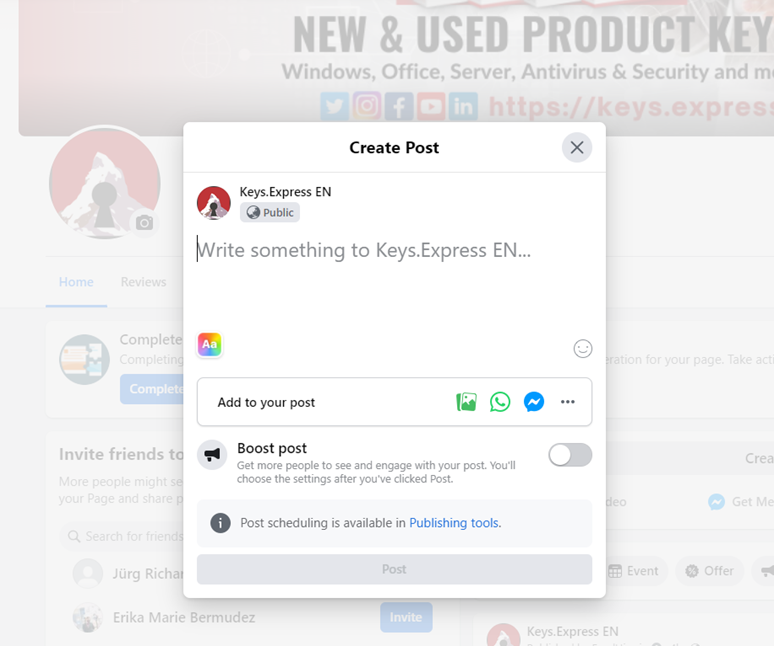
8. You can post on the page manually if you’re not using any social media content scheduler.
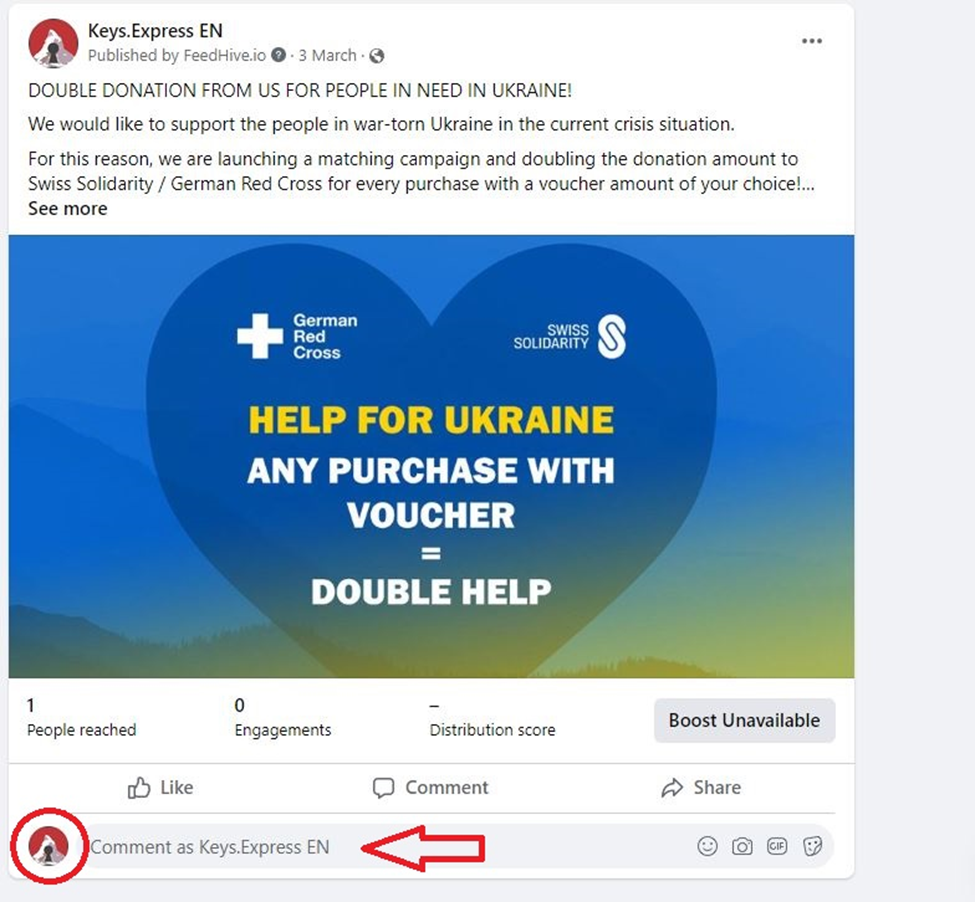
9. You can also respond to comments or delete them if they are negative ones. When you’re commenting, your profile pic reflects the brand logo.