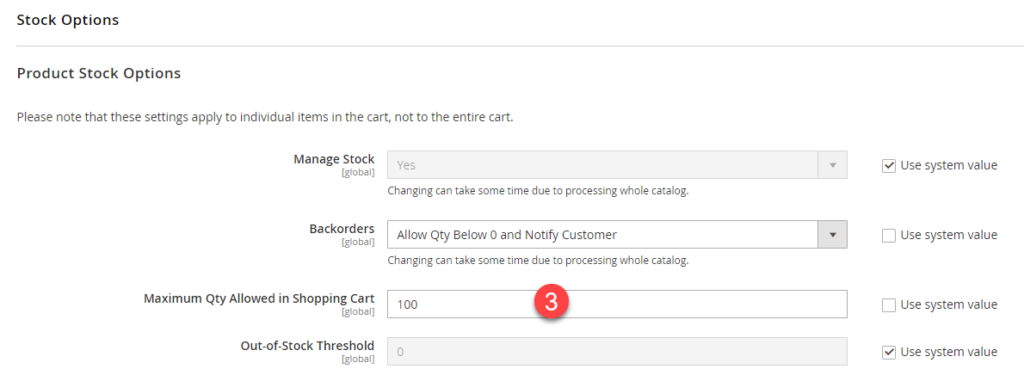
To limit the maximum quantity the customer is allowed to purchase of one product, edit the product and go to Advanced Inventory (1)
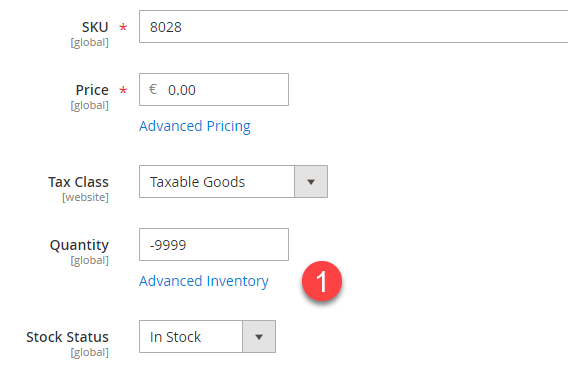
2. Uncheck “Use Config Settings” and set the max Qty allowed for this particular product (e.g. Free products have 1 unit allowed)
Save the changes.
Configuration Settings #
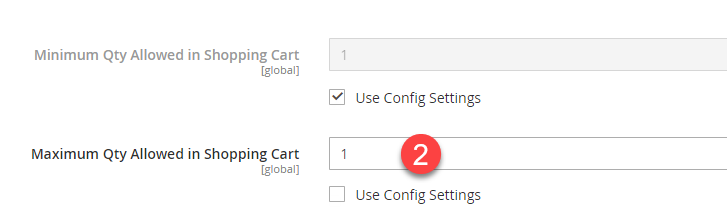
3. you can set the global Qty allowed in Stores > Configuration > Catalog > Inventory > Stock Options