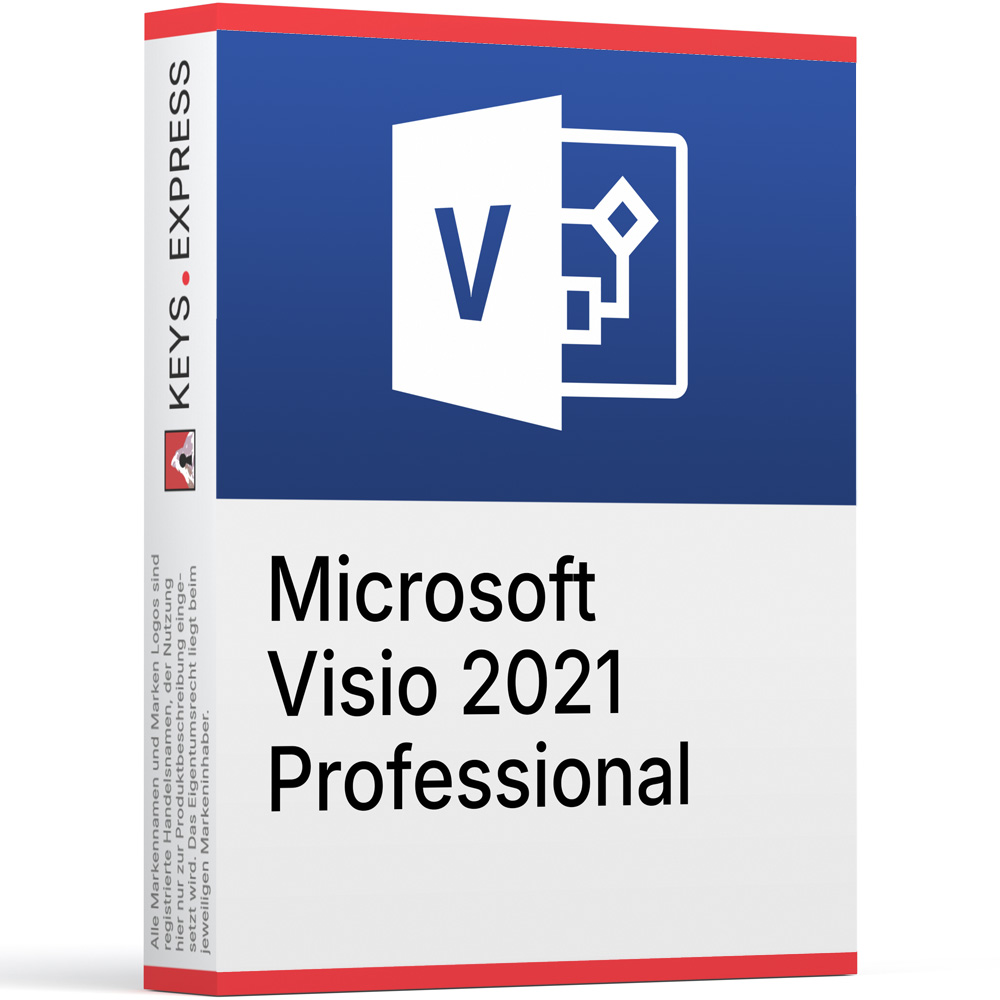
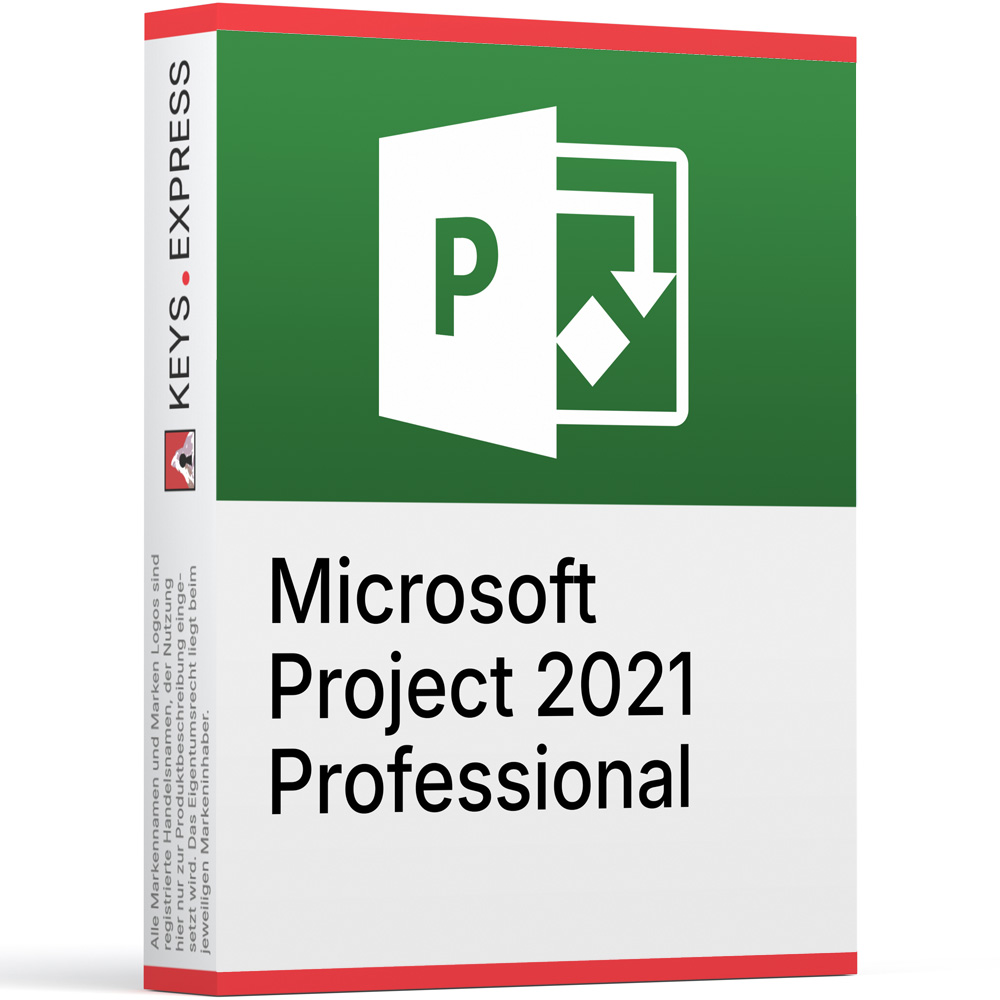
Two one-time purchases for the same Windows PC: the diagramming side and the scheduling side of project work, installed together so a plan built in one can be turned into a drawing in the other.
Microsoft Visio Professional 2021 – A Windows diagramming application with flowchart, network, org chart, UML 2.5 and database model templates. Linking shapes to external data is among the capabilities Visio Standard 2021 does not offer; the Visio web app is not part of it.
Microsoft Project Professional 2021 – Desktop scheduling software for task dependencies, baselines, resource assignment and built-in reports. Team Planner is available only in the Professional edition; Kanban task boards belong to the Project Online Desktop Client instead.
This product is not posted to the MS account and is not transferable to other devices.
This product allows a one-time activation for one device. Once used, it cannot be used again, not even for the same device.
In stock
Visio Professional 2021 – Templates for flowcharts, networks, org charts, UML.
Data-linked shapes – Shapes linked to Excel or SQL data.
Project Professional 2021 – Scheduling with dependencies, baselines and resource assignment.
Team Planner – Resource view exclusive to Project Professional.
Timeline exchange – Visio imports and exports Project MPP files.
Important – Neither includes Word, Excel or web apps.
This pair goes on one Windows workstation where the same person keeps the schedule and draws the processes around it: Visio's Timeline and Gantt Chart templates read .mpp files directly, and Microsoft states plainly that Project has to be installed on the machine before that import or export can run at all. In the other direction, Project's Visual Reports open as PivotDiagrams in Visio when Visio sits on the same PC, so the schedule data leaves Project as a drawing instead of a table.
Timeline import – Visio builds a timeline from an .mpp file.
Feature requires both – That import is unavailable without Project installed.
Gantt import – Visio Gantt charts read Microsoft Project files.
Export back – Visio timelines can be saved as Project files.
Visual reports – Project data opens as Visio PivotDiagrams.
Combined price – Lower than the two keys bought separately.
Yes, and Microsoft documents the combination. Both are supported on Windows 11 and Windows 10, both belong to the 2021 generation with version number 16.0, and both install through Click-to-Run, which is the pairing Microsoft lists as supported when Office, Project and Visio share a computer. The one condition is the build: all Microsoft Office family products on a machine must be either 32-bit or 64-bit, so a 32-bit Visio cannot sit next to a 64-bit Project or a 64-bit Office. If a PC already runs Office 2021 in 32-bit form, both keys in this bundle have to be installed as 32-bit as well.
Either order works, because neither product is a prerequisite for the other's setup. What matters is what is already on the machine: if an older Microsoft Office family product is present, install the older one first and the 2021 products afterwards, and make sure every installed product uses the same 32-bit or 64-bit build. Getting that wrong produces the "Office (64-bit or 32-bit) couldn't be installed" error, and the fix is to uninstall the product with the wrong build rather than to repair anything. Install both before you start moving data between them, since Visio's timeline import only appears as a working option once Project is on the same PC.
You can move a schedule out of Project and into a drawing, and back again. In Visio you open the Timeline template, choose Import Data, point the wizard at an .mpp file and pick which task types to bring across; Microsoft notes that Project must be installed for this to work. The Gantt Chart template has its own import that reads a Microsoft Project File the same way, and a finished Visio timeline can be exported as a Project file. From the Project side, Report > Visual Reports offers Visio templates alongside the Excel ones, and choosing a Visio report opens the data as a PivotDiagram.
It fits the machine of the person who has to present a schedule to people who will never open Project. The concrete case is the milestone timeline for a steering meeting: the plan stays in Project where the dependencies and baselines live, and the drawing that goes into the meeting is generated in Visio from the same .mpp file, so the two do not drift apart the way a hand-drawn slide does. If the schedule never leaves the project team, or if the diagrams being drawn are network and process diagrams with no connection to a plan, that argument does not apply and the two products are simply two separate tools that happen to be bought at once.
Whenever you already own one half, or only need the lower edition of one of them. A PC that already has a 2021-generation Visio installed needs only the Project key, and the reverse is equally true. If nobody links shapes to Excel or SQL Server data and nobody draws UML or database models, Visio Standard 2021 covers the diagramming side, including the Timeline and Gantt Chart templates that do the Project import, so the Professional edition is not what makes the combination work. And if no one manages resources across a team, Project Standard 2021 handles task scheduling without Team Planner.
Word, Excel, PowerPoint and Outlook, because Visio and Project are separate products and are not part of any Office suite or Microsoft 365 plan. That has one practical consequence: the Excel half of Project's Visual Reports needs Excel on the machine, and this bundle does not provide it. Both products are Windows desktop applications with no macOS version, the Visio web app requires an eligible Microsoft 365 or SharePoint subscription rather than a one-time purchase, and editing a Visio Visual inside Power BI requires Visio Plan 1 or Visio Plan 2. Connecting Project Professional to Project Server or Project Online also needs its own server licence or subscription, which is not part of this purchase.
| Task | Visio Professional 2021 | Project Professional 2021 |
|---|---|---|
| Flowcharts and network diagrams | ✓ | ✕ |
| UML and database models | ✓ | ✕ |
| Shapes linked to external data | ✓ | ✕ |
| Automated task scheduling | ✕ | ✓ |
| Resource assignment and Team Planner | ✕ | ✓ |
| Timeline built from an .mpp file | Needs both | Needs both |
| Visual reports as PivotDiagrams | Needs both | Needs both |
| Documents and spreadsheets | ✕ | ✕ |
| macOS desktop version | ✕ | ✕ |
No. Visio can draw a Gantt chart and a timeline, but it has no scheduling engine behind them, so dates do not recalculate when a dependency moves. That calculation is what Project does, which is why the .mpp import exists in Visio in the first place.
Yes. Each installs and runs on its own, and neither needs the other to open its own files. Only the cross-product features are conditional: Visio's timeline import and export require Project on the machine, and Project's Visio visual reports require Visio.
Yes, for that specific feature. Microsoft lists the timeline import and export for Visio Standard 2021 as well as Visio Professional 2021. The Professional edition is what adds data-linked shapes and the additional drawing types such as UML and database models.
No. Microsoft requires a Visio Plan 1 or Visio Plan 2 subscription to edit a Visio Visual in Power BI, and a one-time purchase of Visio Professional 2021 does not include either plan. The diagrams themselves can still be exported as images and used anywhere.
| Operating Systems | Windows 11 Pro Windows 11 LTSC 2024 Windows 10 Windows 10 LTSC 2021 Windows 10 LTSC 2019 Windows Server 2025 Windows Server 2022 |
| Processor | 1.1 GHz or faster processor with 2 or more cores. A compatible 64-bit processor or System on a Chip is required. |
| Memory RAM | 4 GB RAM or higher. |
| Hard Disk | 64 GB or greater storage. |
| Display | 1280 × 768 screen resolution or higher. A display greater than 9 inches diagonally with 8 bits per color channel is required for Windows 11. |
| Graphics | DirectX 12 or later compatible graphics with a WDDM 2.0 driver. |
| NET Version | Some Microsoft Office features require .NET Framework 3.5 or .NET Framework 4.6 and higher. |
| Note | UEFI firmware with Secure Boot capability is required for Windows 11. Trusted Platform Module version 2.0 is required for Windows 11. Internet connectivity is required for Windows updates and certain features. Internet connectivity is required for ESET activation and security updates. Trusted Signing support must be installed to install or upgrade current ESET applications. Current versions of Microsoft Edge, Google Chrome, or Mozilla Firefox are supported for Office web-dependent features. A 64-bit version of Office is required for 4K and higher display resolutions. |
keys.express and keys.discount are online platforms for product keys. The product keys available in our shops for Windows and other software are inexpensive, secure, legal and come with an activation guarantee.
Below you will find the most important legal information about our products.
We offer exclusively unused and non-activated product keys. The keys have never been redeemed for activation and are fully available to the purchaser for the first-time activation of the respective product. A key that has already been redeemed could no longer be used for a new activation and is therefore not offered by us.
Trading in these product keys is permissible in the European Union and in Switzerland under current case law, provided that the necessary conditions are met. These conditions are as follows:
This trade is legally permissible because the underlying license was already placed on the market with the consent of the rightholder within the EU/EEA or Switzerland in return for appropriate remuneration. As a result, the so-called principle of exhaustion has taken effect, which permits the resale of individual product keys — in particular those originating from volume license agreements. Microsoft or the respective software provider has already received appropriate remuneration for this.
keys.express and keys.discount ensure that the aforementioned conditions are met and that the lawful use of the software is guaranteed. The requirements arising from European legislation are also observed in Switzerland.
Important note: The acquisition of a product key through the transmission of a combination of numbers and letters in digital form does not, in itself, constitute a license for the lawful use of the program. The license only arises from the respective installation and the associated acceptance of the manufacturer's terms of use.
Further information can be found here:



