
This installation guide applies to EaseUS Disk Copy Pro and EaseUS Disk Copy 6 Technician. The installation steps are identical; only license type and usage rights differ.
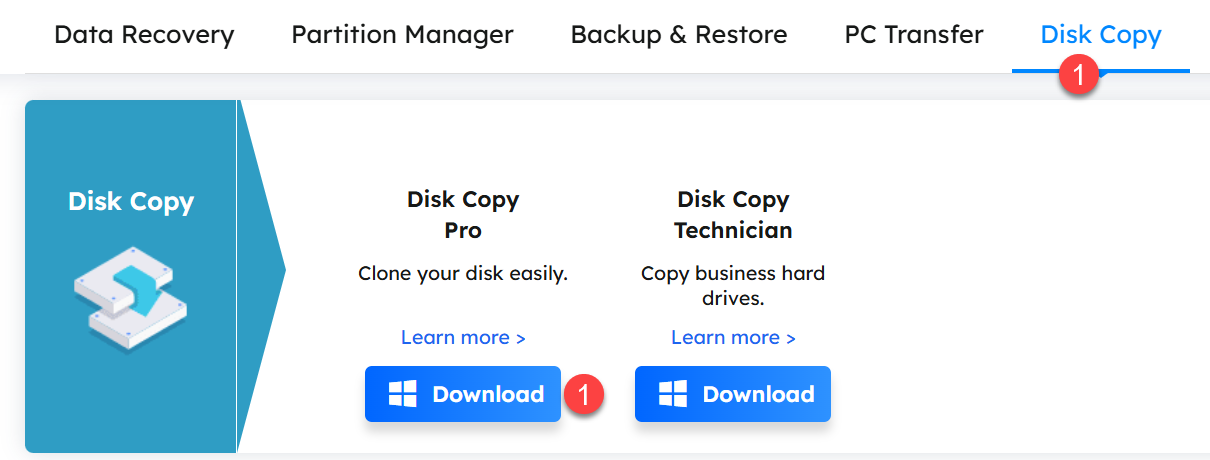
Go to the official EaseUS Disk Copy page (see link in your invoice) and download the Windows installer (.exe). Save it to your computer.
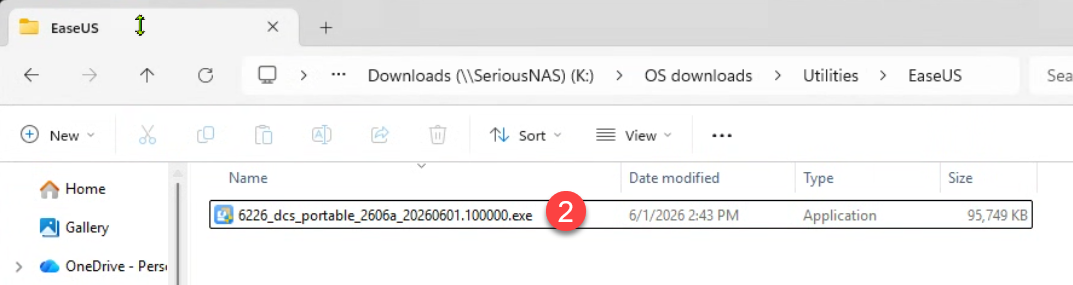
Locate the downloaded setup file and double-click it. Approve any Windows SmartScreen or UAC prompts to continue.
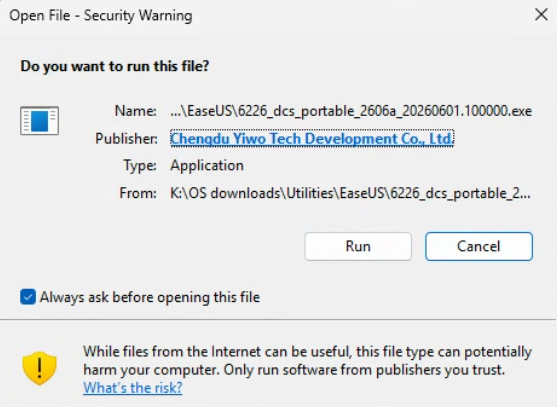
On the Security Warning dialog click Run
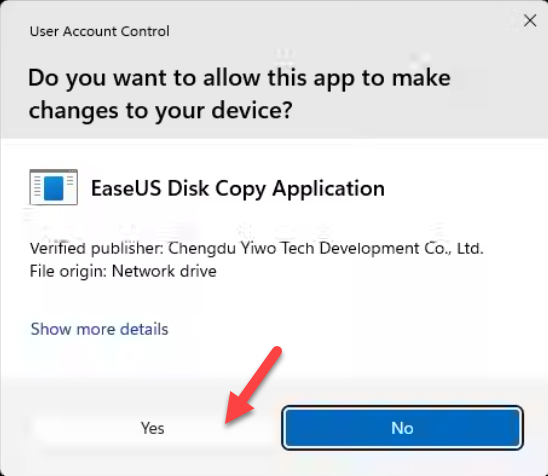
Click Yes to allow the installer to make changes on your computer
Wait for the installer to download and install the software
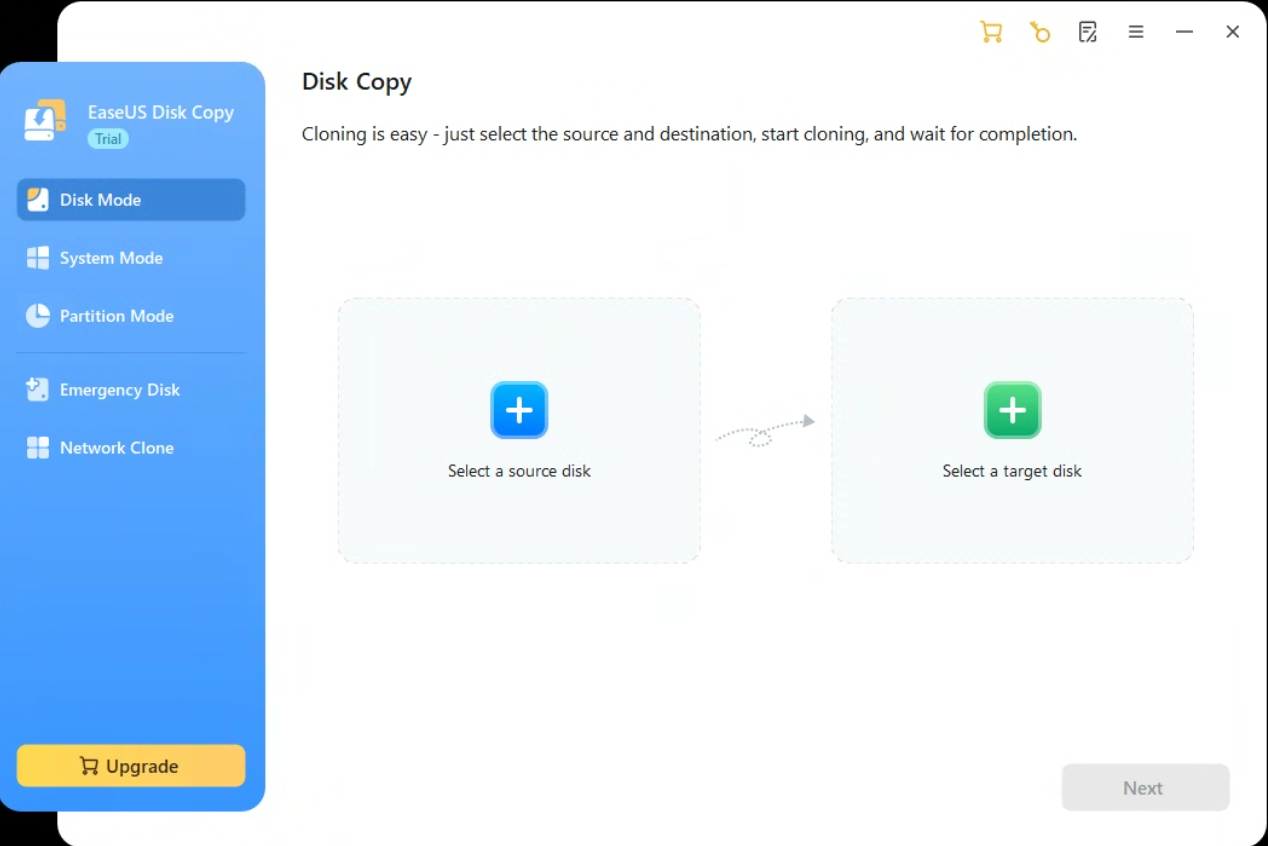
Open EaseUS Disk Copy from the Start menu or desktop shortcut to confirm installation.
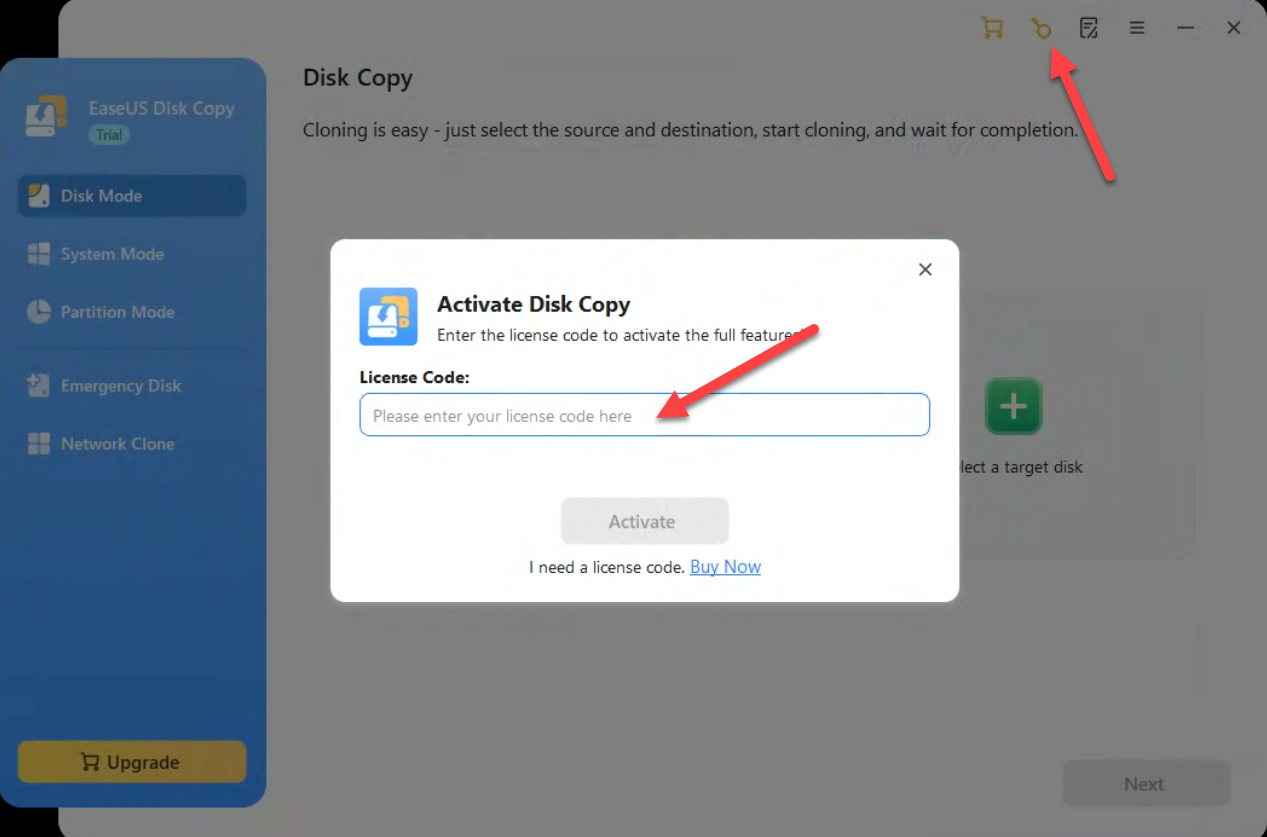
In the application, click the key symbol on the top right (Activate), enter your license key, and complete activation.
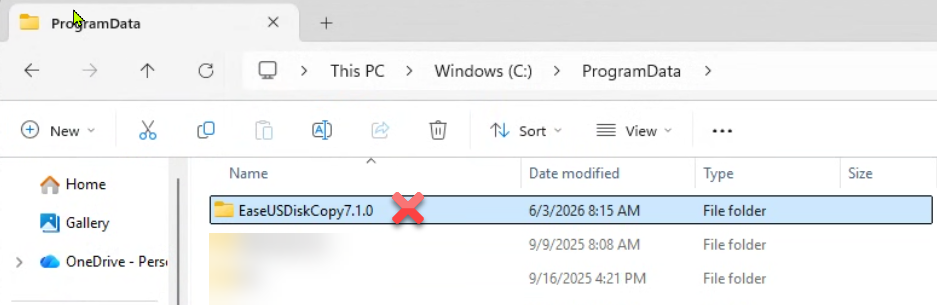
There is no uninstaller program since this is a portable software. You must find the installation directory in Windows Explorer and delete the directory.
C:\ProgramData\EaseUSDiskCopy7.1.0
SKU: 6224, 6223, 6225, 6226, 6227


