How to install Kaspersky Standard – Mobile Edition
for Android & iOS
- Visit this link to install the Kaspersky Antivirus App https://support.kaspersky.com/common/beforeinstall/16085?.com#block1
- Search for "Kaspersky for Android / iOS" and open the tab
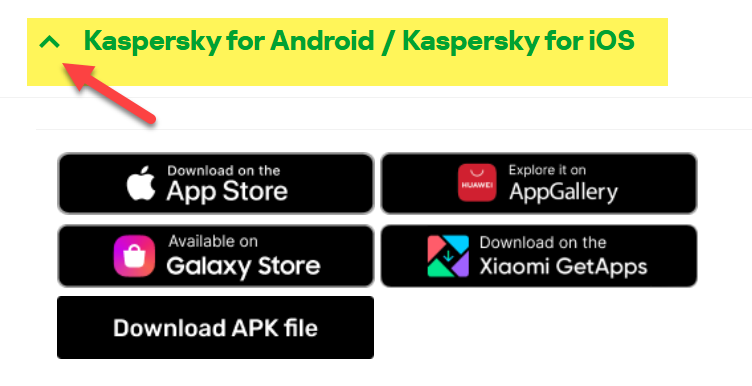
- Download the App from one of the app Stores available
- Open the App:
Once installed, tap “Open” to launch Kaspersky Standard.
- Accept License Agreement:
Read the End User License Agreement and Privacy Policy. Tap “Accept and Continue.”
- Grant Permissions:
Allow the necessary permissions requested by the app (e.g. access to storage, phone, or location). These are needed for full protection.
- Sign In or Create My Kaspersky Account:
You will be prompted to sign in to your My Kaspersky account. If you don’t have one, tap “Create Account” and follow the instructions.
- Activate Your Subscription:
Enter your activation code or link the app to your existing My Kaspersky account with an active license.
- you can purchase a key for Kaspersky Standard Mobile Edition here.
- Run Initial Scan:
After activation, tap “Scan” to perform your first device scan and check for threats.
- Enable Real-Time Protection:
Follow prompts to enable background protection and ensure your device stays secure.
Installation complete! Your mobile device is now protected by Kaspersky Mobile edition.