Skip to content
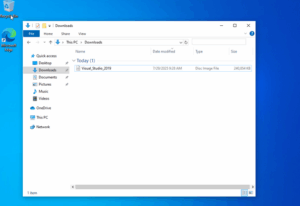
- Download the iso and open it
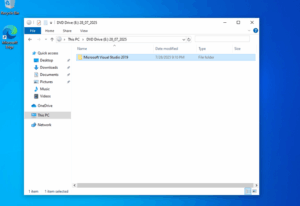
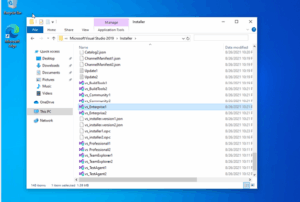
- Open the folder Microsoft Visual Studio 2019
- Open the folder „Install“
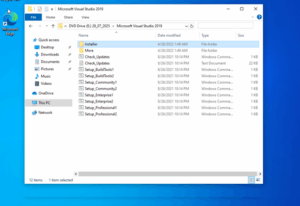
- Allocate and run „Vs_Enterprise1.exe“
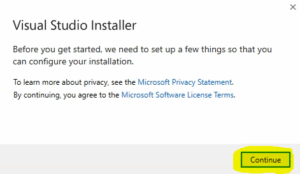
- Click „Continue“
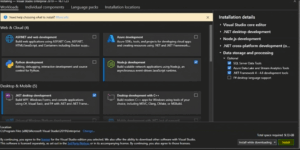
- Choose your preferences and click „Install“
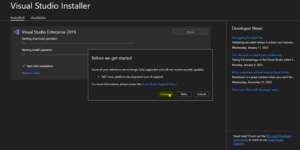
- Click „Continue“
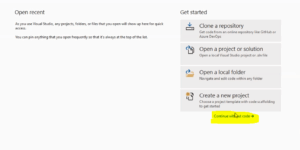
- Click „Continue without code“, create new project and open it.
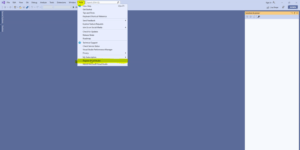
- Click „Help“ then „Register Visual Studio"
- Click „Unlock with a Product Key“
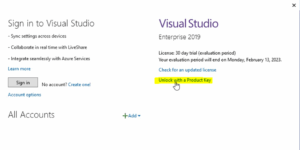
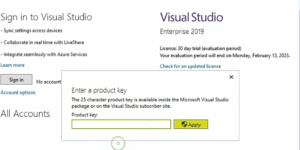
- Enter the Product-key from invoice and click „Apply“