
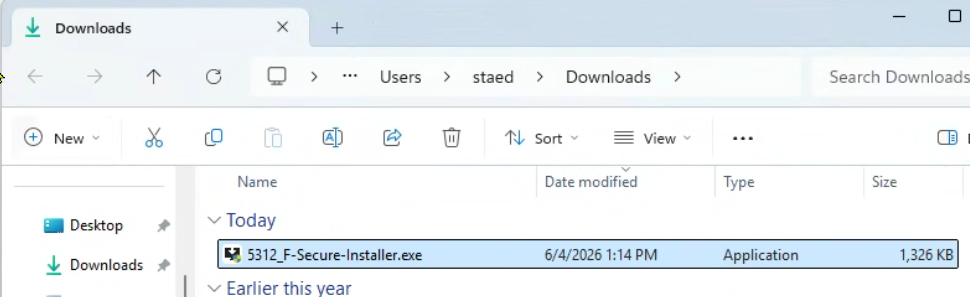
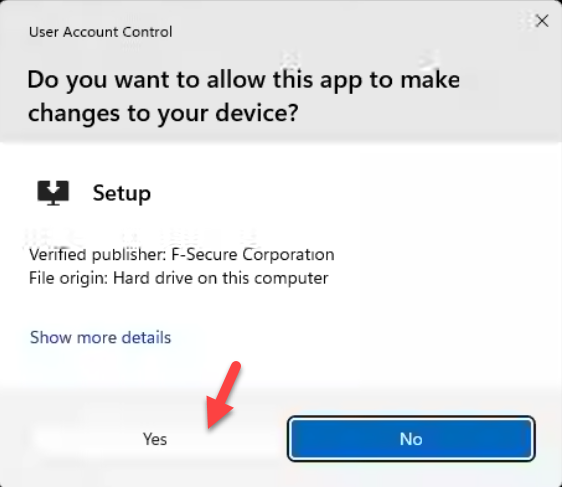
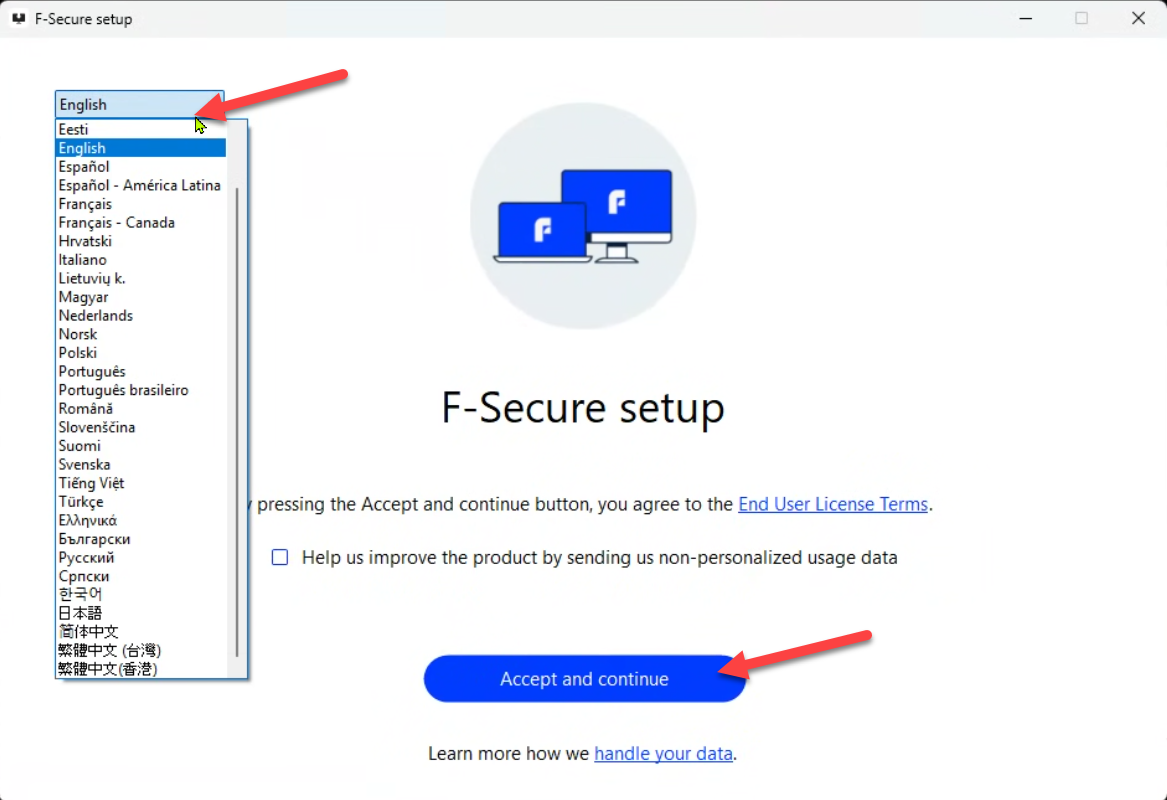
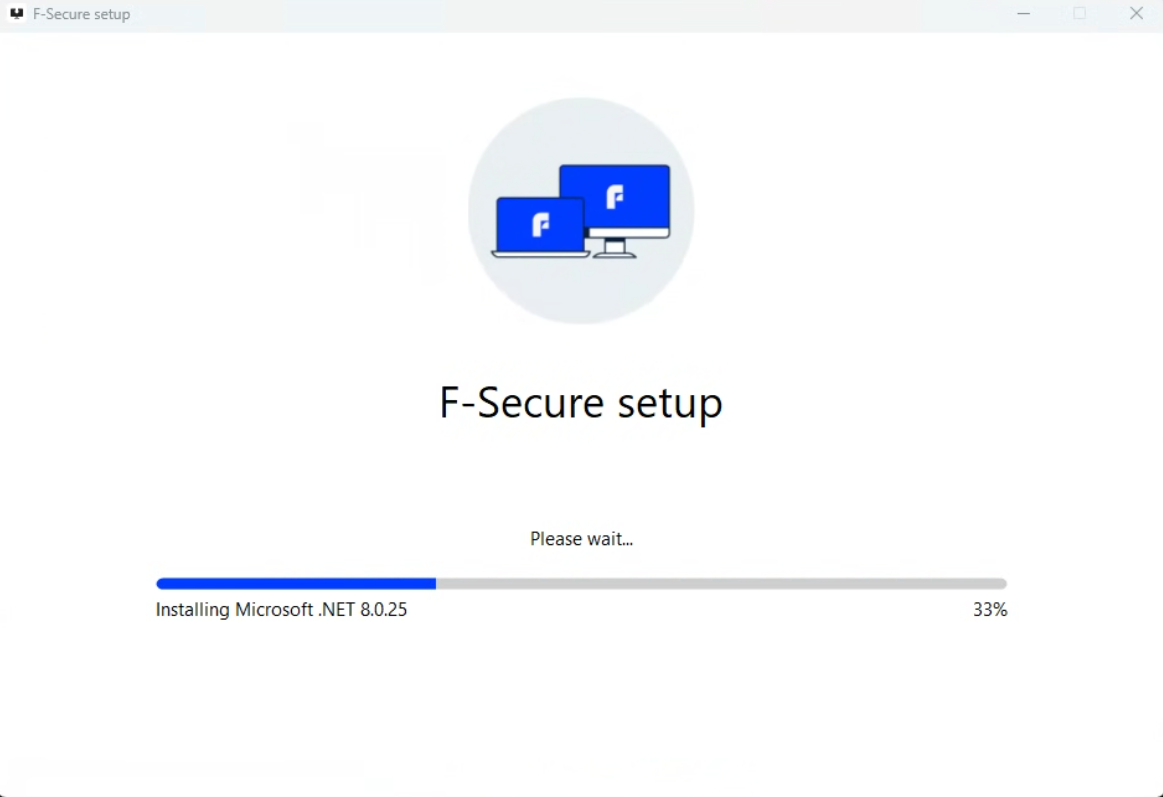
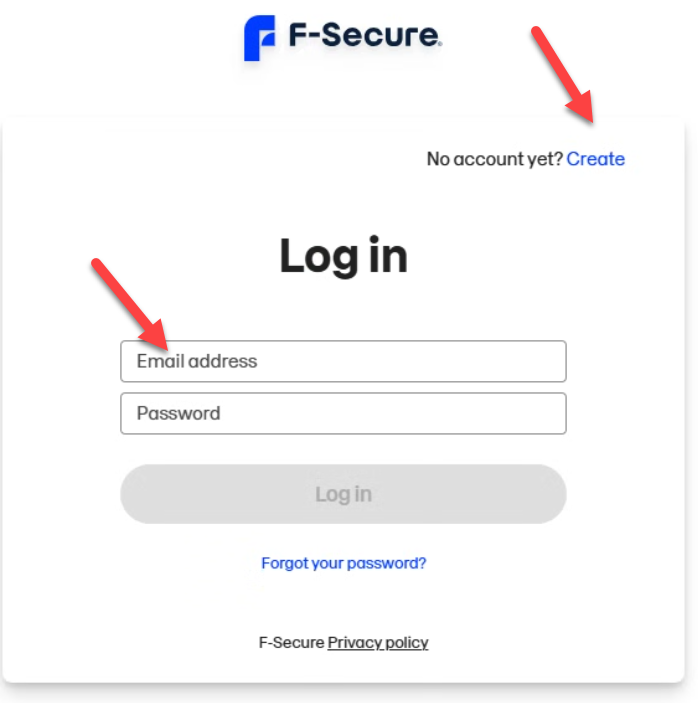
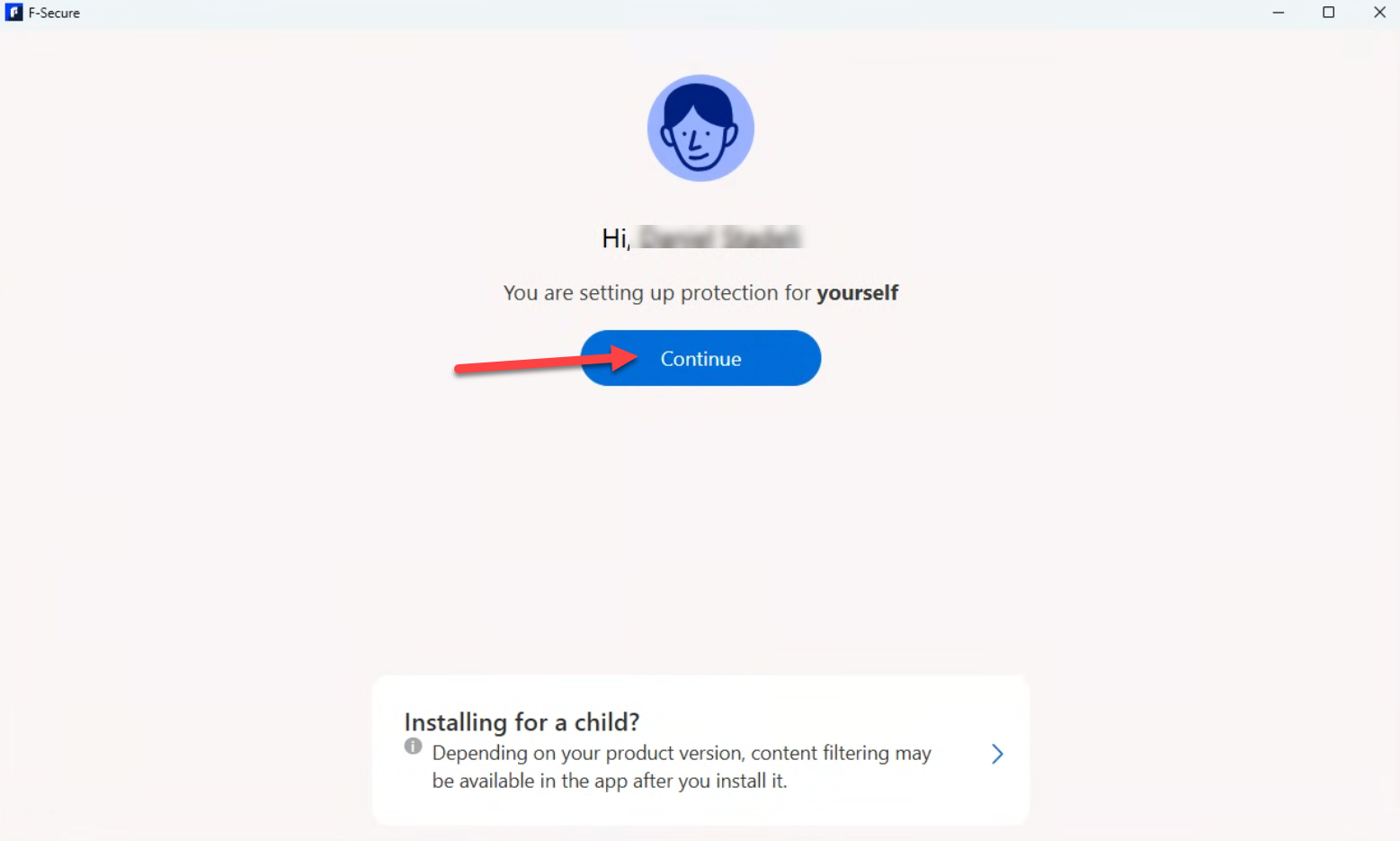
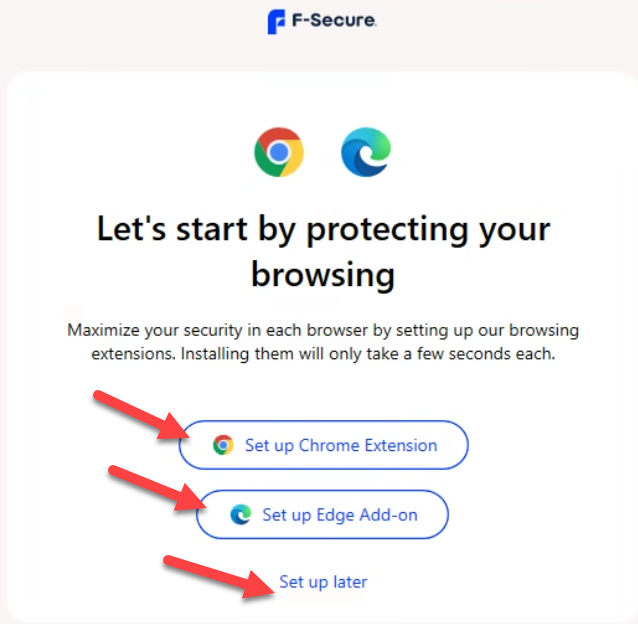
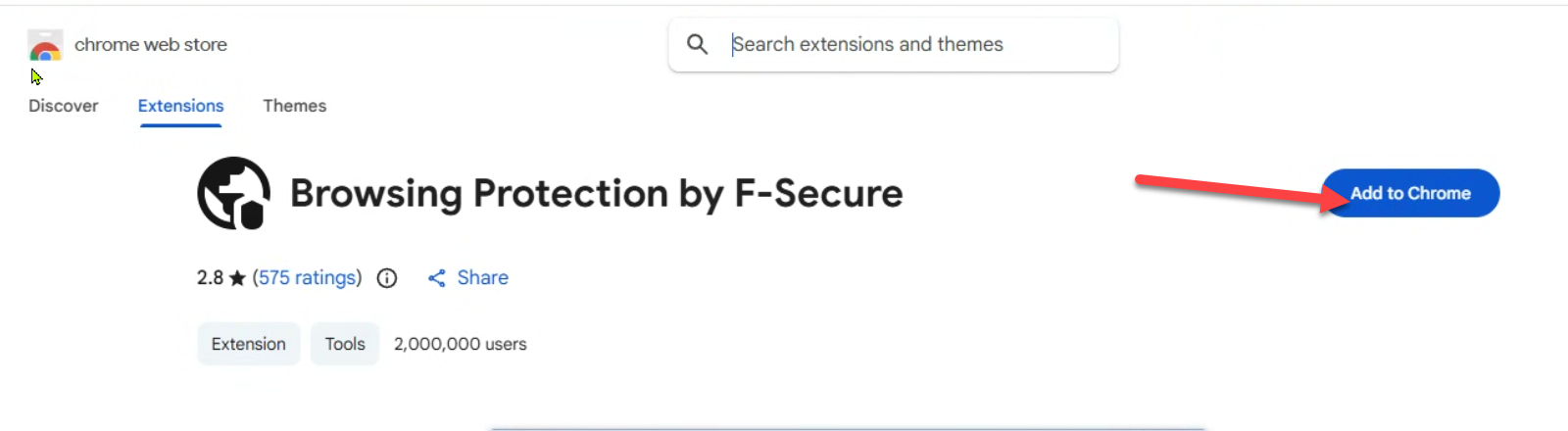
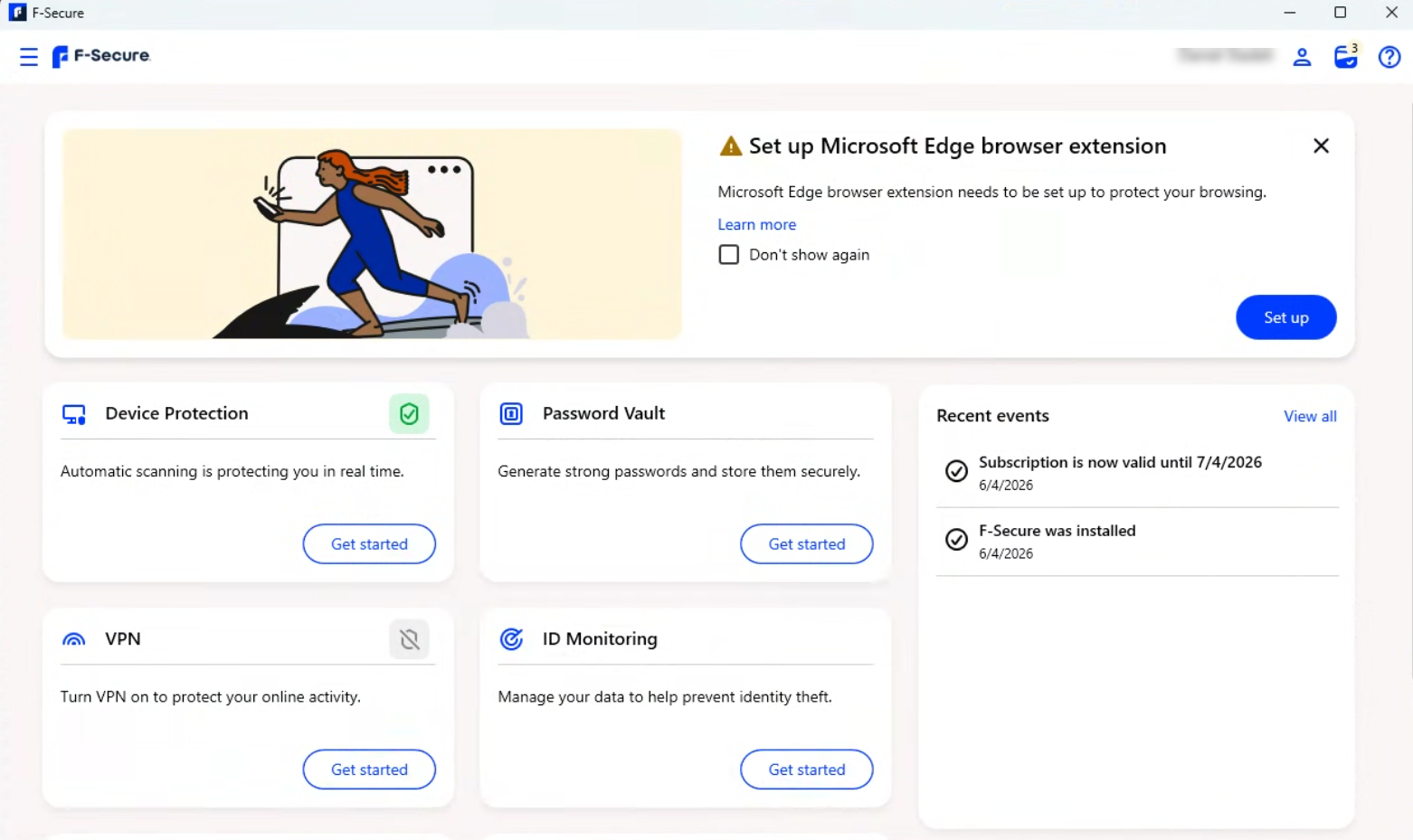
Click on the User Account icon > Manage account. A browser window will open. Login to your F-Secure account.
Cli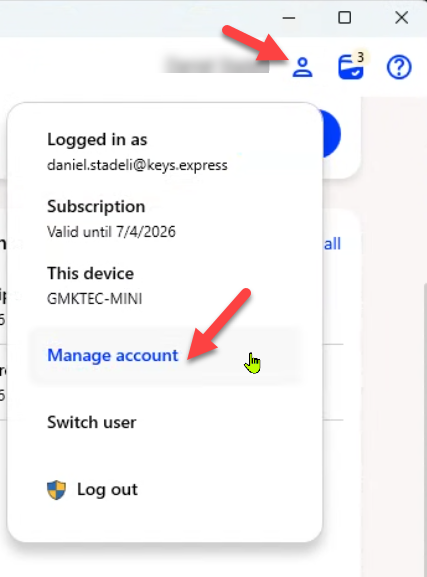
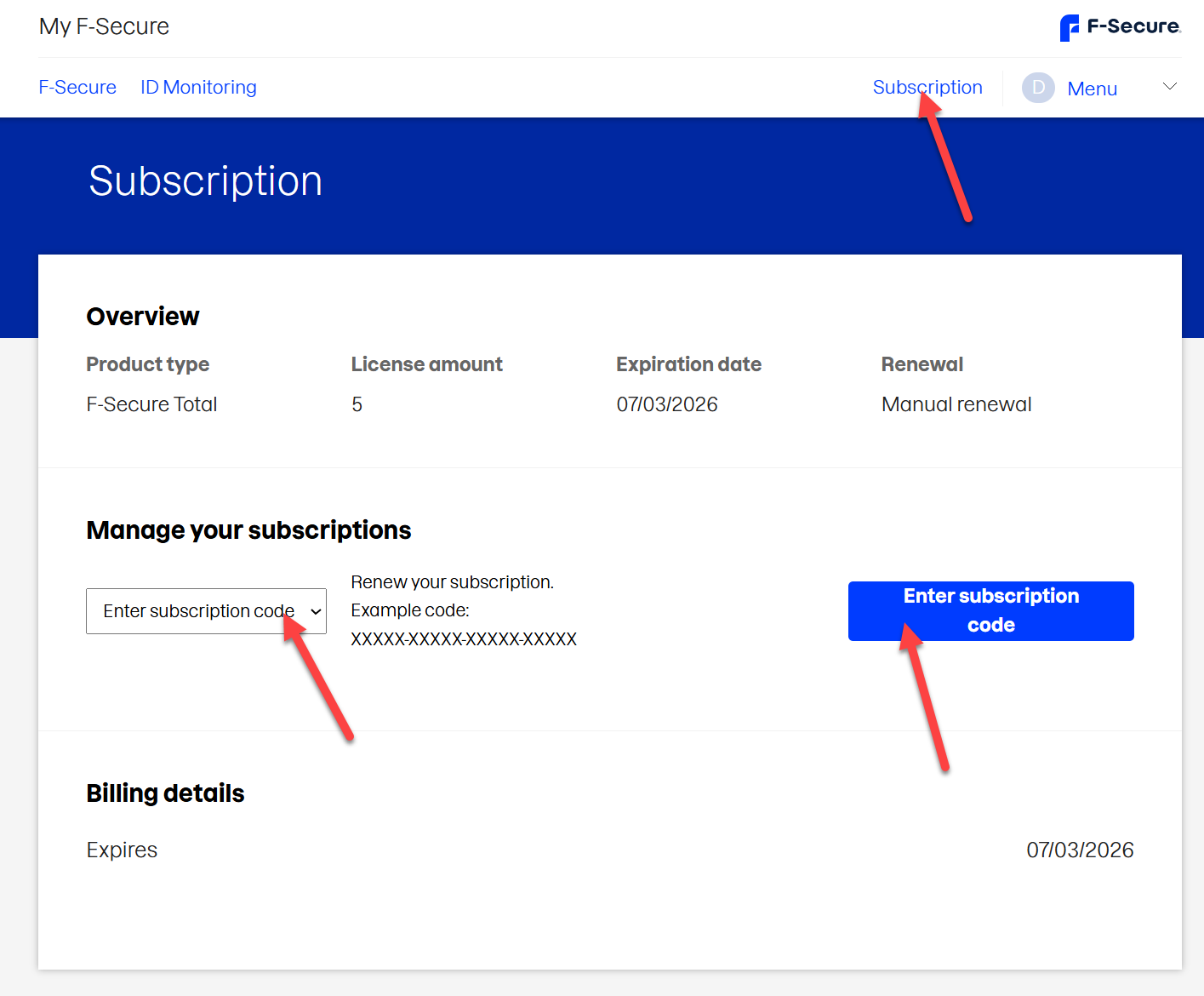
In the browser click on Subscription in the top right corner. Select Enter subscription code > click the blue button Enter subscription code.
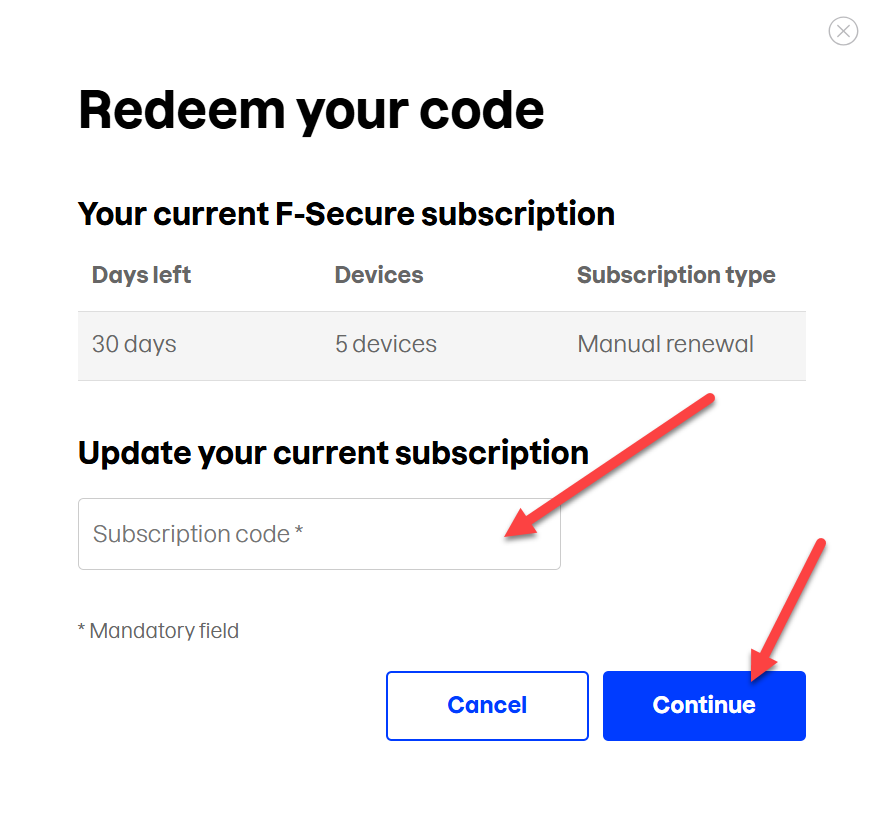
Enter the key from your invoice and click Continue
SKU: 5312, 5313, 5946, 5947, 5948, 5955, 5956, 5957, 5315, 5316, 5958, 5959, 5960, 5961, 5962, 5963, 5964, 5965, 5701, 5702, 5703, 5704, 5705, 5272, 4930, 4931, 4932, 4933, 4934, 4935, 4936, 4937, 4938, 4939, 4940, 4941, 4606, 4607, 4608, 4609, 4610, 4611, 4612, 4613, 4614, 4615, 4616, 4617


