
For a detailed guide with screenshots, visit our step-by-step tutorial.
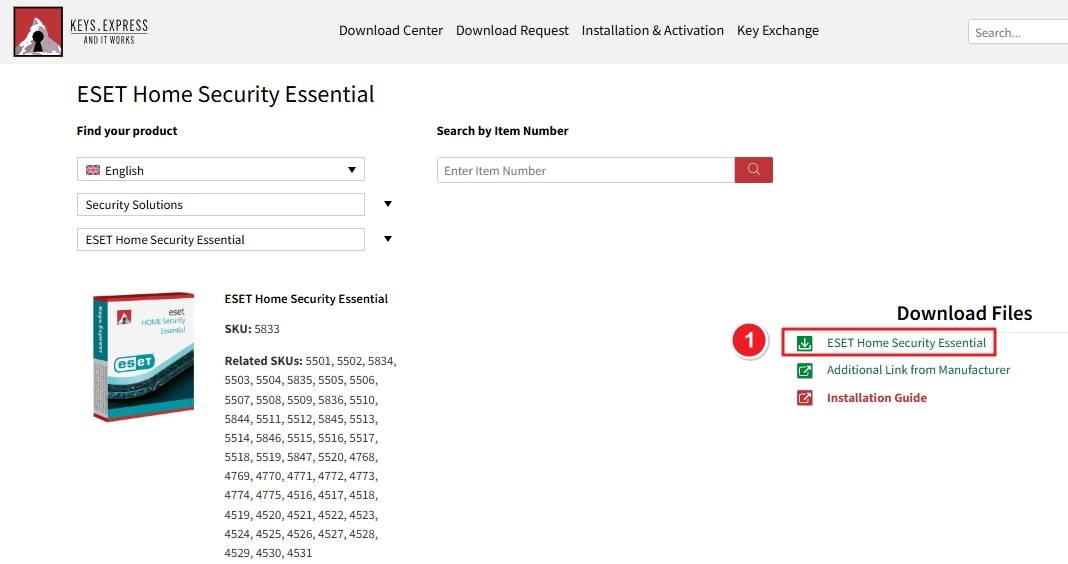
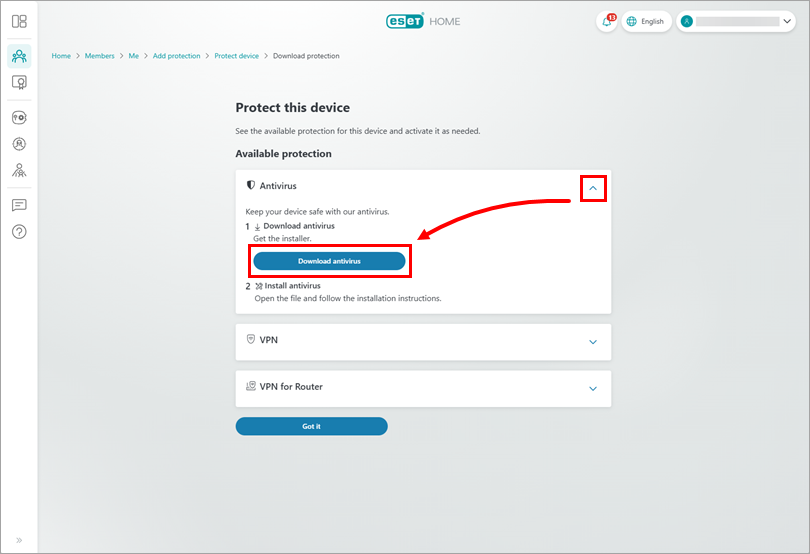
From the Keys.Express portal, select your product: Then click the green ESET HOME Security Premium download link on the right panel.
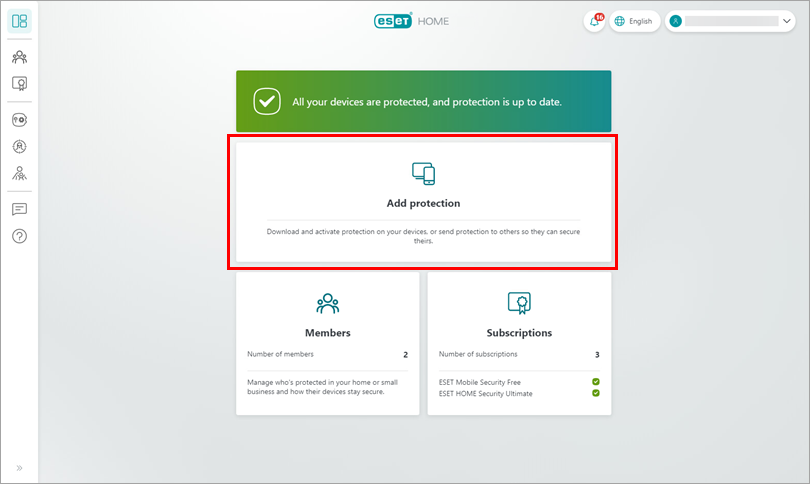
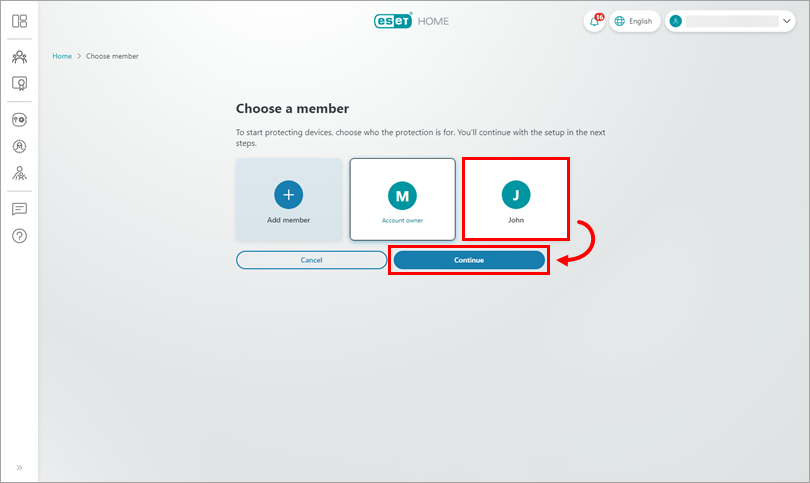
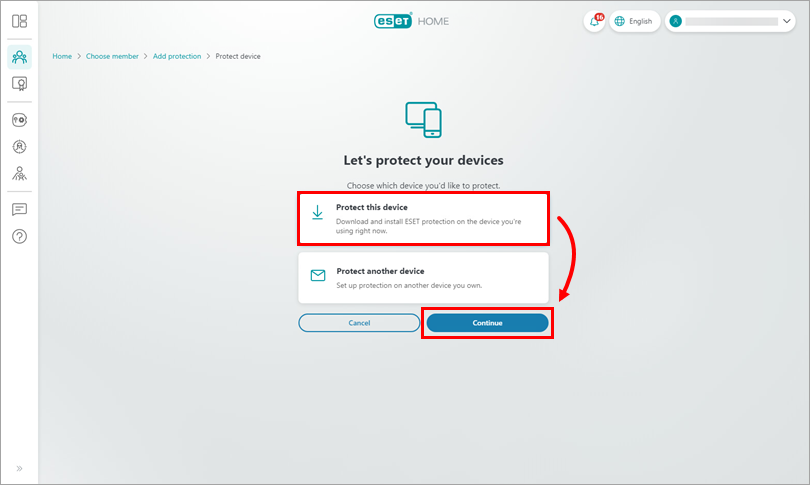
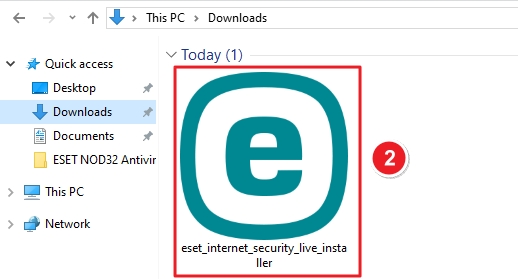
Once downloaded, open your Downloads folder. Look for the file named eset_internet_security_live_installer.
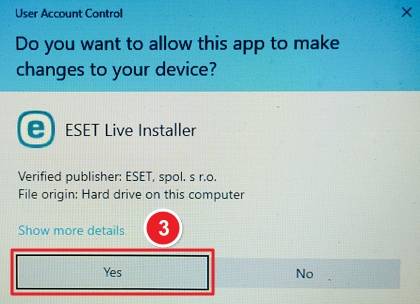
Double-click the installer file. A User Account Control window will appear asking permission to make changes. Click Yes to proceed.
The installer will open with the ESET Security window. Click Continue to begin the installation.

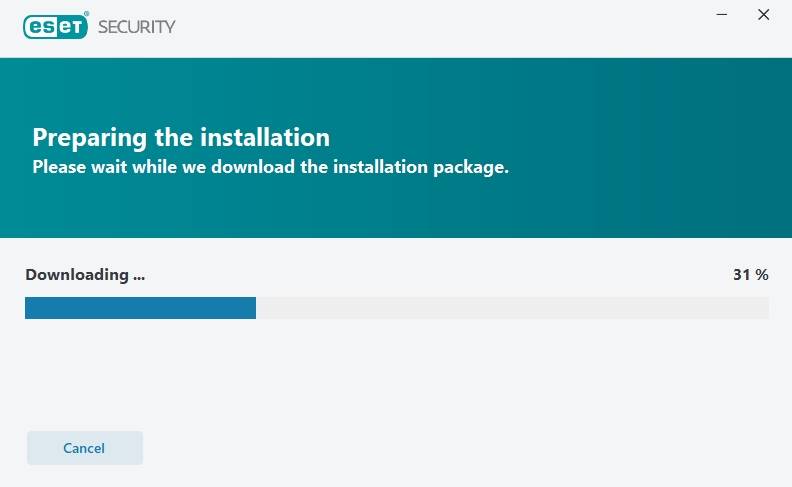
After clicking Continue, the installer will begin downloading the necessary installation package.
You’ll see protection options such as: Select Allow all and continue to accept the recommended settings and license terms.

You can: Log in with your ESET HOME account, Or click Skip login if you prefer not to sign in.

Select Use a purchased activation key. This allows you to activate the product using the key you received with your purchase.

Enter your activation key in the field provided and click Continue.
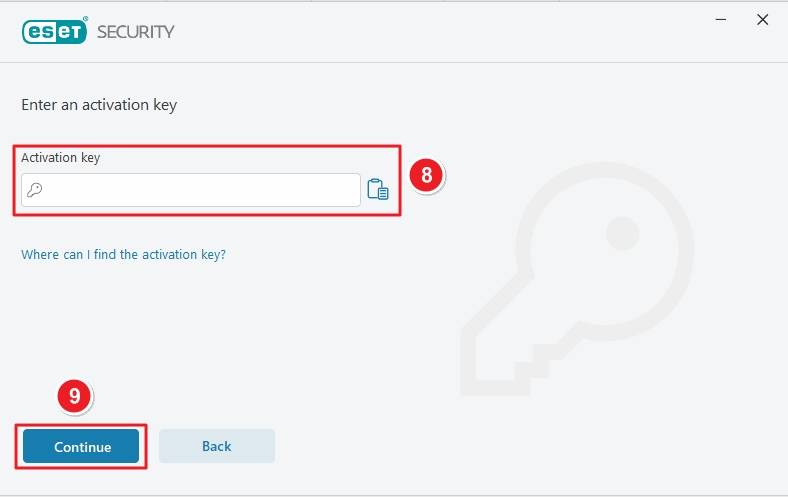
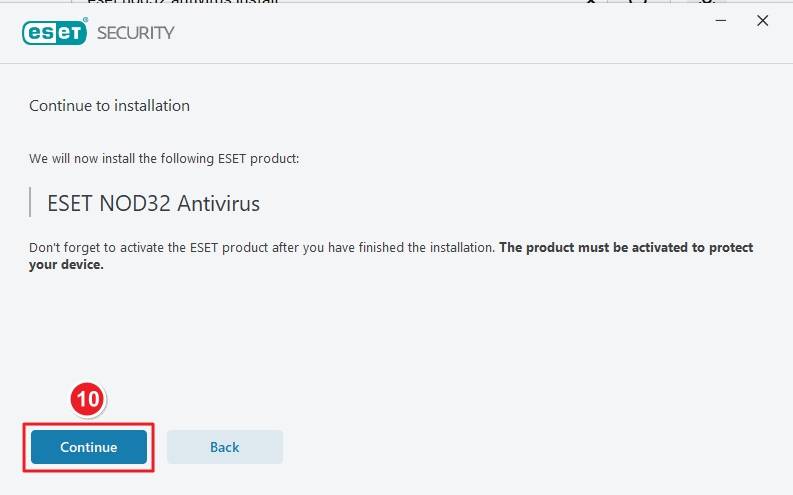
Review the installation summary. Click Continue to start installing the program.
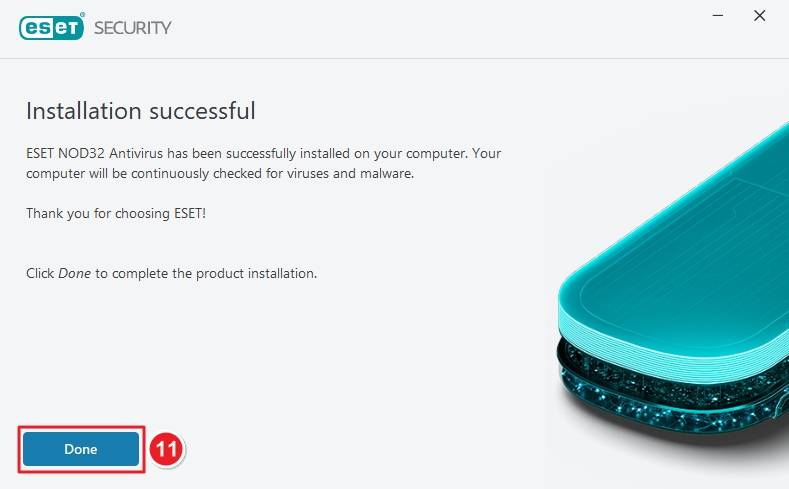
Once the setup completes, you’ll see a confirmation message. Click Done to finish.
If you have any further problems with the installation or activation, please write to us. Simply use our contact form and send a screenshot of the error message at the same time. We will be happy to help you.
Your Keys.Express Team
SKU: 5531, 5848, 5532, 5849, 5533, 5534, 5850, 5535, 5536, 5537, 5538, 5539, 5851, 5540, 5852, 5541, 5542, 5853, 5543, 5544, 5801, 5545, 5546, 5547, 5548, 5549, 5802, 5550, 4776, 4777, 4778, 4779, 4780, 4781, 4782, 4783, 4532, 4533, 4534, 4535, 4536, 4537, 4538, 4539, 4540, 4541, 4542, 4543, 4544, 4545, 4546, 4547


