
This guide walks you through installing Ashampoo WinOptimizer on Windows.
Go to the Key Express Download Center (follow the link in the invoice) and click “Download” to get the Windows installer (.exe).
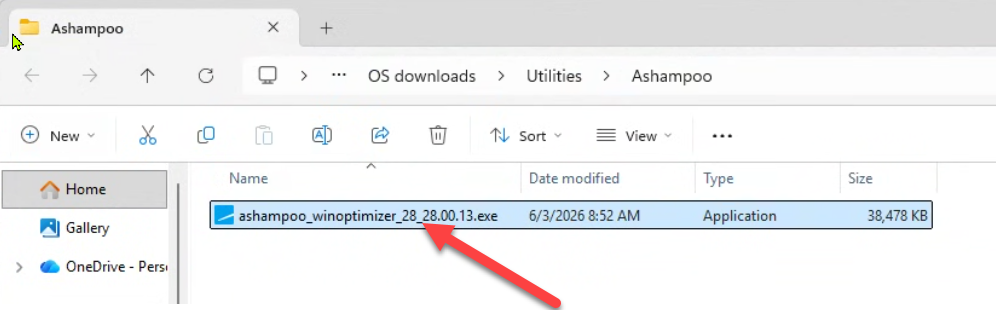
Locate the downloaded .exe file and double-click it. Confirm the UAC prompt by clicking “Yes” to proceed.
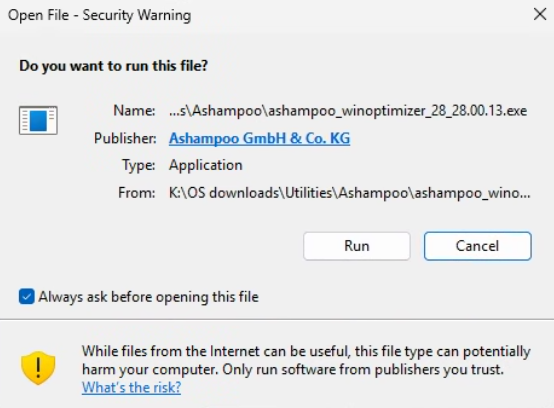
on the Security Warning click Run
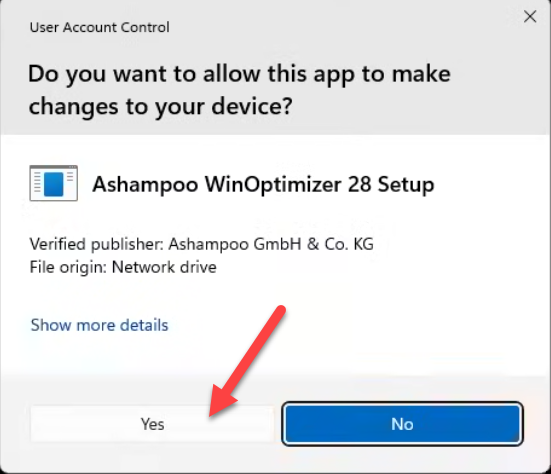
Click Yes on the next popup
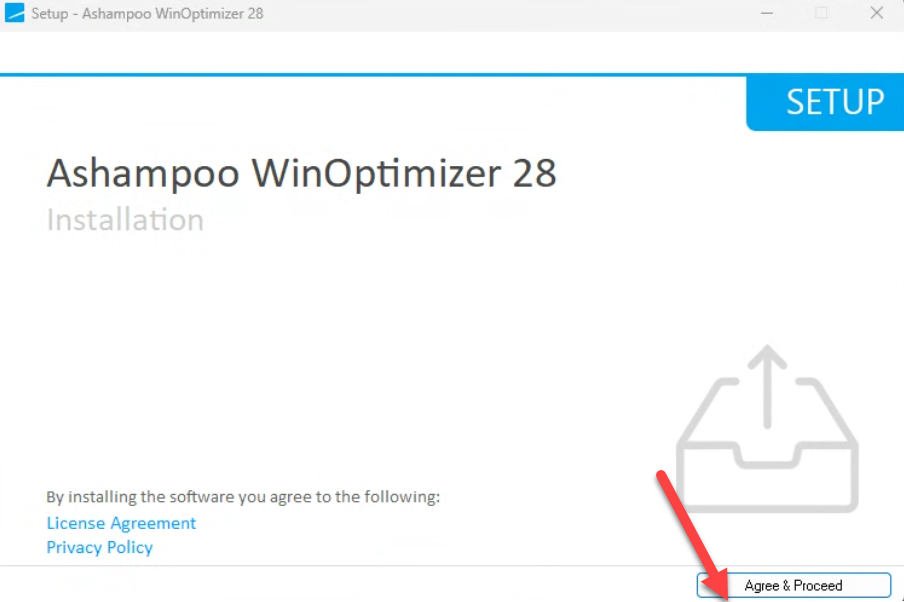
Click Agree & Proceed on the installation wizard
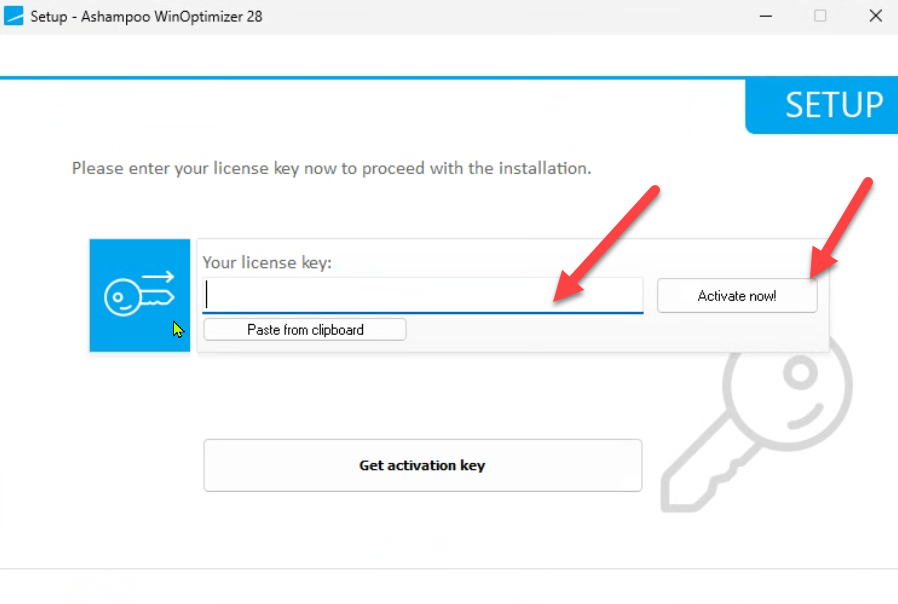
Enter the license key you have received in the email, then click Activate now!
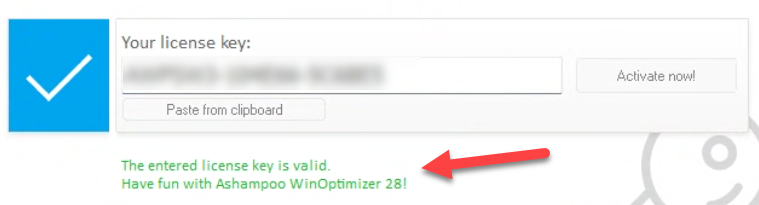
You should see a success message below. Click Next
you can get a 30-days trial key by clicking on the Get activation key button.
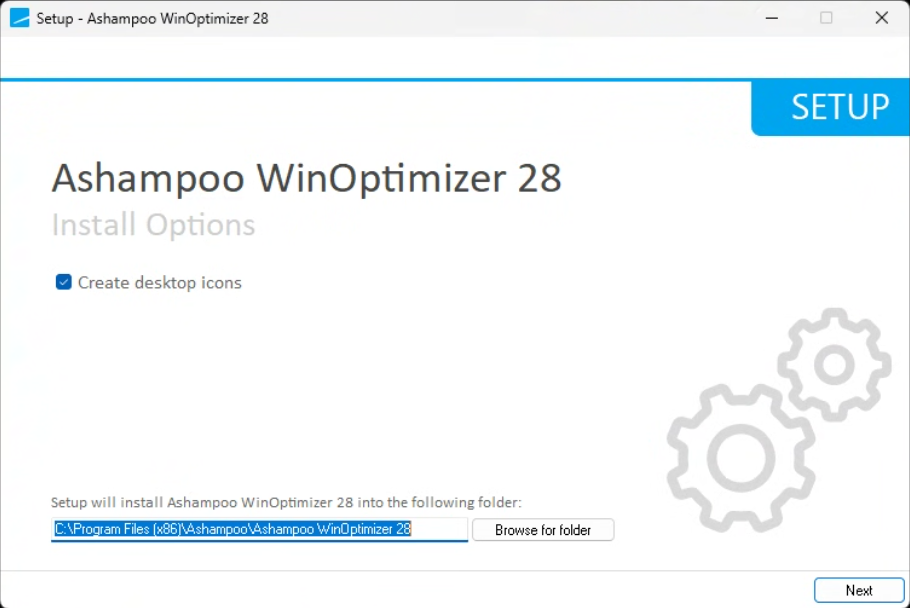
Confirm the installation directory and click Next
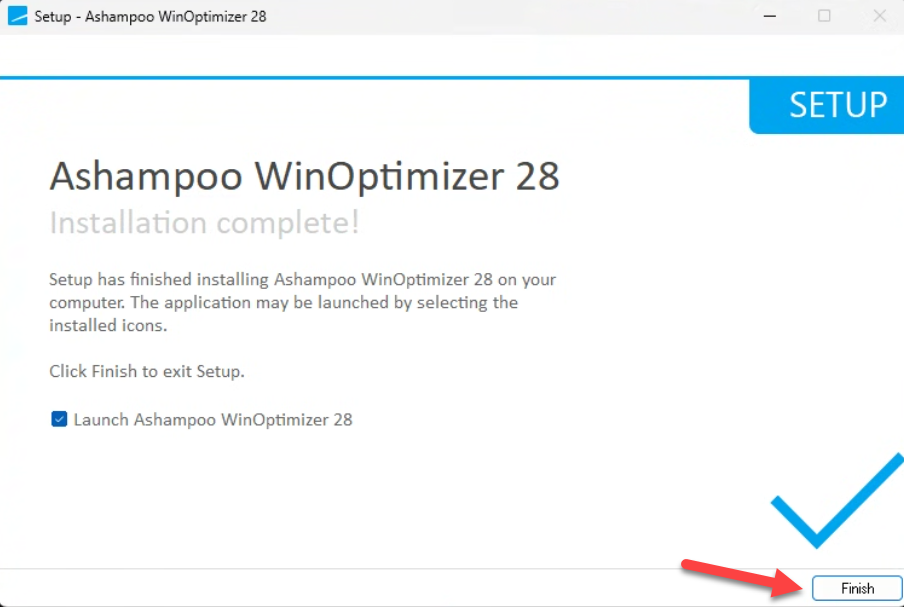
The installation is complete. Click Finish
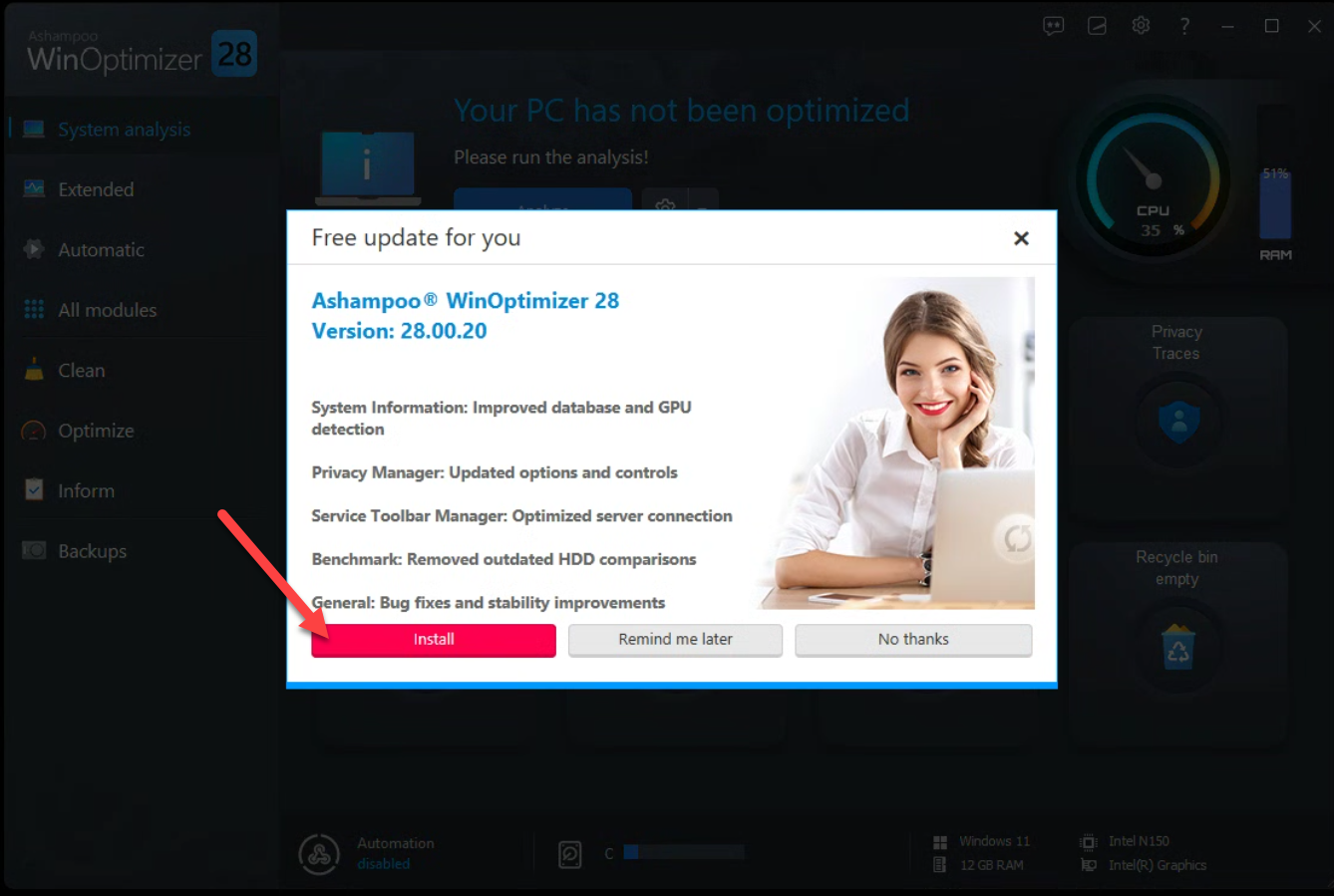
you can install the free update if available
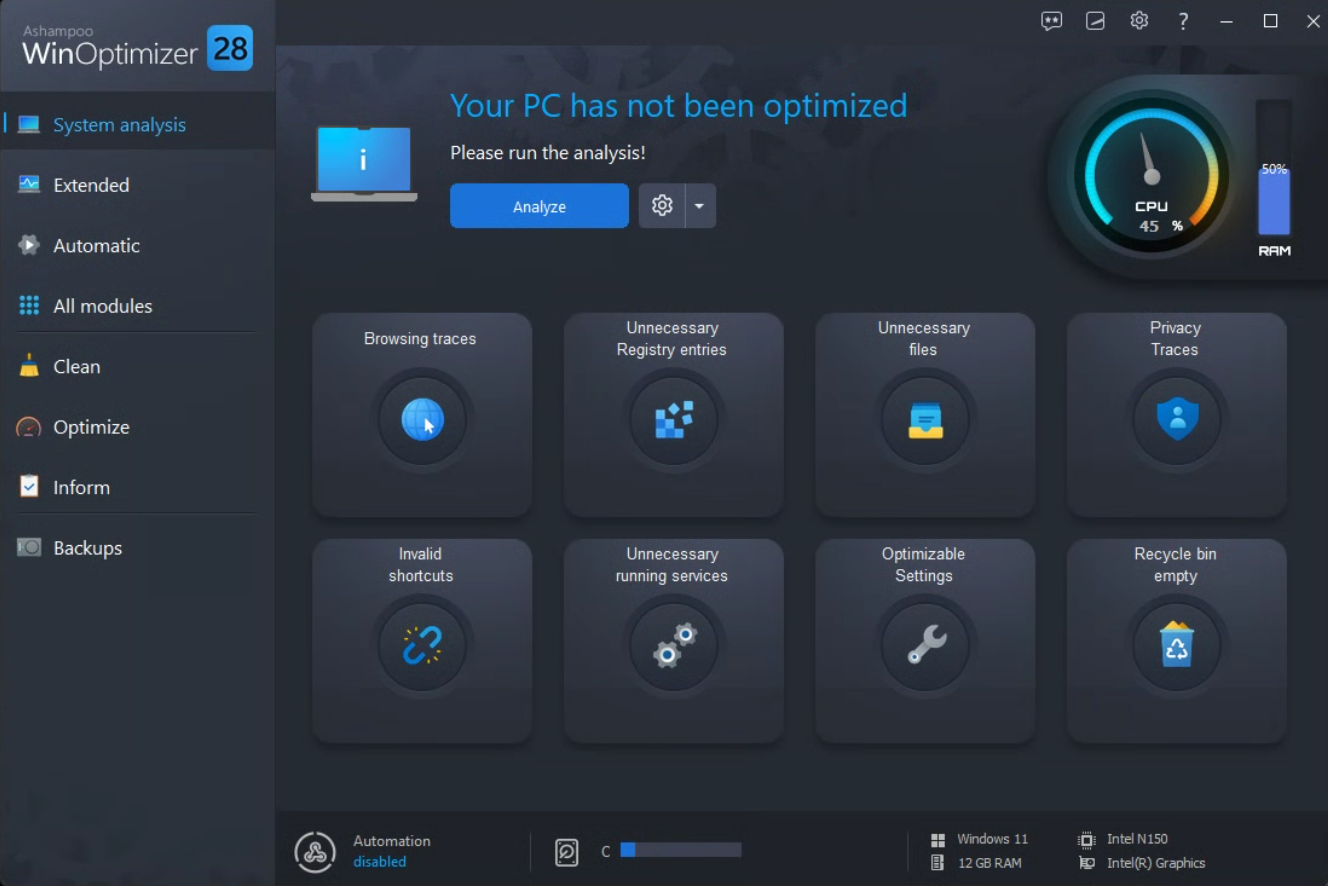
Your software has been installed, congratulations!
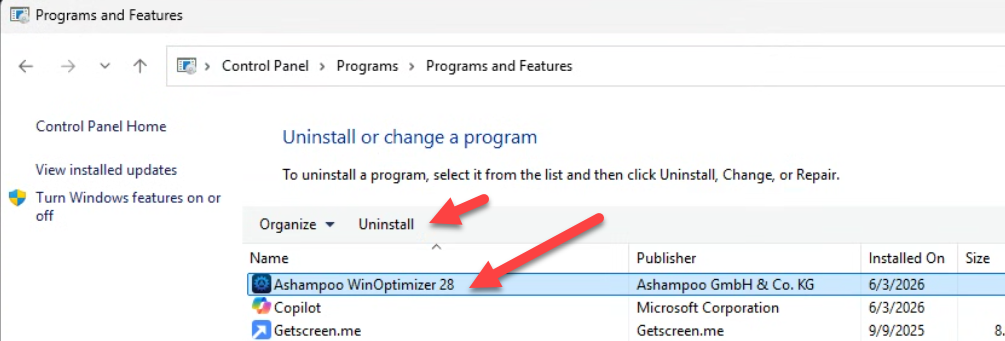
go to Control Panel > Programs and Features > Uninstall a program
Click on Ashampoo WinOptimizer > Uninstall
SKU: 6380, 6378, 6379, 6429


