

Back to Top
Windows
-
 August 04, 2026Views: 38
-
 June 01, 2026Views: 94
-
 July 17, 2025Views: 103
-
 April 15, 2025Views: 178
-
 April 16, 2024Views: 35
Explore the World of Windows 10 and Windows 11
-
 January 23, 2024Views: 245
Overview of Windows Key Models
-
 September 26, 2023Views: 143
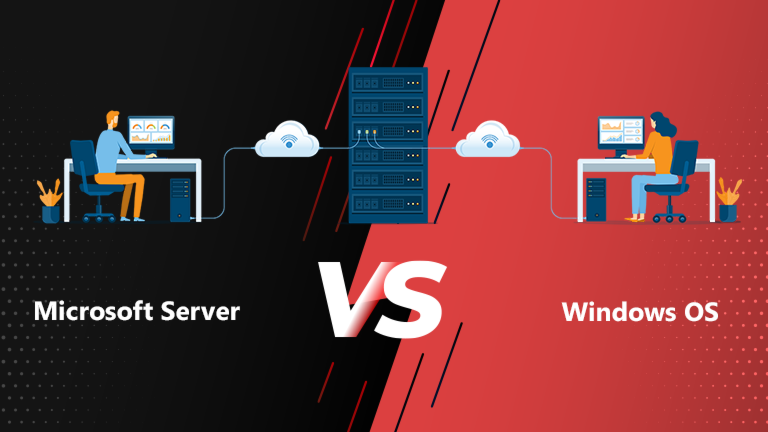
Which Version is Right for You?
-
 March 08, 2023Views: 30
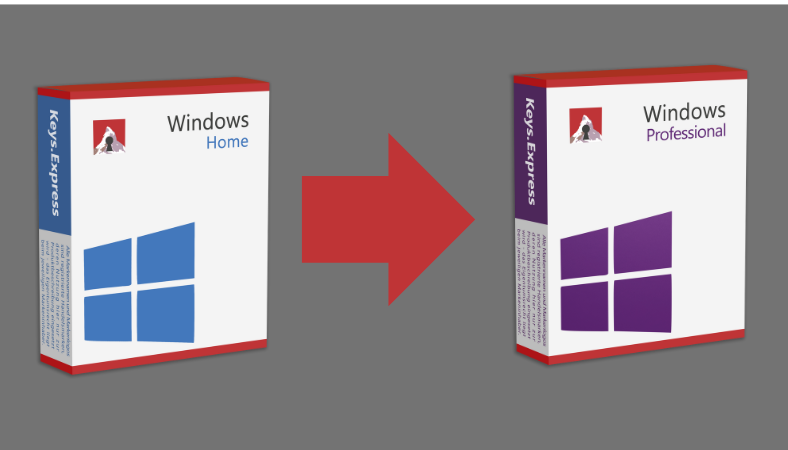
What is the difference?
-
 December 28, 2022Views: 44
Use the Retail Upgrade Key
-
 August 08, 2022Views: 41
One phenomenon concerns all users who use Windows 10 or other operating systems over a period of time.
Windows: Guides to Editions, Licenses and Everyday Problems
Home or Pro? Which license key do you need for a new PC, and what changes when you equip a whole office? This category answers the questions people ask most often about Microsoft Windows – before buying, during setup and when something goes wrong. Clear, practical and without marketing jargon.
Choosing the right Windows edition
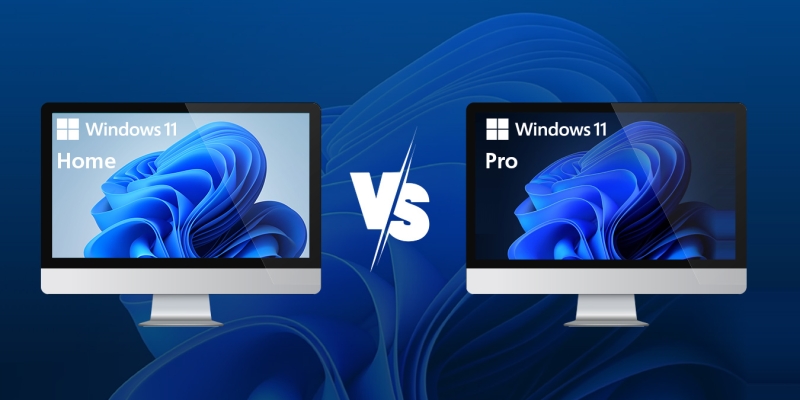
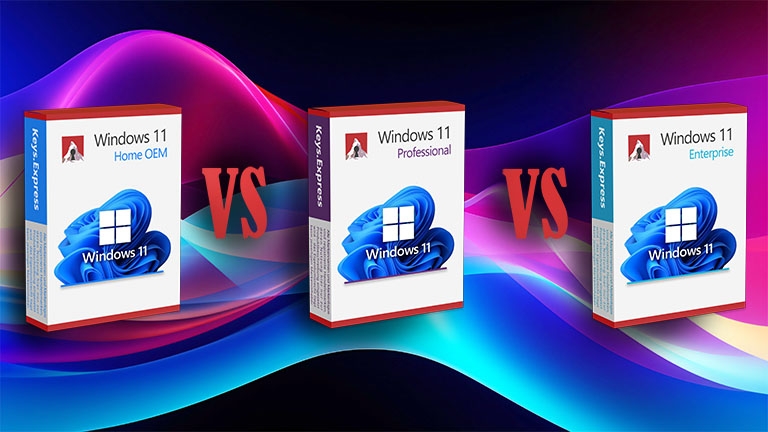
For most private users, Windows 11 Home is enough. Pro adds features such as BitLocker encryption, Remote Desktop and domain join, which matter in business environments. Our guide Windows 11 Home or Pro: what you actually need explains the differences in practical terms. If you are also considering Enterprise, our comparison of Windows Home vs. Pro vs. Enterprise puts all three side by side.
Understanding Windows license keys
Not every Windows key is the same. Retail, OEM and volume licenses differ in how they can be used and transferred. Our overview of the different Windows keys explains what each type means for you.
Windows for small businesses and teams
Equipping several computers at once raises different questions than buying a single license. Our guide to Windows and Office licenses for 2, 3 or 5 devices is aimed at families and small offices. Companies with 20 to 50 PCs will find advice on choosing between Pro, Enterprise and LTSC volume licenses.
Setup, upgrades and troubleshooting
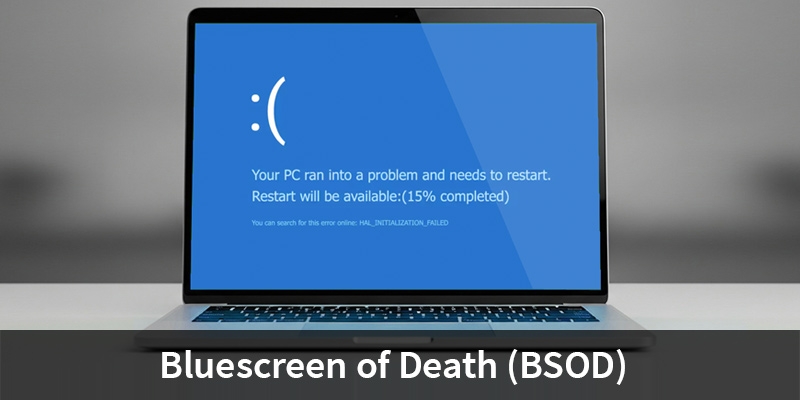
Moving to a larger SSD does not have to mean reinstalling Windows: our guide to cloning an SSD without reinstalling Windows shows how to switch safely. And if your PC suddenly shows a blue screen, our article on the Windows blue screen: causes and quick fixes helps you find the cause.
We add new Windows guides to this category regularly. If you have a question that is not answered here yet, our support team is happy to help.