How to Install Kaspersky Safe Kids
for Windows, Mac, Android, and iOS
This guide helps parents install and set up Kaspersky Safe Kids across multiple devices using a single My Kaspersky account.
Step 1. Create or Sign In to My Kaspersky
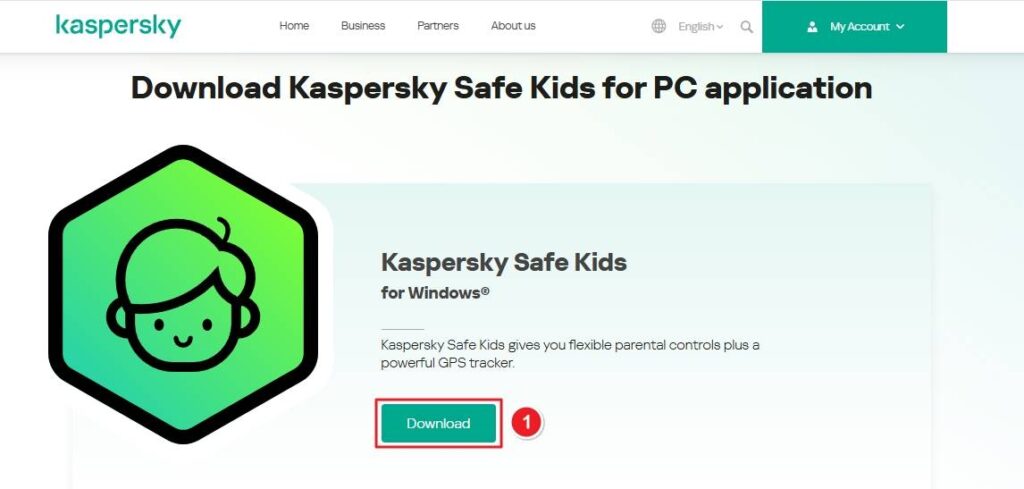
1. Go to Kaspersky Safe Kids and download the installer.
2. In the “Kids” section, click Add Child and follow prompts to enter name, birth year, and (optionally) a photo. This creates a profile for each child.
Step 2. Download & Install on Child's Device
Windows / macOS
- Return to My Kaspersky and click Protect this device.
- Download the installer for Windows or Mac.
- Run the installer and follow prompts—accept the EULA and privacy policy, click Install, then Finish.
- The Setup Assistant will:
- Connect the app to your My Kaspersky account.
- Allow you to select child profiles and assign device accounts to children.
Android
1. Open the https://support.kaspersky.com/common/beforeinstall/16085?.com#block4 on the child’s Android device.
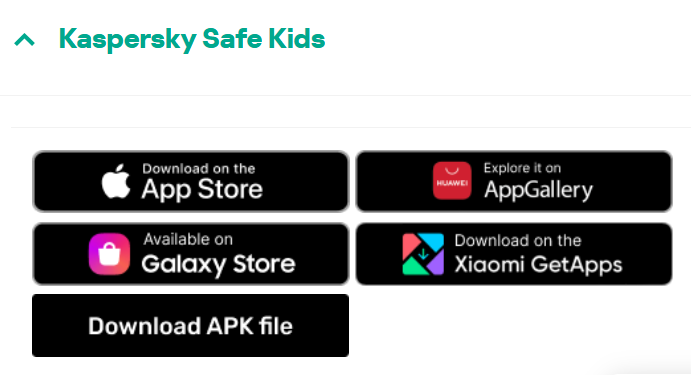
2. Download and Install the Kaspersky Safe Kids app.
3. Open the app, sign in with your My Kaspersky credentials, choose “Child” mode, and select your child’s profile.
4. Grant permissions requested (location, usage access, device admin) to allow full functionality.
iOS (iPhone/iPad)
- Open the App Store on the child’s device and search for Kaspersky Safe Kids.
- Install the app and open it.
- Sign in with My Kaspersky, choose “Child” mode, select the correct profile, and follow prompts for configuration.
Step 3. Final Setup & Permissions
- After installation, the Setup Assistant lets you fine-tune settings (e.g., screen time, app usage rules) per child.
- On Windows or macOS, ensure each child's user account is password-protected if assigning that device to them. The app will guide you through this.
System Requirements
- Windows: 10, 11
- macOS: 10.14 or newer
- Android: 8.0 or newer
- iOS: 13.0 or newer
- Internet access is required to download, activate, and manage settings via My Kaspersky.
📘 For the official installation guide visit: Kaspersky Safe Kids – Install and Setup


