
The following installation guide applies to the following versions: Microsoft Office 2019 Home & Bussines Unbound
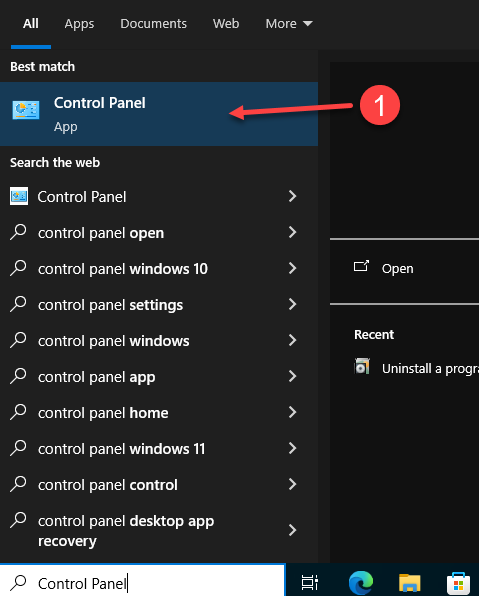
1. In the Windows search bar, type Control Panel and select it.
2. Go to Programs and click Uninstall a program to remove any previous versions of Microsoft Office.
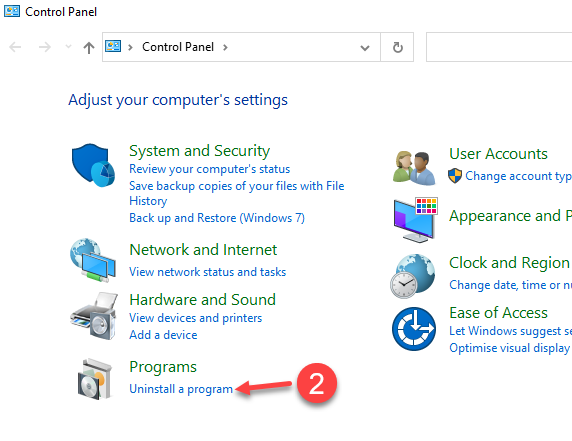
3. Click on the Office version, and then click on Uninstall

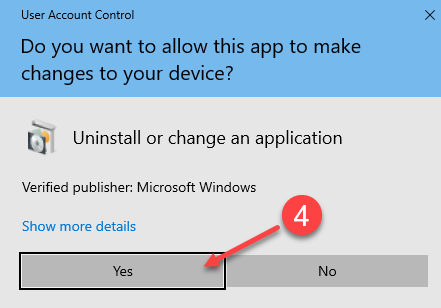
4. On the User Account Control Popup click Yes to answer "Do you want to allow this app to make changes to your device"
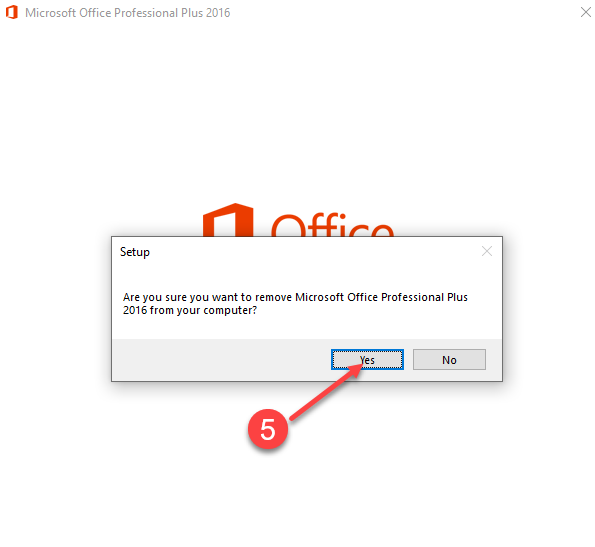
5. Click Yes
6. Waiting Uninstall Progress
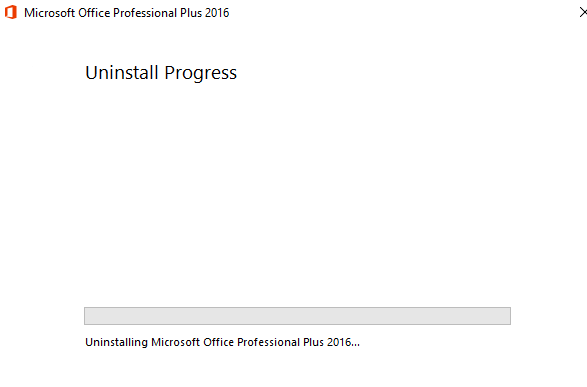
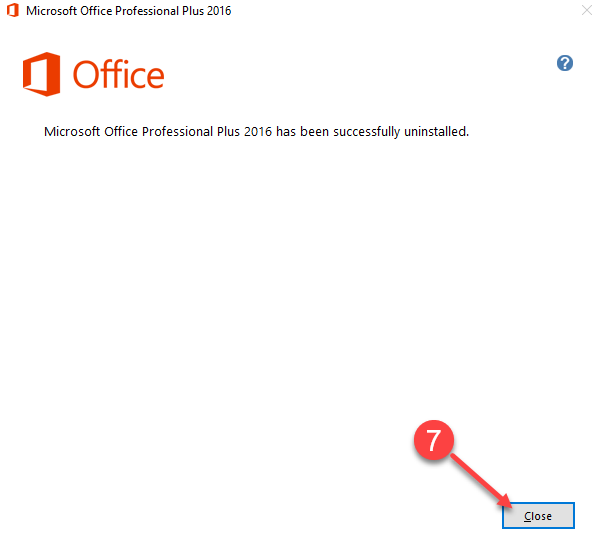
7. Click Close
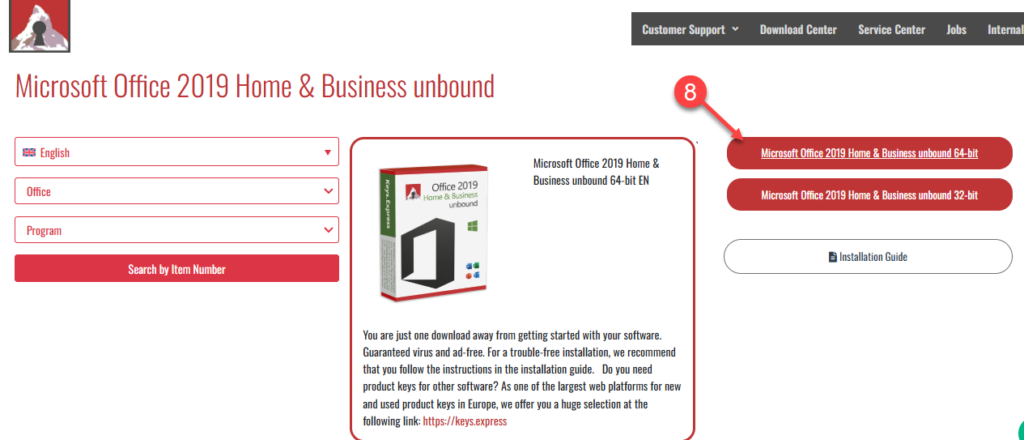
Go to our Download Center by following the link from your order.
8. Click the Red Button to start downloading Microsoft Office .iso file. We recommend installing the 64-bit version.
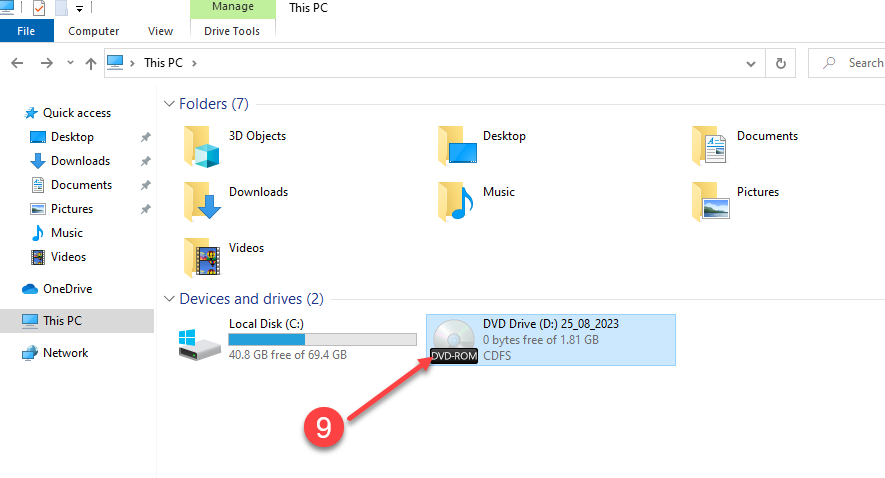
9. Double click the .iso file in your computer to mount a virtual drive. Then, click in your Virtual Drive to open the folder
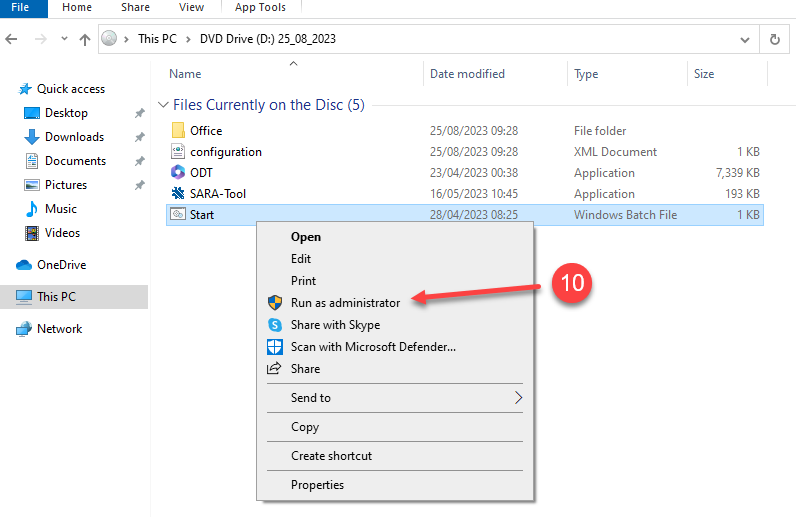
10. Make Right Click on START, then in the menu, click on Run as administrator
11. Click Yes on the following pop up
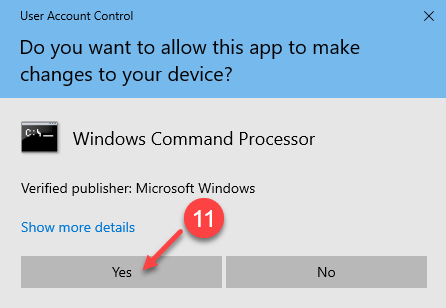
12. Wait for a couple of minutes
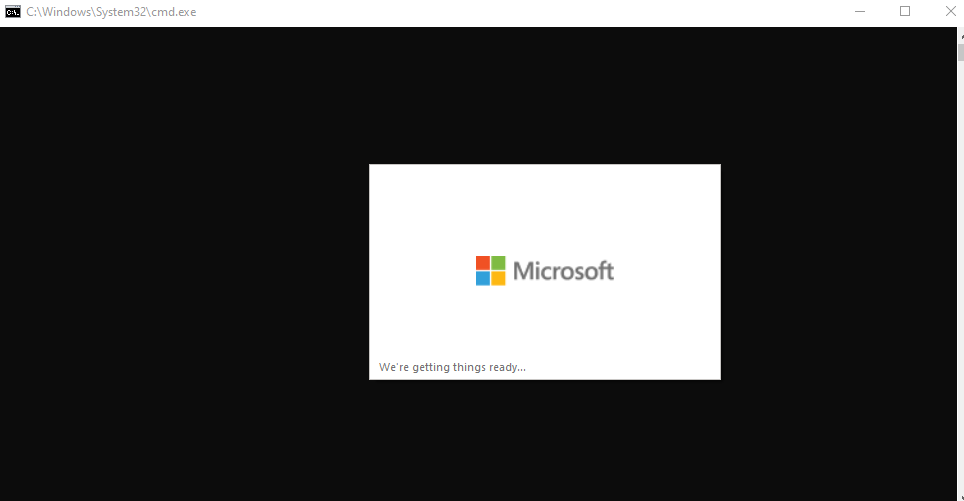
13. Please wait momentarily while the installation process initializes
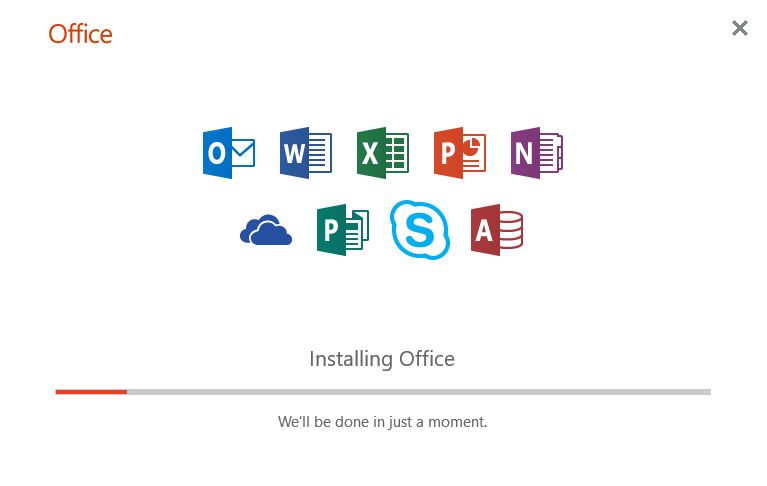
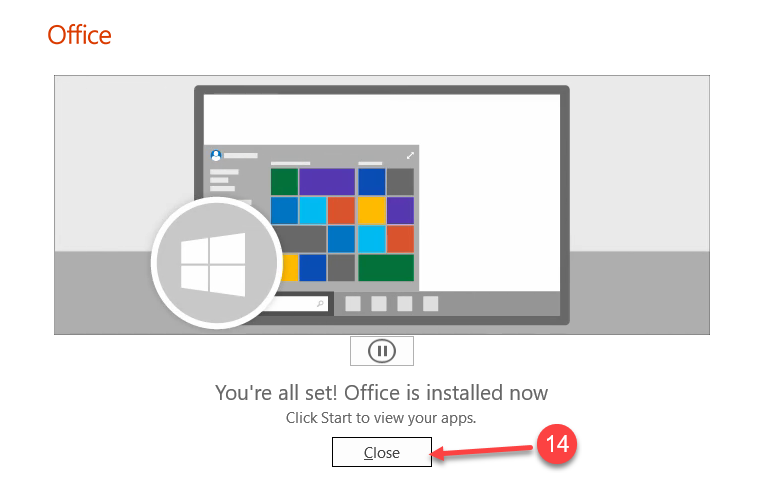
14. Congratulations, Microsoft Office has been installed on your computer. Click on Close
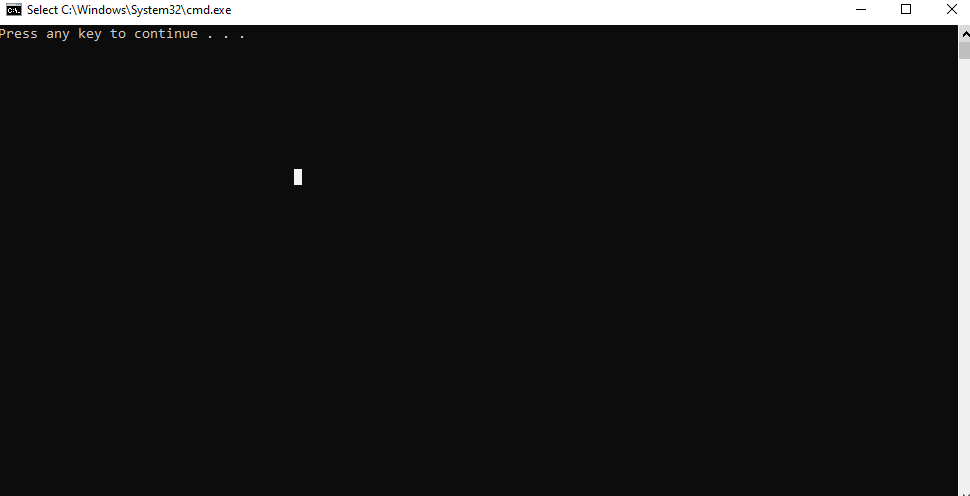
15. Press any key to continue and close window
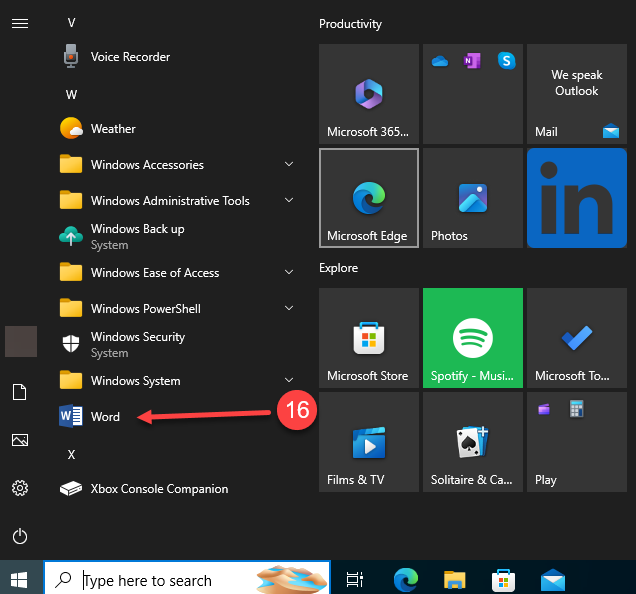
16. Click on the Start Menu in Windows, then search and click on Word
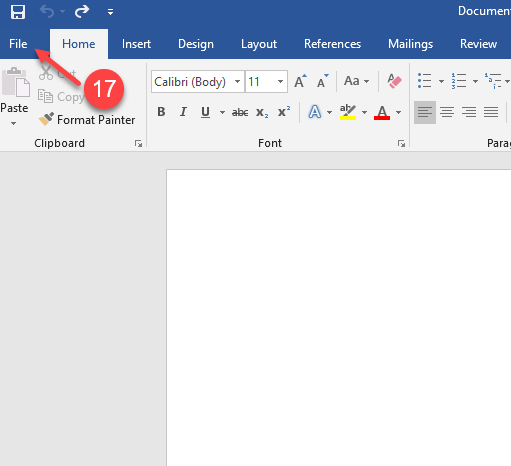
17. Click on File
18. and 19. Click on Account, then on Change Product Key link
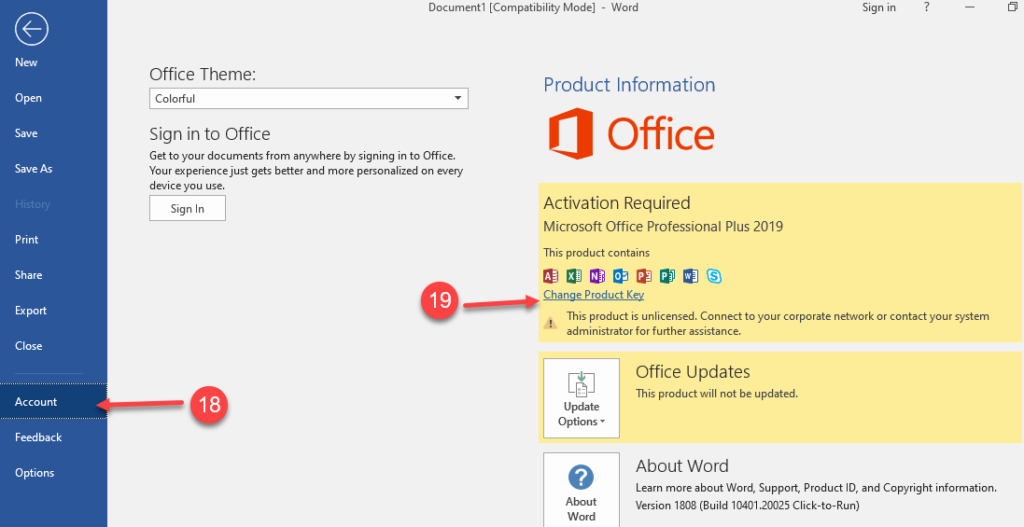
20. A pop-up window will open
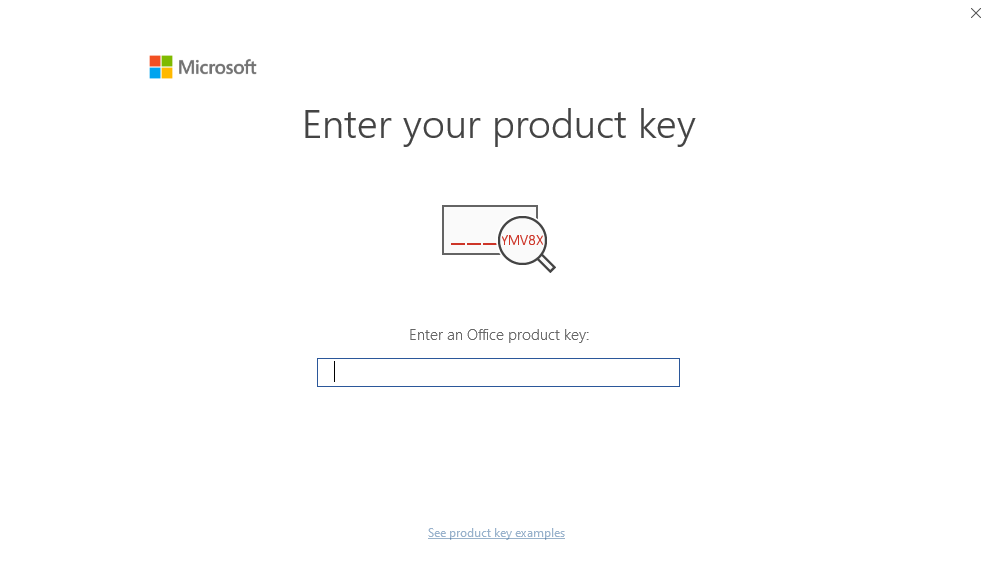
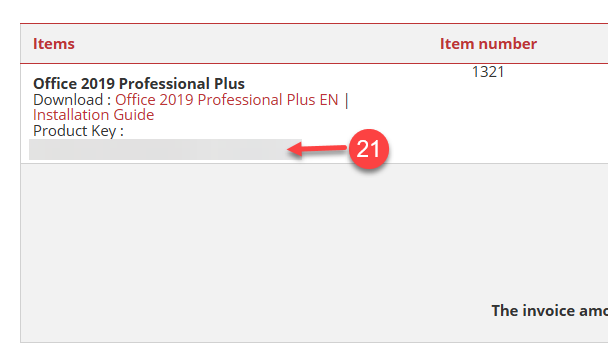
21. In your email, locate the Key Express Invoice email we sent when you purchased the product, and copy your Product Key.
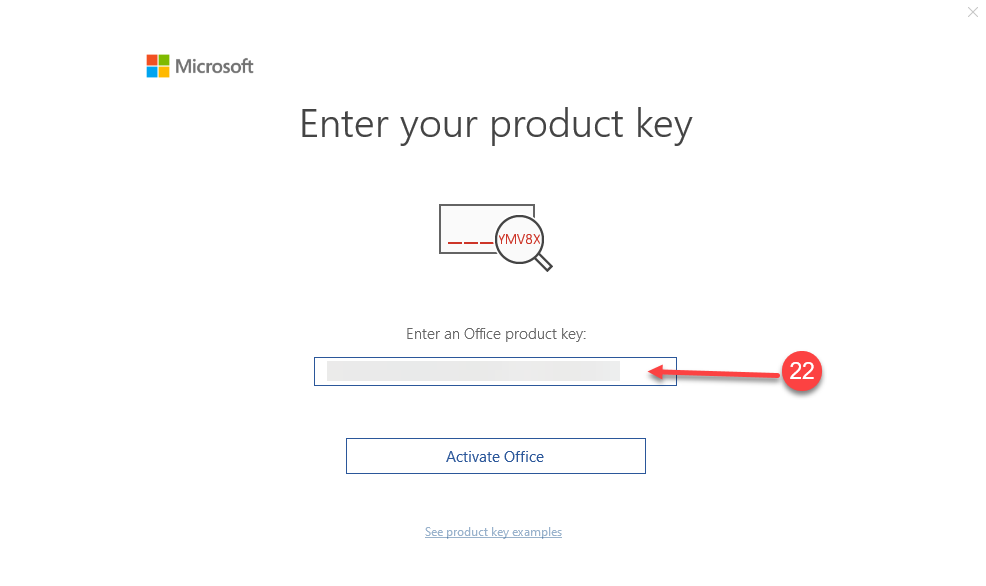
22. In your Microsoft Word, paste the Product Key into the pop-up window.
23. Wait for a moment
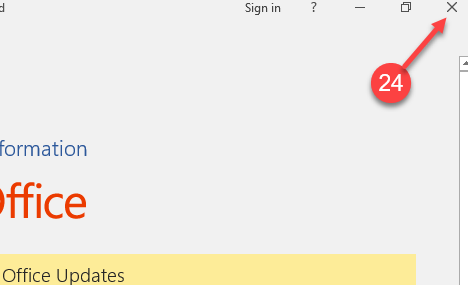
24. In your Microsoft Word, after you have activated the product, proceed to Close it.
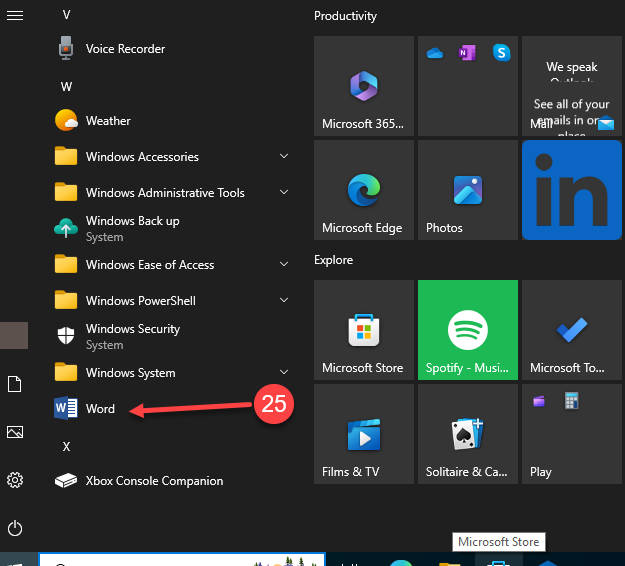
25. Click on the Start Menu in Windows, then search and click on Word
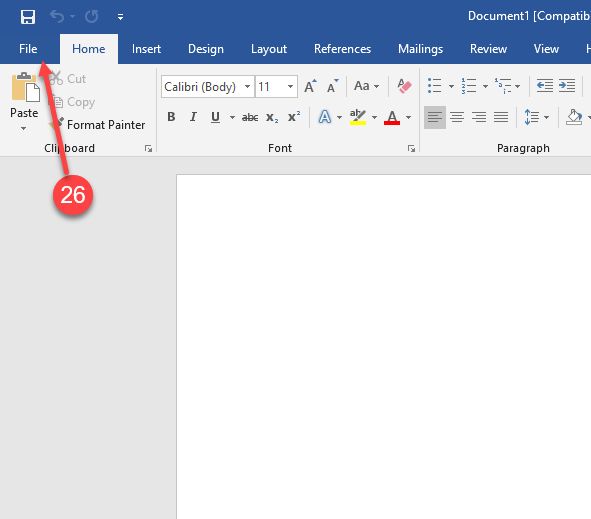
26. In Word, Click on File
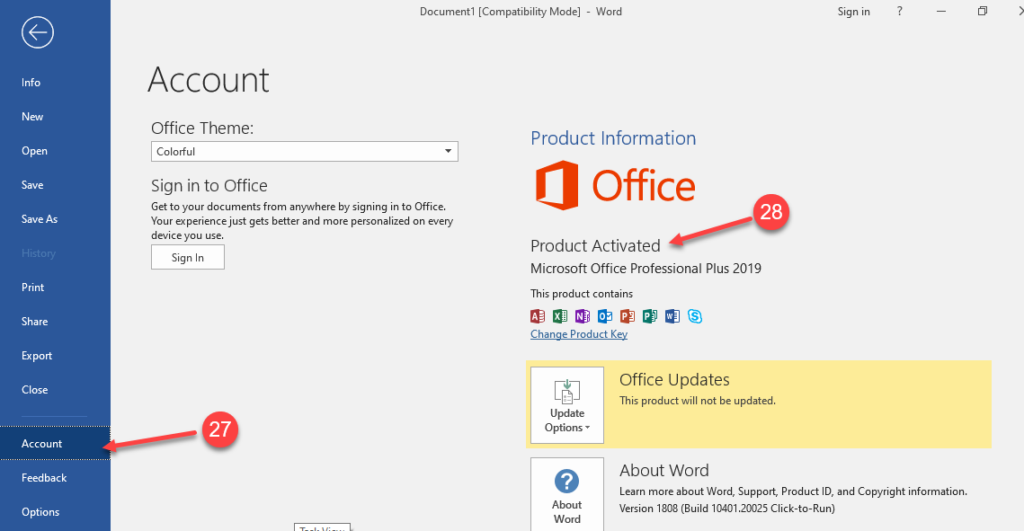
27. and 28. In the left menu, click on Account. The product has been Activated
Enjoy your Product
If there are any further problems with the installation or activation, please write to us. Simply use our contact form and send a screenshot of the error message at the same time. We are happy to help you.
Your Keys.Express Team
If you have any further problems with the installation or activation, please write to us by simply using our contact form and sending a screenshot of the error message at the same time. We are happy to help you.
SKU: 1309


