
For a detailed guide with screenshots, visit our step-by-step tutorial.
Visit Keys.Express Download Center. Click G Data Antivirus under Download Files to begin downloading.
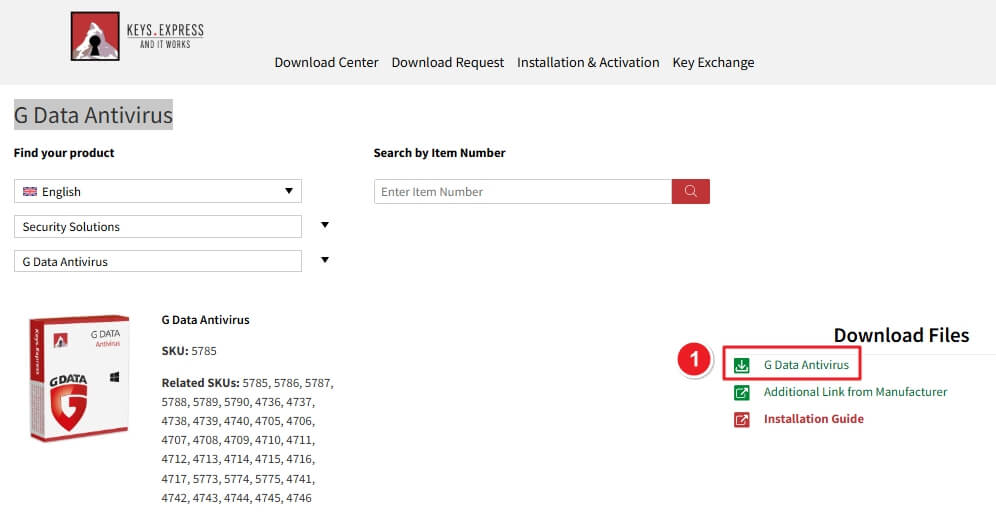
Go to your Downloads folder and find.

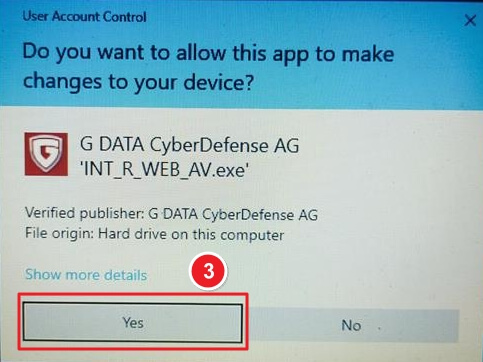
Double-click the downloaded file. If prompted by Windows, click Yes to allow installation.
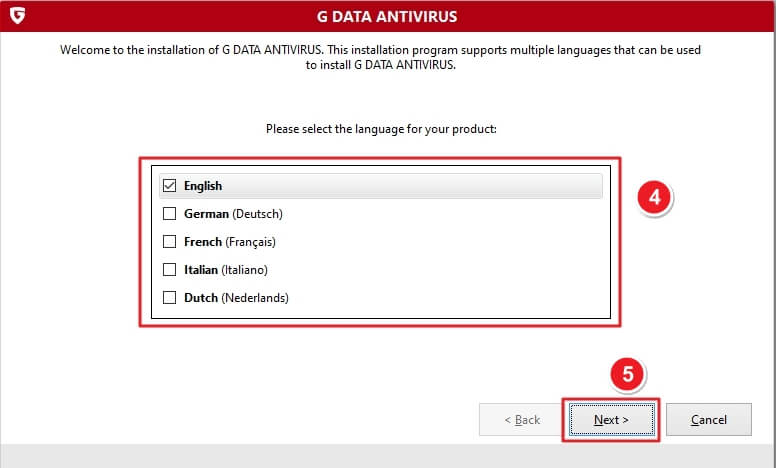
Choose your preferred language (English, German, French, Italian, Dutch). Click Next.
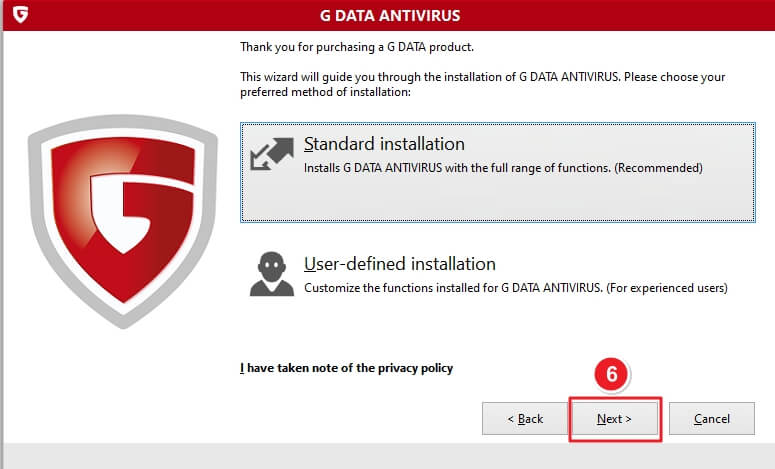
Choose Standard installation (Recommended). Tick “I have taken note of the privacy policy” → click Next.
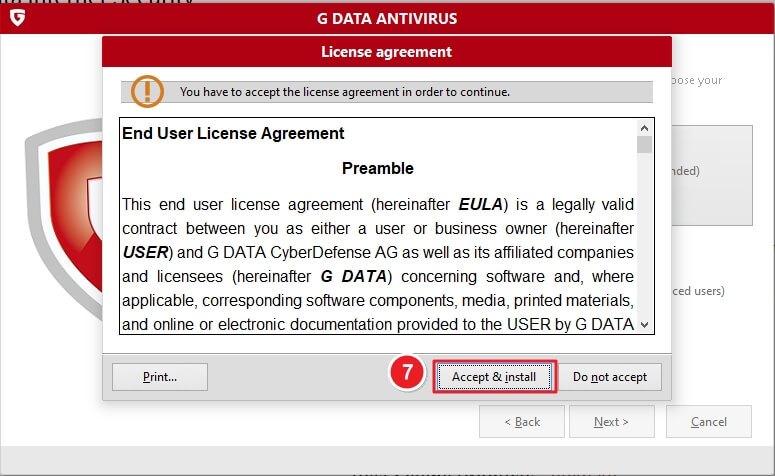
Read and accept the EULA by clicking Accept & install.
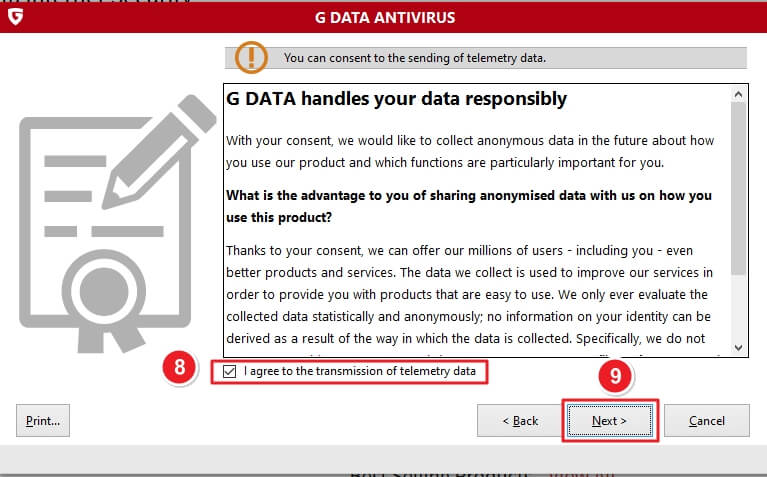
Optional: check I agree to the transmission of telemetry data, then click Next.
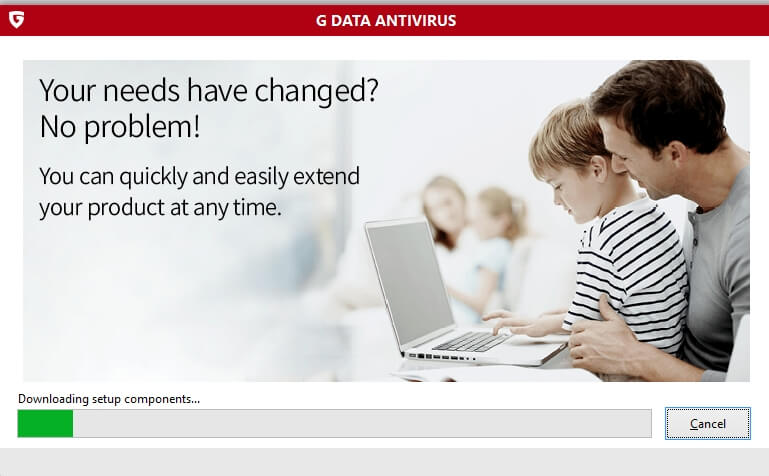
The setup downloads and installs the required files. Wait until the progress bar completes.
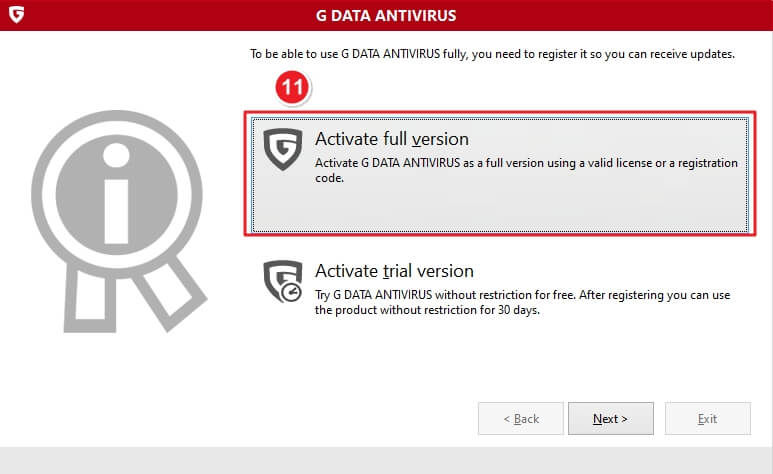
Select Activate full version if you have a license, or Activate trial version for 30 days. Click Next.
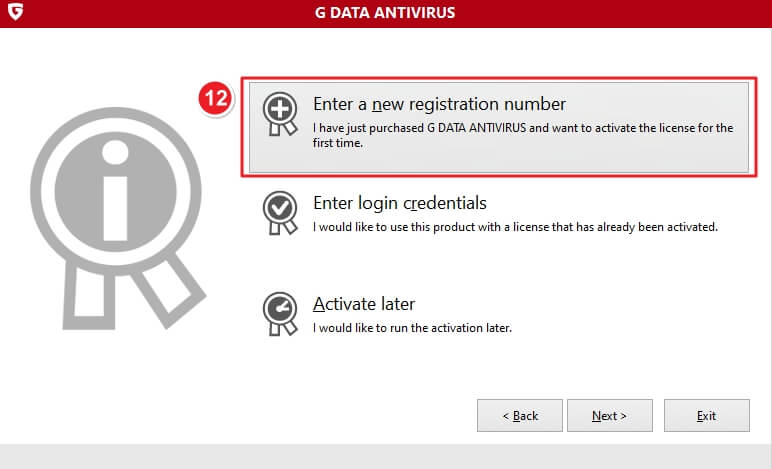
Choose Enter a new registration number if this is your first time activating. Alternatively, use Enter login credentials if you already have an existing license account.
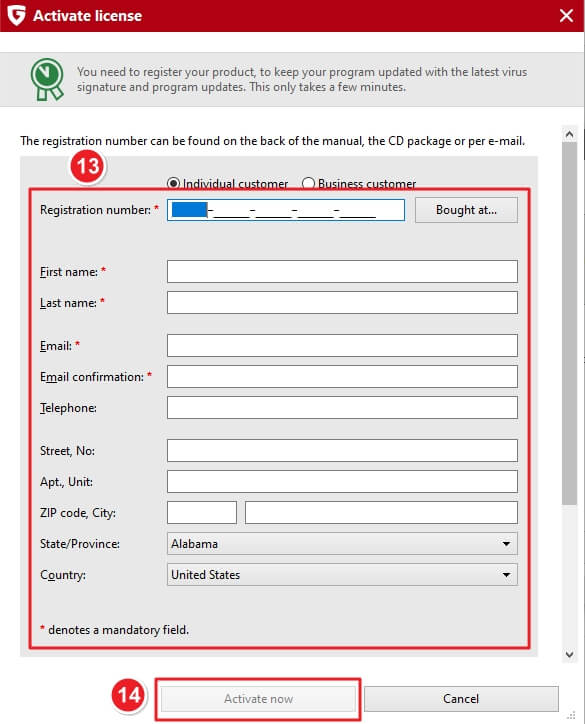
Fill out the required registration form:
Then click Activate now to register your product.
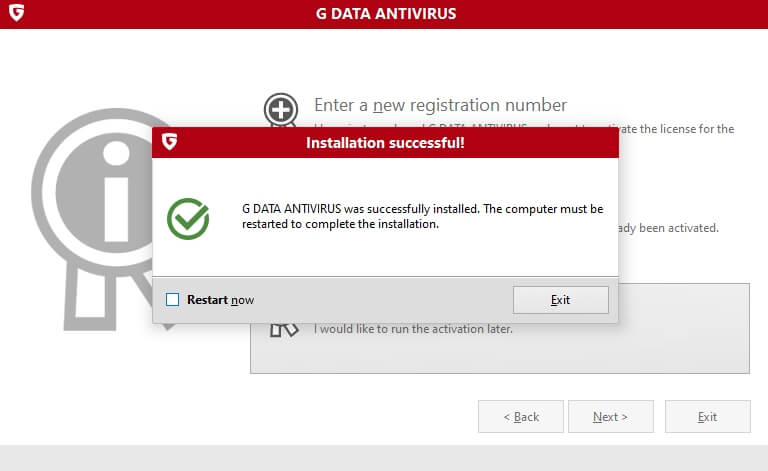
Once activation is successful, you’ll see a confirmation message: “Installation successful! G Data Antivirus was successfully installed.”
Check the box Restart now and click Exit to finish the setup.
If there are any further problems with the installation or activation, please write to us. Simply use our contact form and send a screenshot of the error message at the same time. We will be happy to help you.
Your Keys.Express Team
SKU: 5153, 5785, 5786, 5787, 5788, 5789, 5790, 4736, 4737, 4738, 4739, 4740, 4705, 4706, 4707, 4708, 4709, 4710, 4711, 4712, 4713, 4714, 4715, 4716, 4717, 5773, 5774, 5775, 4741, 4742, 4743, 4744, 4745, 4746


