
This installation process applies to all editions of EaseUS Data Recovery Wizard: Pro, Technician, v18 Pro, and v18 Standard Technician. The steps are identical; only license and unlocked features differ.
Go to the official EaseUS Download Center and download the Windows installer (.exe) for Data Recovery Wizard. Save it to your computer.
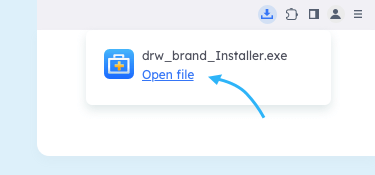
Reference: EaseUS — Download Center
Locate the downloaded setup file in your Downloads folder and double-click it. Approve any Windows SmartScreen or UAC prompts to continue.

In the installation wizard: click Next, accept the License Agreement, choose the install location, then click Install → Finish.
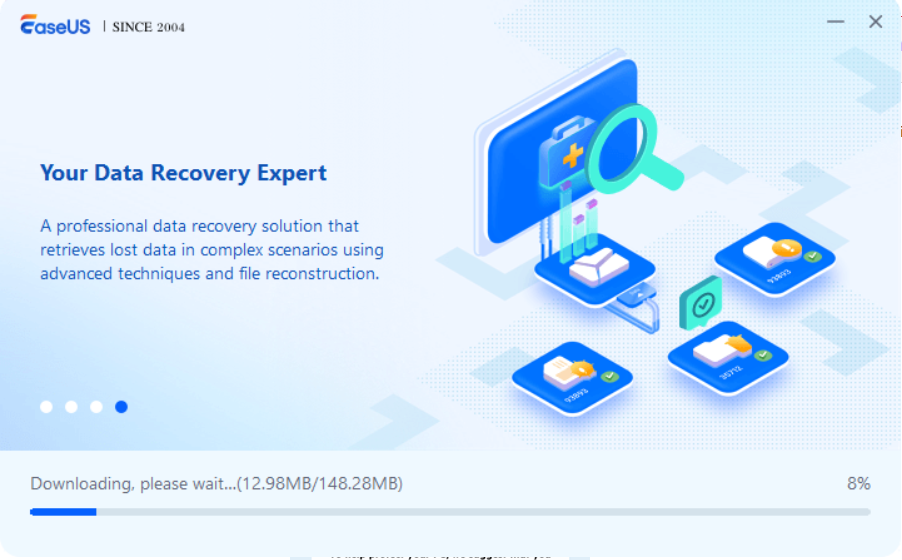
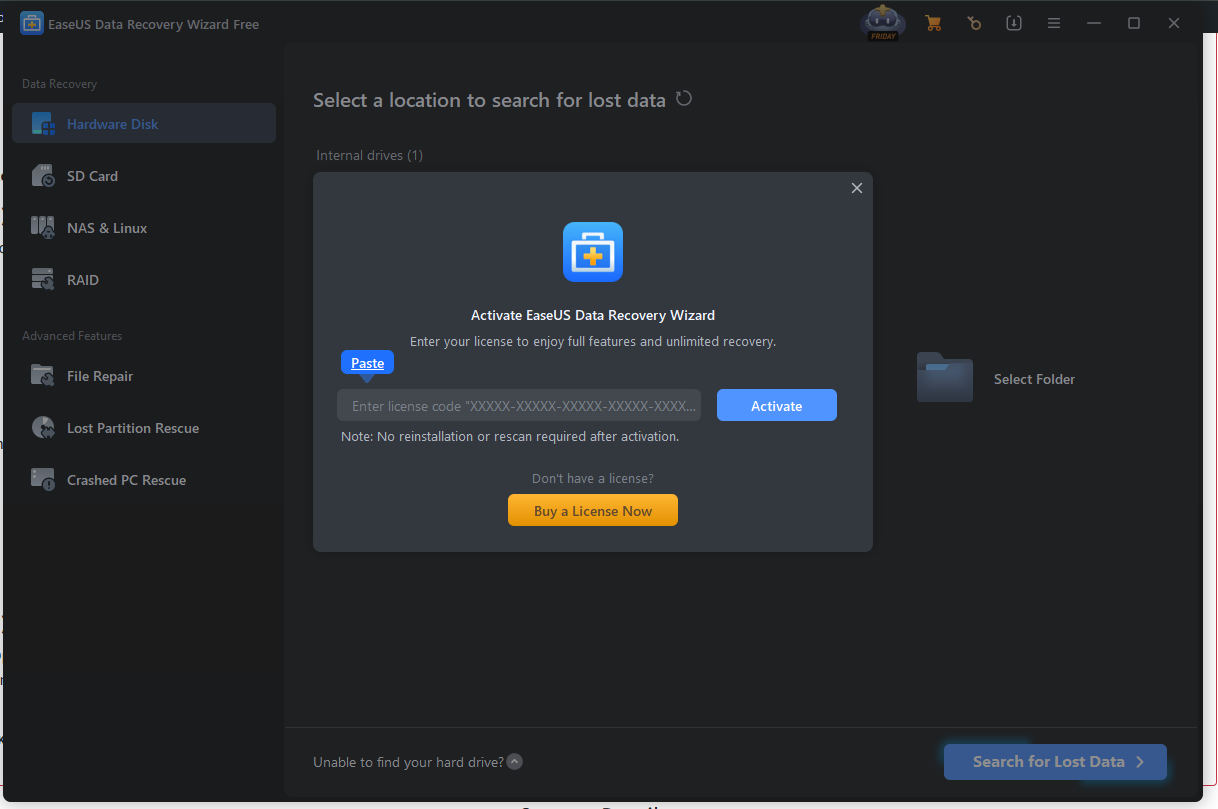
Open EaseUS Data Recovery Wizard from the Start menu or desktop shortcut to confirm successful installation. In the program, click Activate, enter your license key, and complete online activation. Offline activation steps are also available.
SKU: 6033, 6038, 6031, 6032, 6036


