
1. Go to the KeyExpress Download Center using the link in your invoice, then click Download to start downloading the installation file.
2. Once the download is finished, open the avg_driver_updater_online_setup.exe file (by default, downloaded files are saved to your Downloads folder).
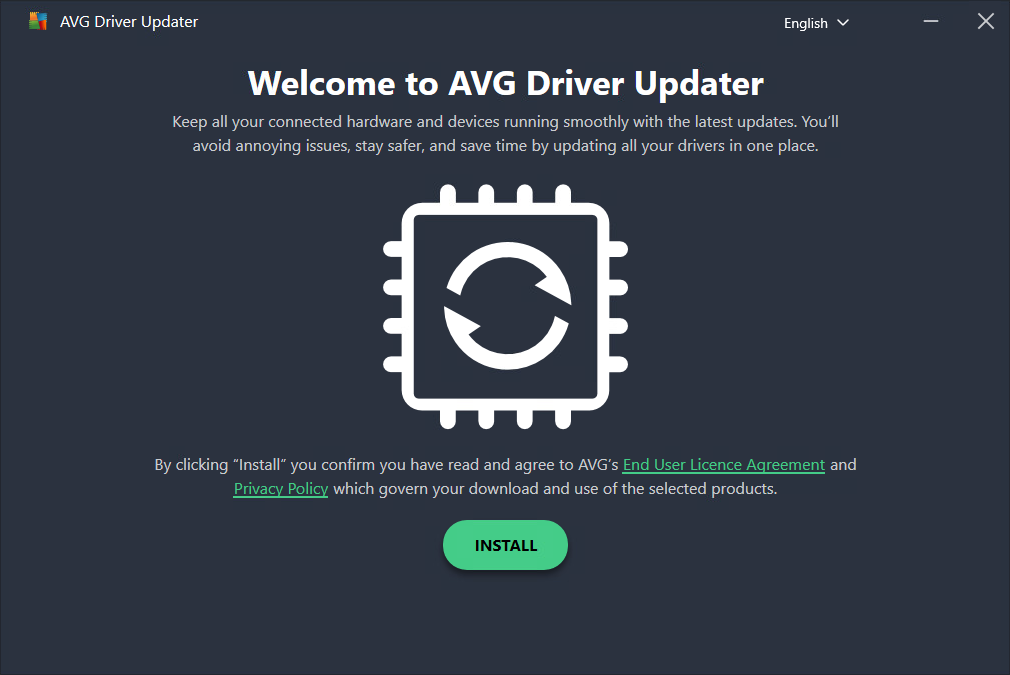
3. Click Install, then follow the on-screen instructions to complete the installation.
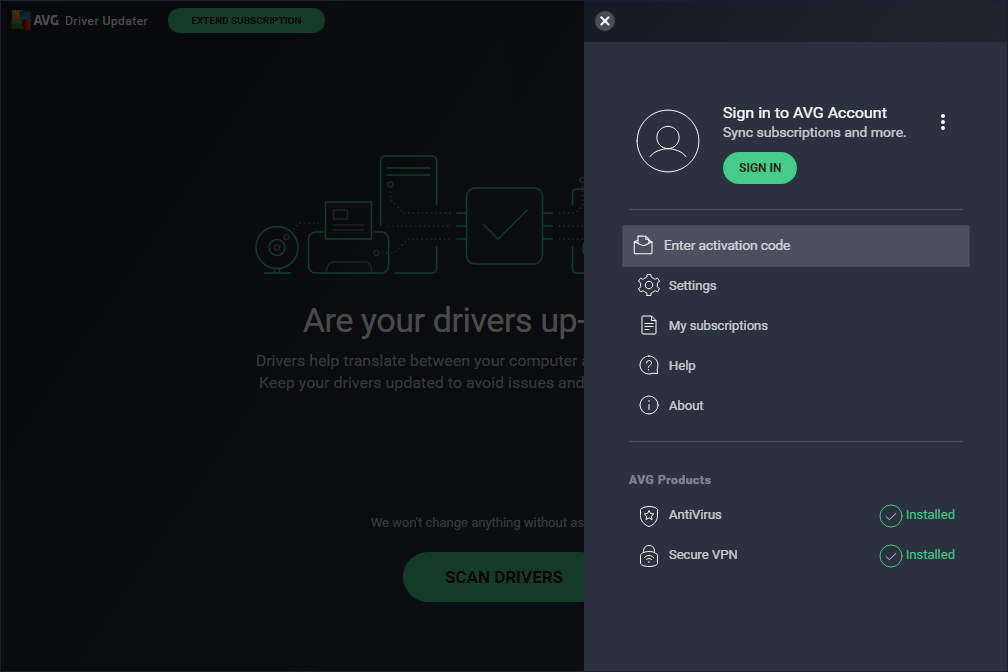
4. Double-click the AVG Driver Updater icon on your desktop to open the application, then go to Menu and select Enter activation code.
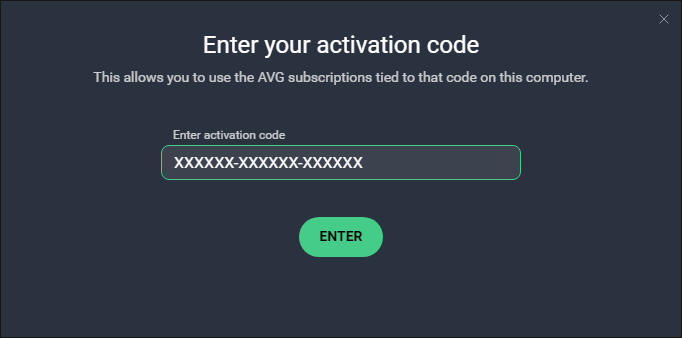
5. Type the activation code you received with the product into the text box, and click Enter (if asked, enter your name, email, and postal code).
Done.
SKU: 6021, 6653, 6654, 6655, 6656, 6657


