
For a detailed guide with screenshots, visit our step-by-step tutorial.
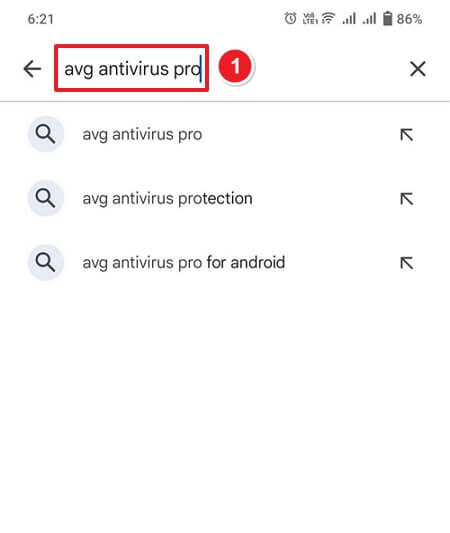
Open Google Play Store on your Android phone. In the search bar at the top, type “avg antivirus pro” and press the search icon.
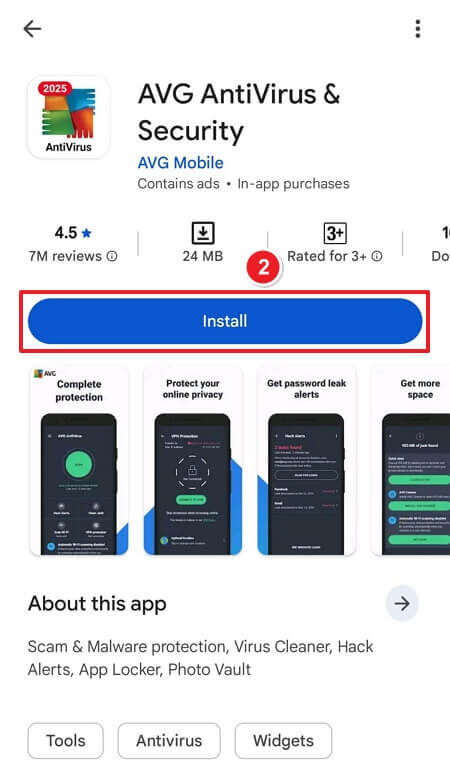
From the search results, select AVG AntiVirus & Security by AVG Mobile. Tap the Install button to download and install the app.
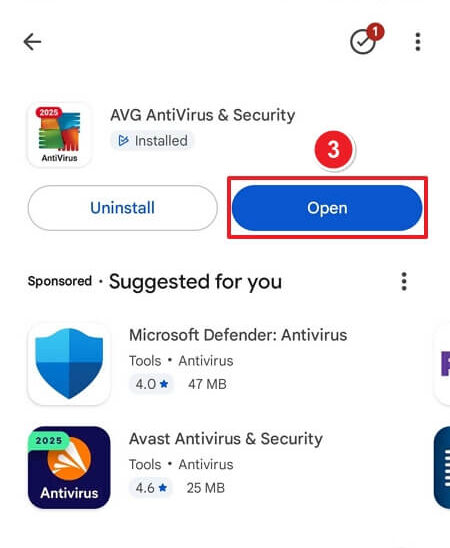
Once the installation is complete, tap Open to launch the application.
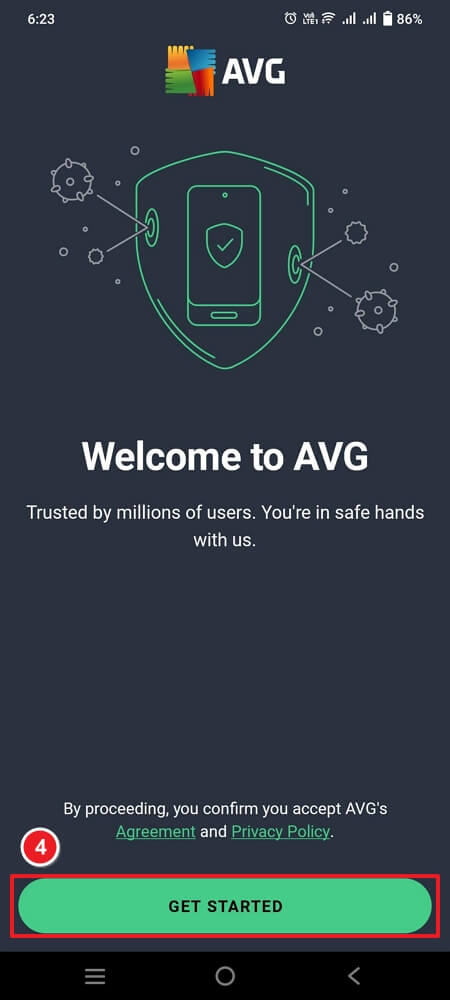
You’ll see the welcome screen that says “Welcome to AVG.” Tap the Get Started button to proceed.
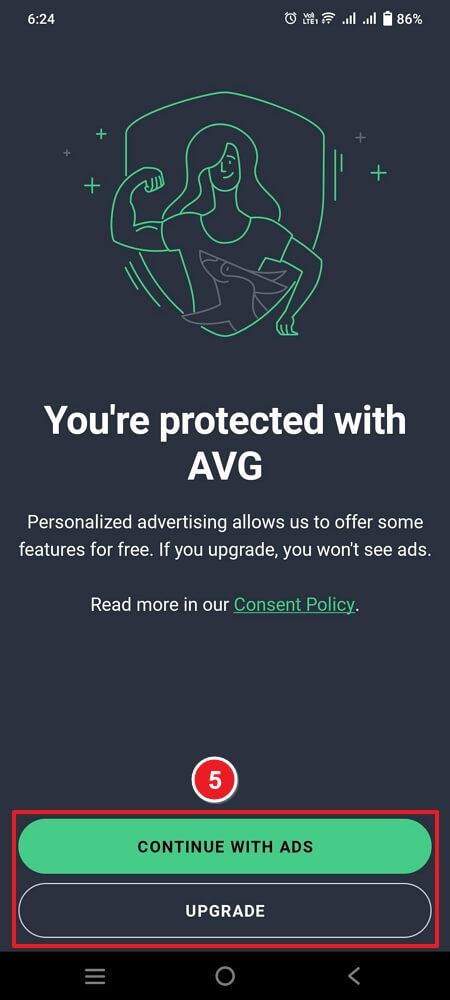
AVG offers two options:
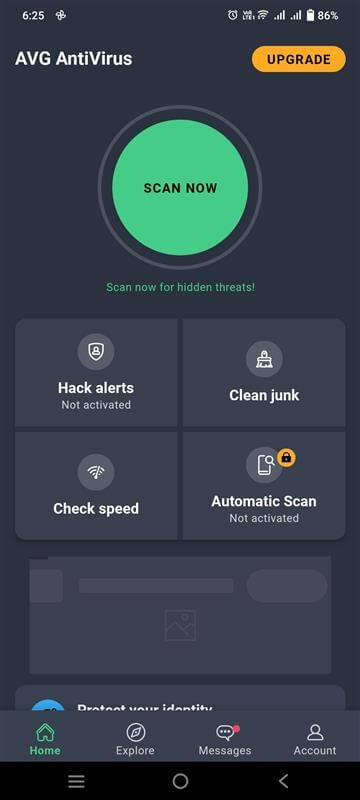
Once inside the main dashboard, tap Scan Now to begin scanning your device for viruses, malware, and security threats. These features help optimize and secure your Android device.
If you have any further problems with the installation or activation, please write to us. Simply use our contact form and send a screenshot of the error message at the same time. We will be happy to help you.
Your Keys.Express Team
SKU: 5978


