Installation Guide for CCleaner Premium / Professional / Professional Plus / Professional for Business

Download the Installer

  1. Go to the KeyExpress Download Center link provided in the Invoice.
  2. Navigate to the Downloads section.
  3. Download the latest CCleaner installer

Run the Installer

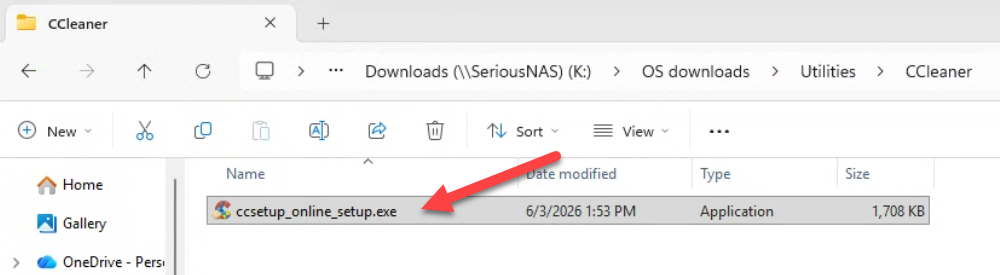
Locate the downloaded .exe file and double-click it.
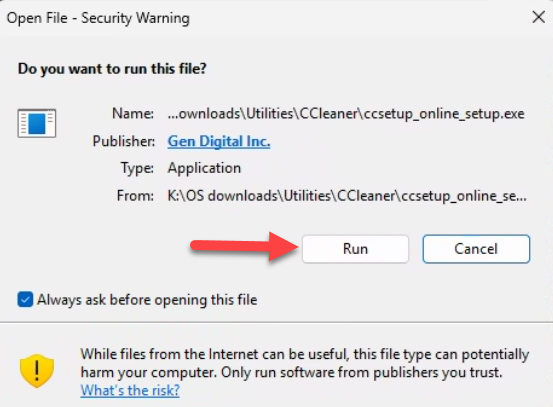
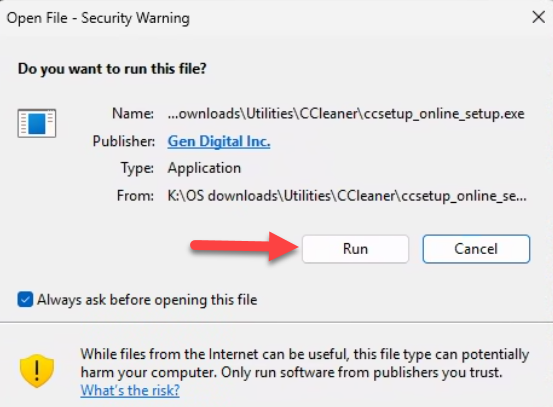
Click Run on the Security Warning
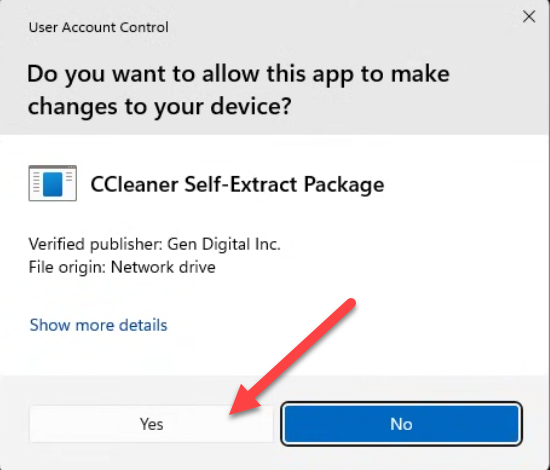
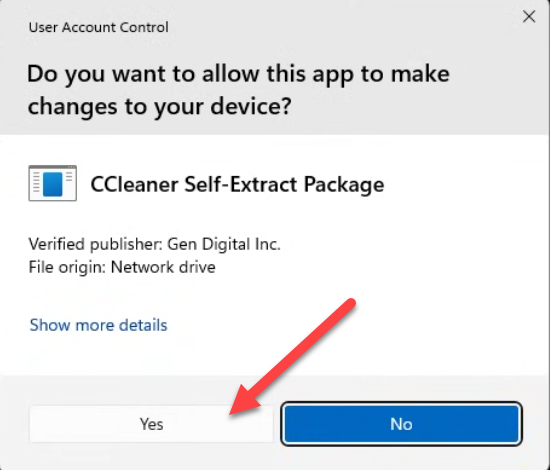
Click Yes on UAC
 

Activation
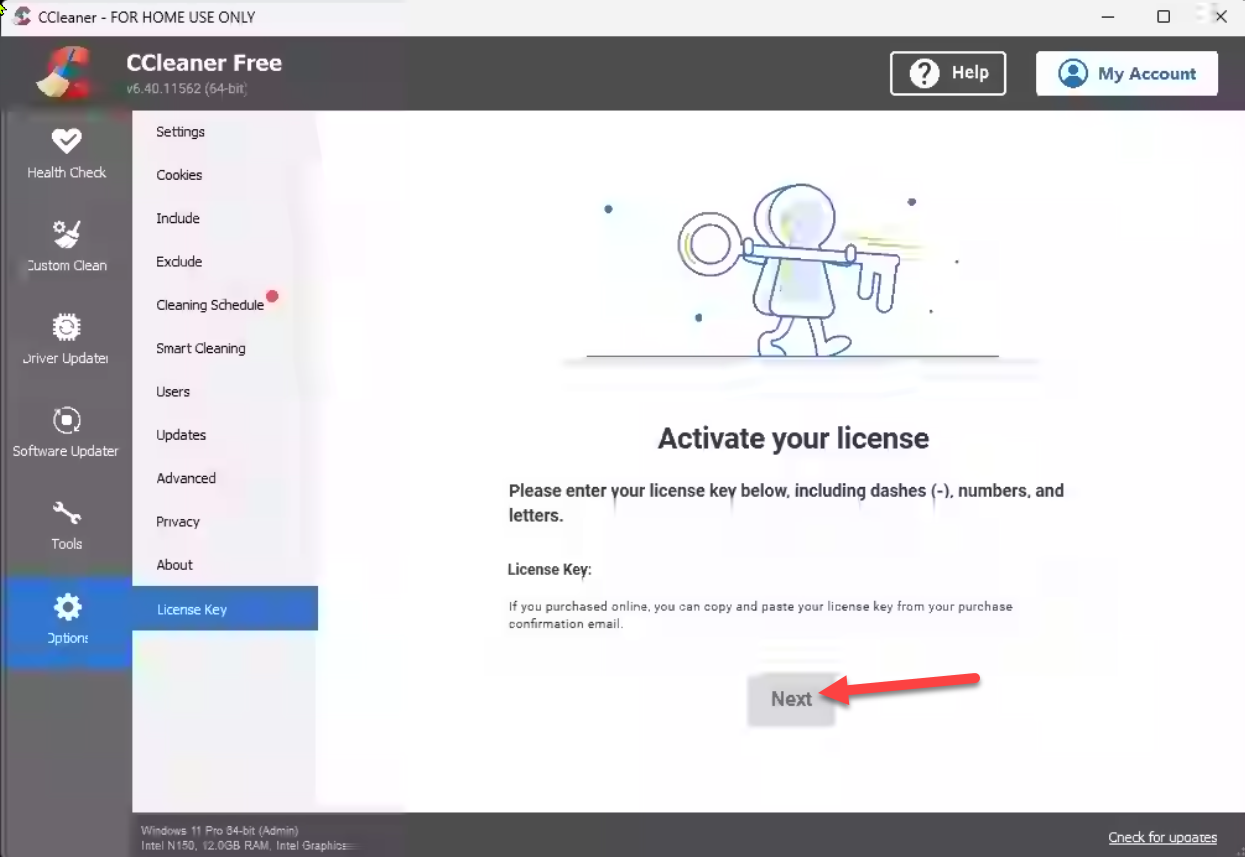
  1. Open CCleaner Professional on your computer.
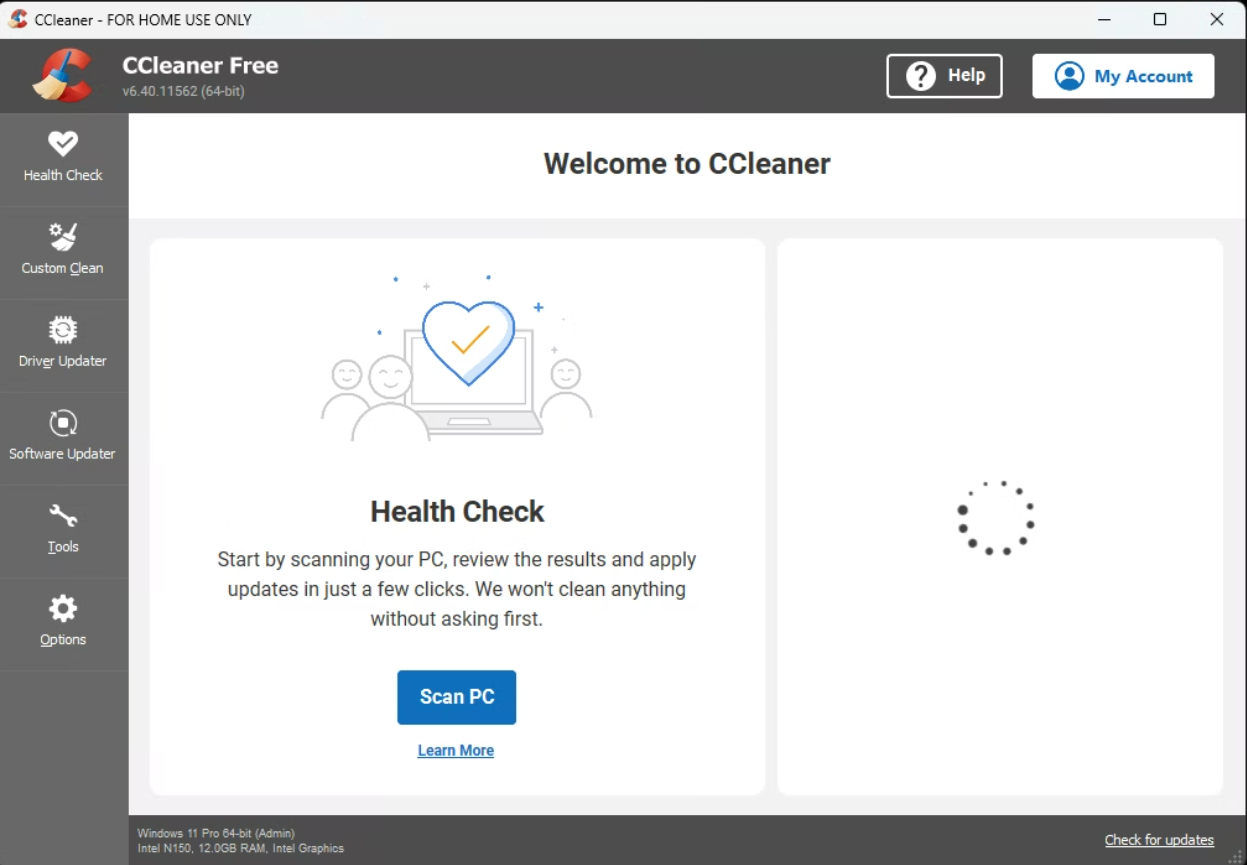
    Note that it says CCleaner Free. This is normal. It will be upgraded to the correct version by using the license key.
  2. From the left sidebar, click Options.
  3. Under Options, select License Key.
  4. In the License Key field, enter your activation key exactly as provided.
  5. After entering the key, click the Next button.
  6. CCleaner will verify the key online.

Run the portable version

Alternatively you an run the slim / portable version of CCleaner.

Download the .zip file and navigate to the location of the file.
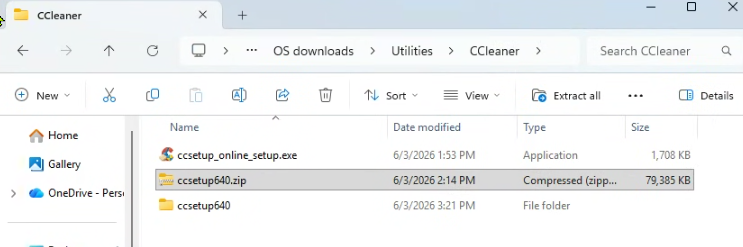
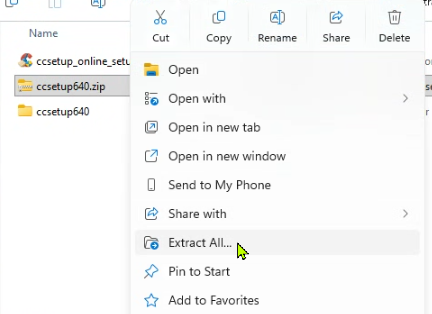
Right click the file > Extract All...
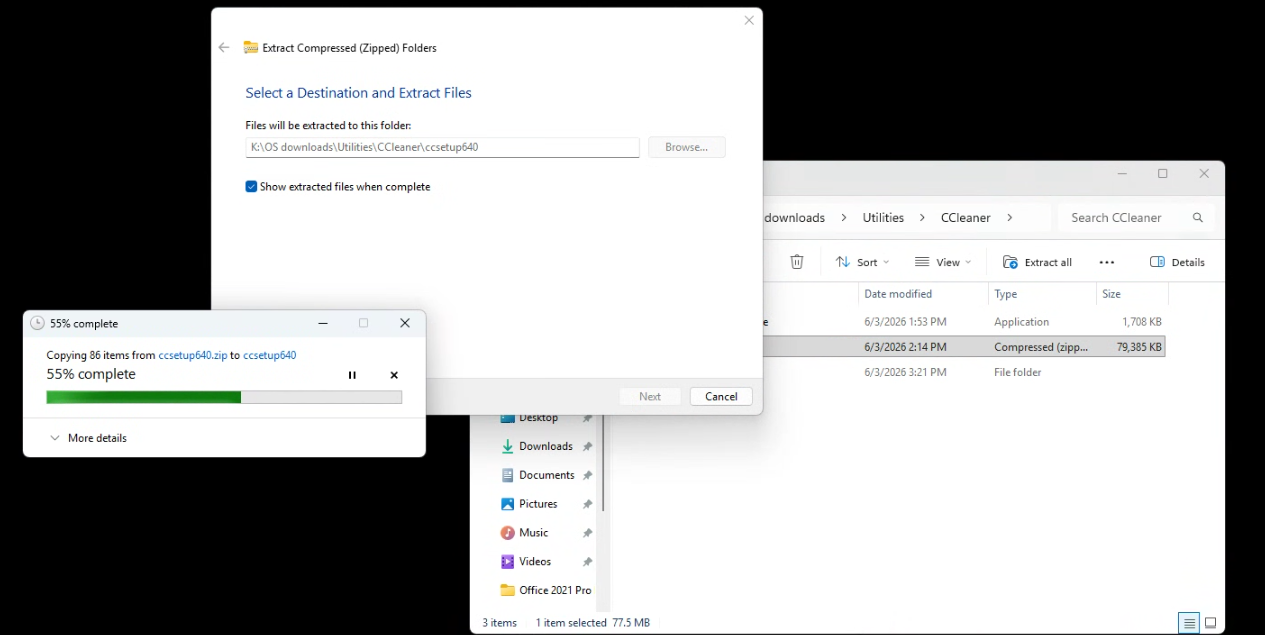
Wait for the extraction to finish
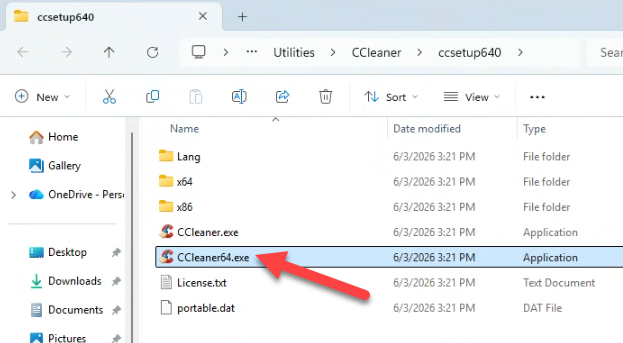
Open the folder and double click the CCleaner64.exe file
Click Run on the Security Warning popup
Click Yes on the UAC screen
This is the CCleaner Free version we need to add the activation key to upgrade it to the full version
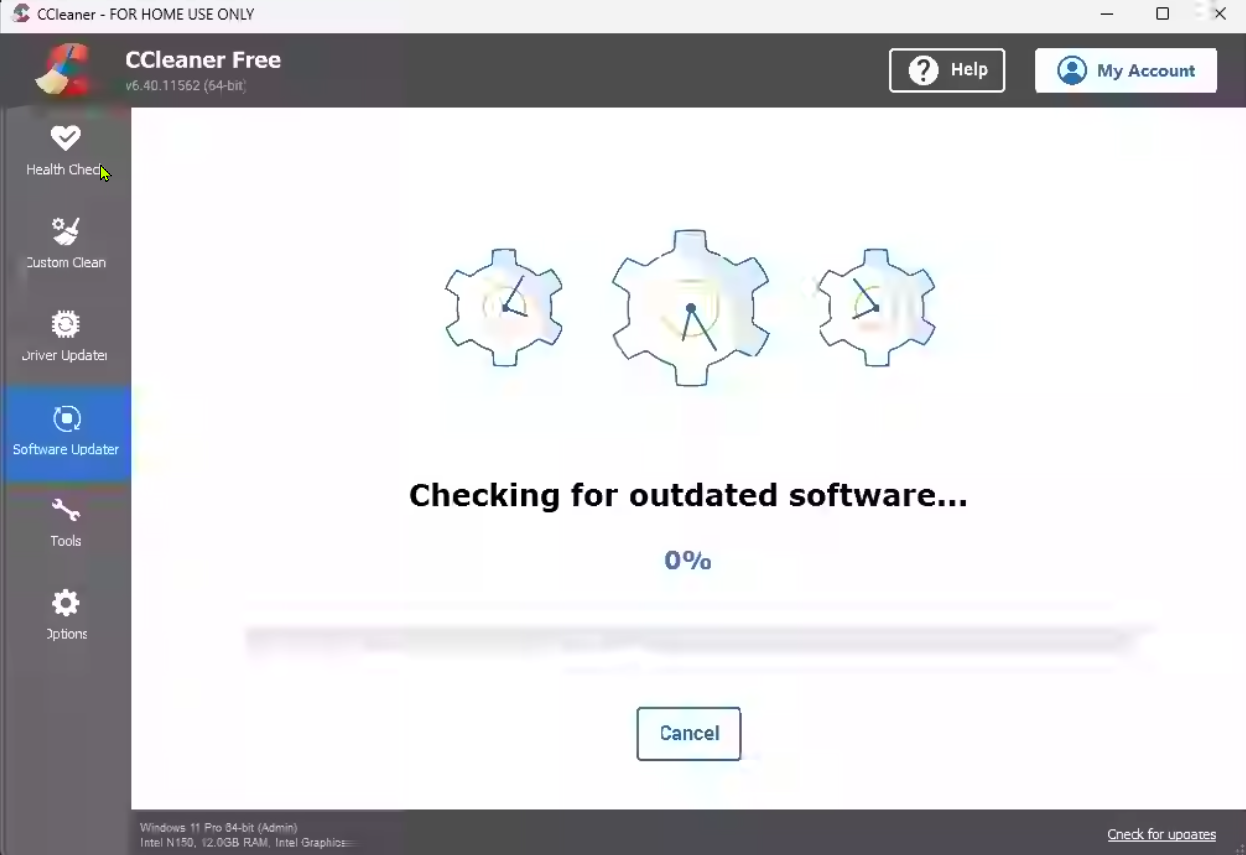
Wait for the software to update


SKU: 6719, 6720, 6721, 6722, 6727, 6723, 6724, 6725, 6726

Contact Details